-1791966549842.webp)





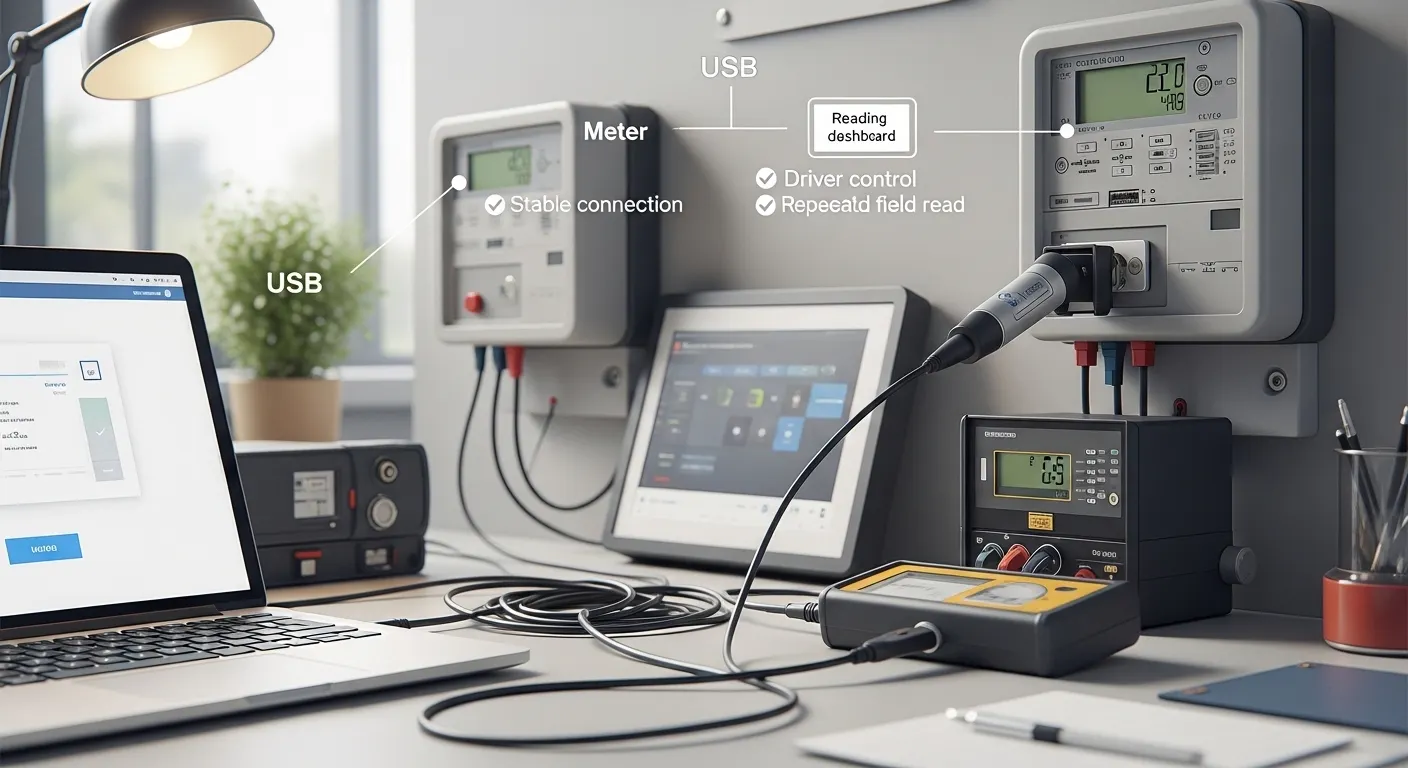

Tespro provides metering optical probes and related industrial metering solutions for utility teams, meter manufacturers, AMI/AMR project teams, system integrators, QA labs, and procurement buyers. A USB optical probe is often the safest choice when technicians need a stable wired connection to a laptop, PC, handheld, or field tablet for repeatable meter reading, configuration, testing, or service work.
Before choosing a USB optical probe, buyers should confirm the meter standard, optical port type, USB connector, host operating system, driver behavior, baud rate, cable length, magnet fit, and meter reading software. These details affect whether the probe can communicate reliably with the meter in real field or lab conditions.
This checklist helps technical and purchasing teams prepare a clearer RFQ, reduce compatibility risk, and discuss the right meter reading optical probe option with Tespro.
When Is a USB Optical Probe the Safest Choice?
A USB optical probe is a good fit when the reading workflow depends on a controlled wired connection. This is common when field technicians use service laptops, meter test software, OEM meter tools, or lab PCs.
USB is especially useful when buyers want to avoid Bluetooth pairing issues, wireless battery problems, or unstable mobile connections. It also gives IT and engineering teams more control over drivers, ports, and software setup.
Choose a USB probe when the project needs:
- Stable wired meter communication
- Repeatable field reads from laptops or handheld devices
- Driver-controlled setup through a known operating system
- Meter reading, programming, configuration, or testing
- Lab, production, service, or AMR/AMI support workflows
- Easier spare-unit planning for technician teams
USB is not always the only option. Bluetooth, RS232, TTL, or RS485 probes may fit other use cases. For broader model selection, buyers can review Tespro’s related guide: Smart Meter Optical Probe Model Selection Guide.
USB Optical Probe Buyer Checklist
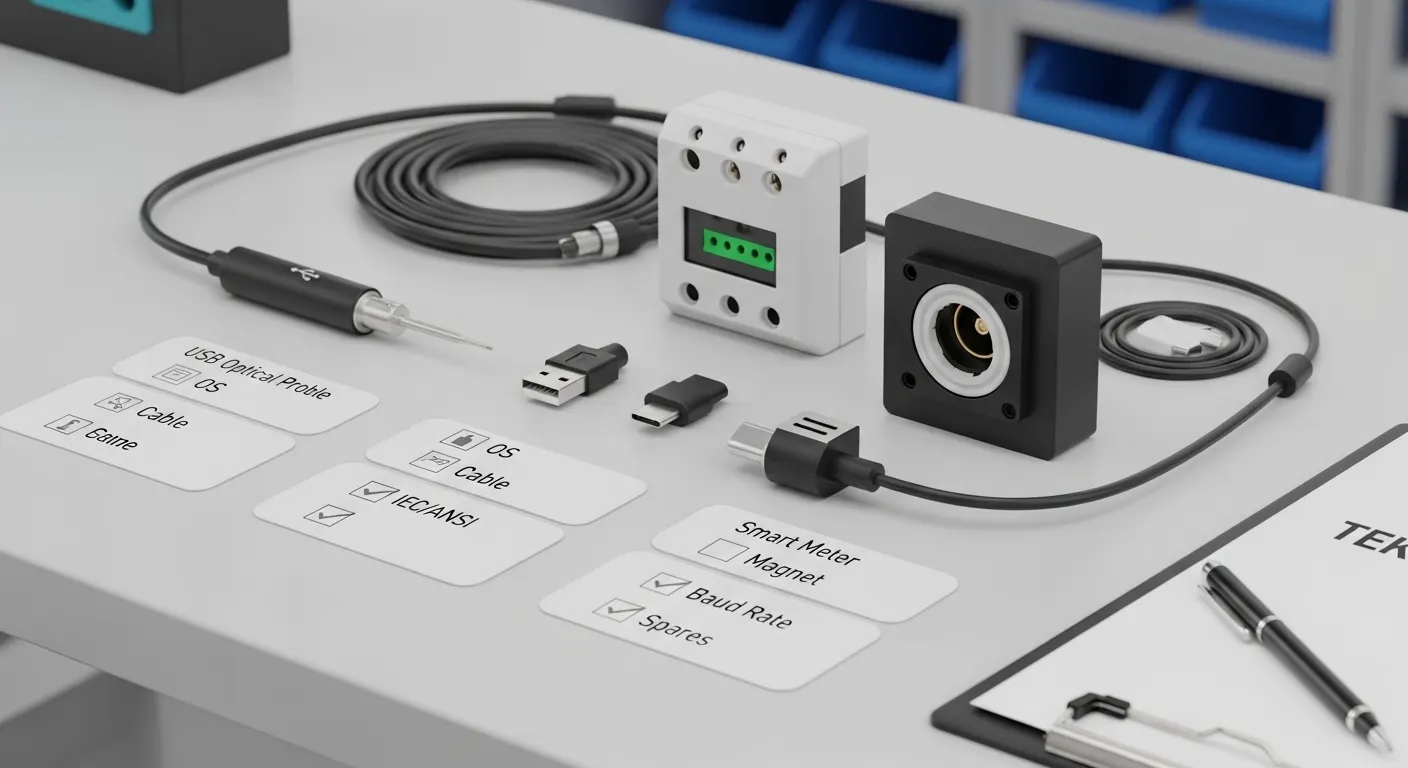
Use this checklist before requesting a quote, datasheet, or sample. It helps both engineering and procurement teams avoid ordering a probe that fits physically but fails during communication.
| Requirement | What to Confirm | Why It Matters | What to Send Tespro |
|---|---|---|---|
| Meter standard | IEC 62056-21, ANSI C12.18, DLMS/COSEM, DL/T645, or other | The optical port and communication method must match the meter | Meter brand, model, and required standard |
| USB connector | USB-A, USB-C, Micro-USB, or adapter requirement | Field laptops and tablets may use different ports | Host device type and connector preference |
| Operating system | Windows, Linux, Android, Mac, or other | Driver support affects real deployment | OS version and device type |
| Driver behavior | Virtual COM port, chipset preference, installation limits | Some teams cannot install drivers freely | Driver or IT restrictions |
| Baud rate | Required communication speed range | Meter software may need a specific range | Meter/software baud rate requirement |
| Cable design | Straight, coiled, short, long, rugged, or custom cable | Cable length affects field usability | Preferred cable length and use environment |
| Magnetic head | Magnet strength and head fit | Poor attachment can cause failed reads | Meter port photo or mechanical requirement |
| Software workflow | OEM tool, AMR/MDAS, lab software, or internal platform | Probe hardware must match the software workflow | Software name and use case |
| Quantity and spares | Team size, site count, backup units | Spare probes reduce field downtime | Quantity and spare-unit plan |
Confirm the Meter Standard Before Choosing the USB Connector
Many buyers start by asking for a USB-A or USB-C optical probe. That is important, but it should not be the first decision. The meter standard comes first.
A wired probe must match the optical communication requirements of the meter. For example, buyers may need to confirm IEC 62056-21, ANSI C12.18, DLMS/COSEM-related reading workflows, or another utility meter protocol. In many cases, the probe provides the optical communication path, while the meter reading software handles higher-level protocol communication.
This is why procurement teams should not describe the requirement only as “USB meter probe.” A better RFQ should include:
- Meter brand and model
- Optical port standard
- Reading or configuration task
- Software used by the technician
- Required baud rate if known
- Host device and operating system
For projects focused on IEC optical probe requirements, see Tespro’s related page: IEC 62056 Optical Probe Compliance Buyer Guide.
Check OS, Driver, and Software Compatibility
USB optical probe selection is not only a hardware decision. The probe must work with the buyer’s actual field device and meter software.
A procurement team may buy a suitable probe, but the field team can still face problems if the laptop blocks driver installation, the Android device does not support USB OTG, or the software cannot detect the correct communication port.
Before ordering, confirm:
- Which operating system will run the meter reading software
- Whether the probe needs a virtual COM port
- Whether the driver can be installed by field technicians
- Whether the software expects a specific COM port or baud rate
- Whether Android devices support USB OTG if mobile reading is required
- Whether the probe is for reading only, configuration, testing, or calibration workflow support
This check is especially important for utilities, meter service contractors, QA labs, and AMR/AMI teams with many field devices. A consistent OS and driver setup can make technician training and troubleshooting much easier.
If the probe data will later support a larger energy management or device integration workflow, review Tespro’s Energy Management Platform Device Integration Checklist.
Cable, Magnet, and Field Reliability Details
Small mechanical details can decide whether the probe works smoothly in the field. A stable optical connection needs the probe head to sit correctly on the meter port. The cable should also match the technician’s working position.
For field use, buyers should check:
- Cable length for meter cabinets, panels, or test benches
- Straight cable versus coiled cable preference
- Strain relief for repeated use
- Magnet attachment and head alignment
- TX/RX indicator requirement
- Storage and handling by technicians
- Replacement or spare-unit planning
- Operating environment if the probe will be used outdoors or in harsh sites
A short cable may be enough for lab benches. However, field technicians may need more reach when the meter is inside a cabinet or mounted away from the laptop. Similarly, a weak or poorly fitted magnet can cause unstable reads even when the software and protocol are correct.
For a broader procurement view, buyers can also visit Tespro’s Energy Meter Optical Probe Purchase Checklist.
USB-A, USB-C, Bluetooth, or RS232?
USB is often the safest wired option, but the best interface depends on the host device and project workflow.
USB-A is still common for laptops, service PCs, and lab equipment. USB-C may be better for newer tablets, Android devices, and modern laptops. Bluetooth can help when technicians need more movement around the meter. RS232 may still be required for older service tools or legacy test setups.
Buyers should compare the interface based on:
- Field device type
- IT driver policy
- Meter reading software
- Technician workflow
- Wireless restrictions at the site
- Legacy tool requirements
- Spare-unit and training plan
Do not choose USB-C only because it is newer. Do not choose Bluetooth only because it is wireless. The right choice is the interface that works reliably with the meter, the software, and the technician’s real working environment.
Common Procurement Risks to Avoid
A low-cost probe can become expensive if it delays a meter reading project or fails during field service. Buyers should avoid vague specifications and broad compatibility assumptions.
Common risks include:
- Buying a probe without confirming IEC or ANSI requirements
- Assuming DLMS/COSEM support without checking the software workflow
- Ignoring driver installation limits on company laptops
- Choosing the wrong USB connector for field devices
- Using a cable that is too short for meter cabinets
- Not checking magnet fit with the meter optical port
- Forgetting spare probes for multi-team field work
- Sending an RFQ without meter model or software details
A better buying process starts with the meter, software, and field workflow. Then procurement can compare probe options with fewer technical gaps.
RFQ Checklist for a USB Optical Probe
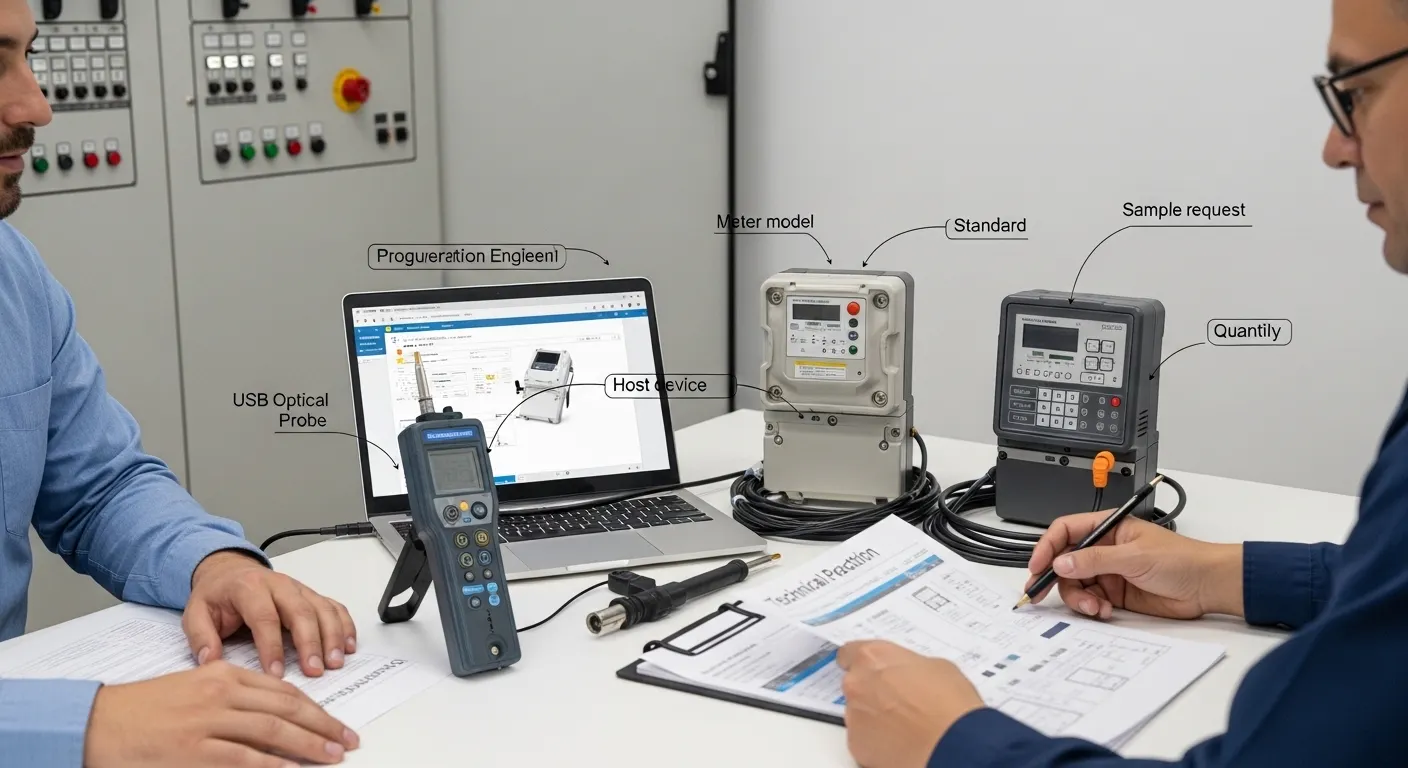
To help Tespro recommend the right option, prepare the following details before requesting a quote, datasheet, sample, or OEM/ODM discussion:
- Required product type: USB optical probe or other optical probe interface
- Quantity and spare-unit requirement
- Application: field meter reading, meter configuration, lab testing, AMR/AMI project, QA, or production support
- Meter brand and model
- Meter standard or protocol requirement
- Host device: laptop, PC, handheld, tablet, or Android device
- Operating system and version if known
- USB connector preference: USB-A, USB-C, Micro-USB, or adapter-based setup
- Driver or virtual COM port requirement
- Meter reading software or OEM tool used
- Required baud rate range if known
- Cable length and cable type preference
- Magnet/head fit requirement
- Operating environment
- Datasheet, sample, or private-label requirement
- Delivery destination
- Any meter photo, port photo, written specification, or project diagram
Clear RFQ details reduce back-and-forth and help the supplier check compatibility before quotation.
Why Work With Tespro for Meter Reading Optical Probe Selection?
Tespro supports industrial metering, connectivity, and energy data projects. Our product scope includes optical probes, data transmission units, industrial routers, gateways, meter test equipment, calibrators, and software platforms.
For USB optical probe buyers, Tespro can help clarify the technical requirement before purchase. This is useful for utility procurement teams, meter manufacturers, system integrators, distributors, AMI/AMR project teams, and testing labs.
Instead of selecting only by connector or price, buyers can discuss the complete workflow: meter standard, field device, software, cable, magnet, spare units, and RFQ documentation. This helps reduce the risk of wrong model selection and supports smoother deployment.
Frequently Asked Questions
Is a USB optical probe better than Bluetooth for meter reading?
USB is usually better when technicians need a stable wired laptop or PC connection. Bluetooth is useful when mobility matters, but it may add pairing, battery, or wireless management issues.
Does a USB optical probe read DLMS meters by itself?
The probe provides the optical communication path. DLMS/COSEM reading also depends on the meter, software, driver setup, and configuration. Buyers should confirm the full workflow before ordering.
What OS should buyers confirm before purchase?
Confirm the exact host operating system, such as Windows, Linux, Android, or Mac. Also check driver installation rights, USB OTG support for Android, and virtual COM port behavior.
What baud rate should be requested?
The required baud rate depends on the meter and reading software. Buyers should send the known baud rate range or meter documentation so Tespro can help review the requirement.
Should procurement include spare probes?
Spare probes are recommended for field teams, labs, and multi-site service operations. They reduce downtime if a cable, connector, or probe head is damaged during use.
What should I send for a quote?
Send the meter model, standard, host device, OS, software, USB connector, cable requirement, quantity, application, delivery destination, and any datasheet or sample request.
Request a USB Optical Probe Quote or Datasheet
To discuss a USB optical probe for meter reading, send Tespro your meter model, required standard, host device, operating system, reading software, USB connector preference, cable requirement, quantity, and application. Our team can help review the requirement and provide a suitable quotation, datasheet, sample discussion, or OEM/ODM support for your metering project.