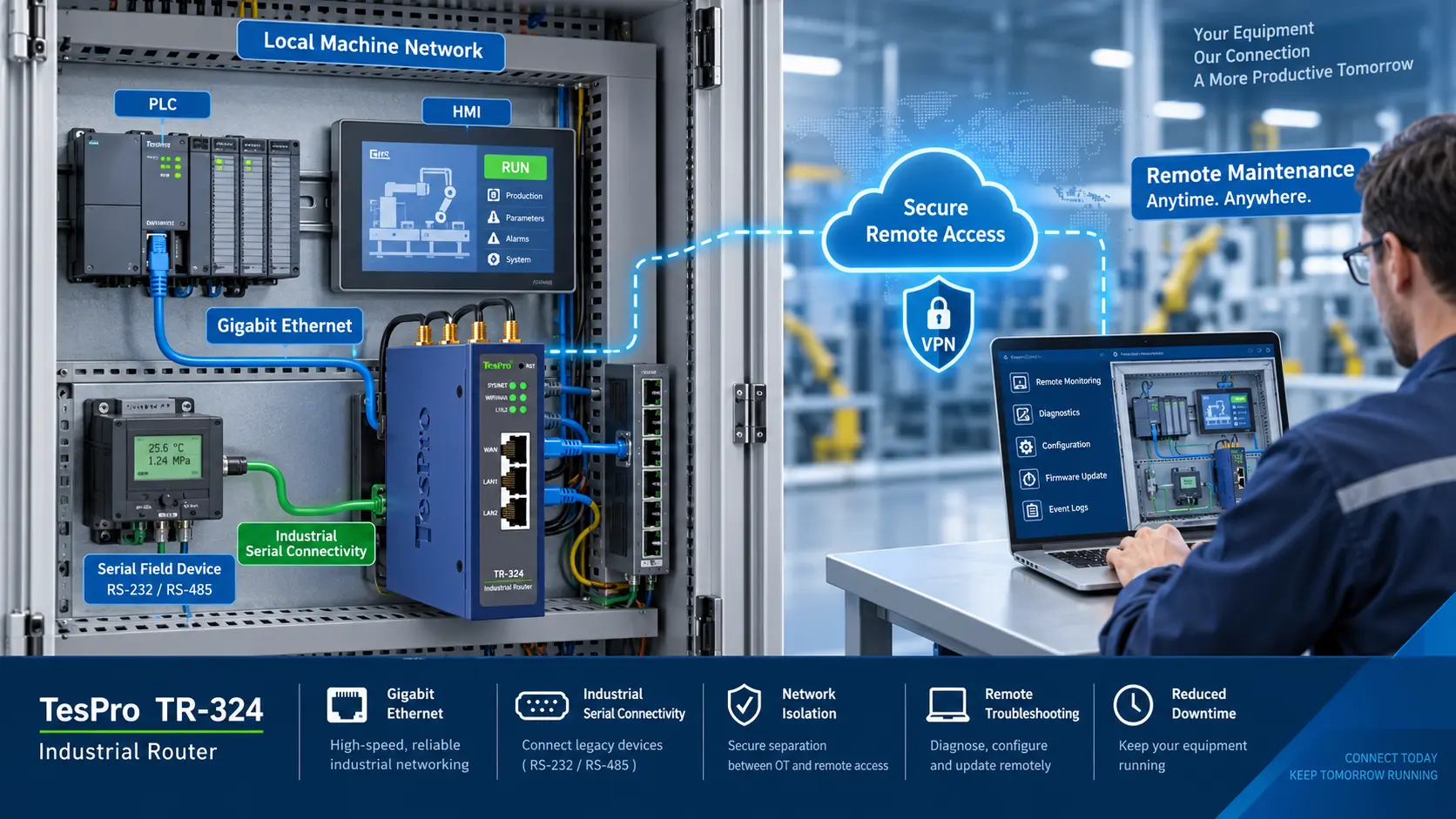
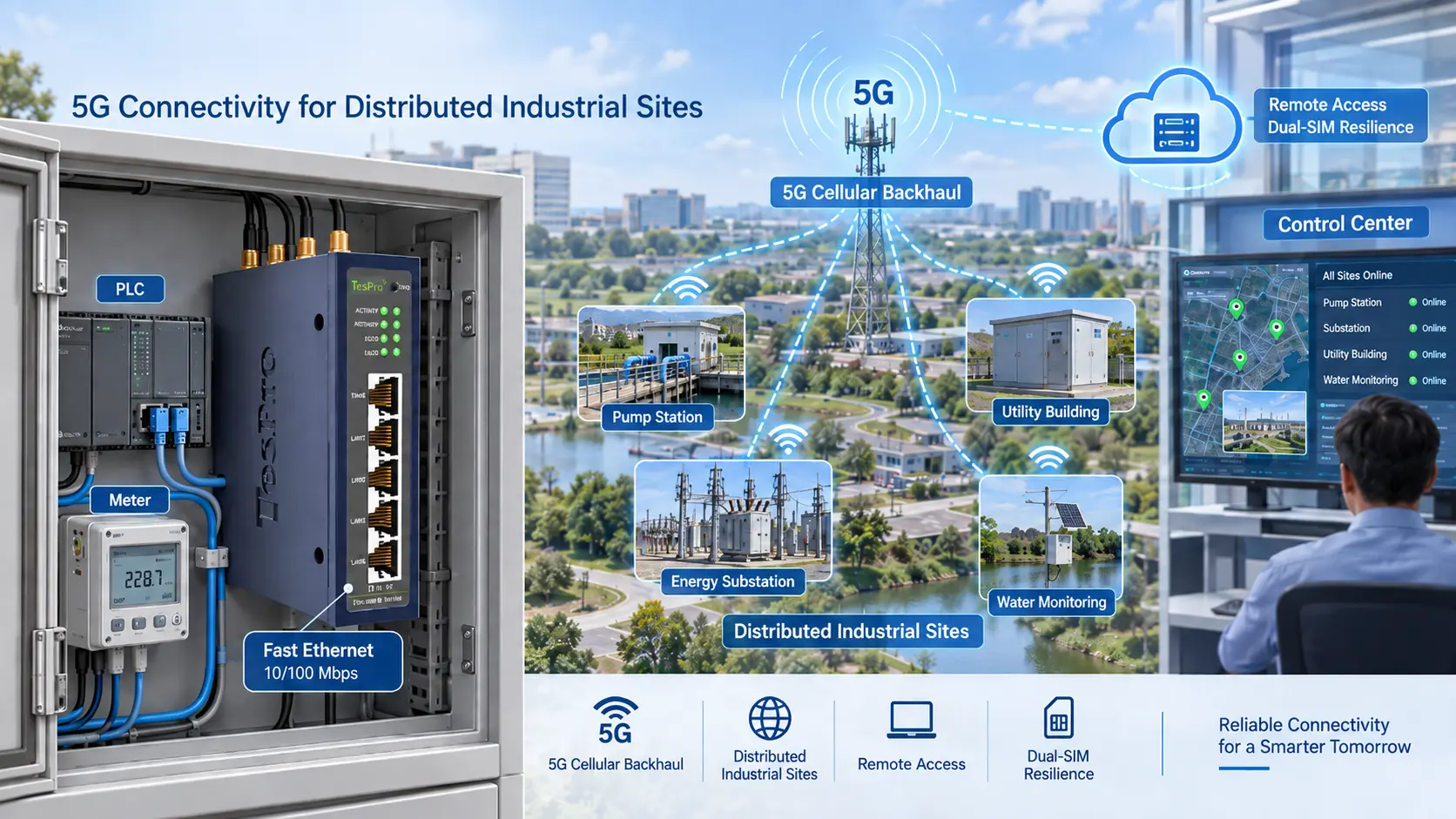
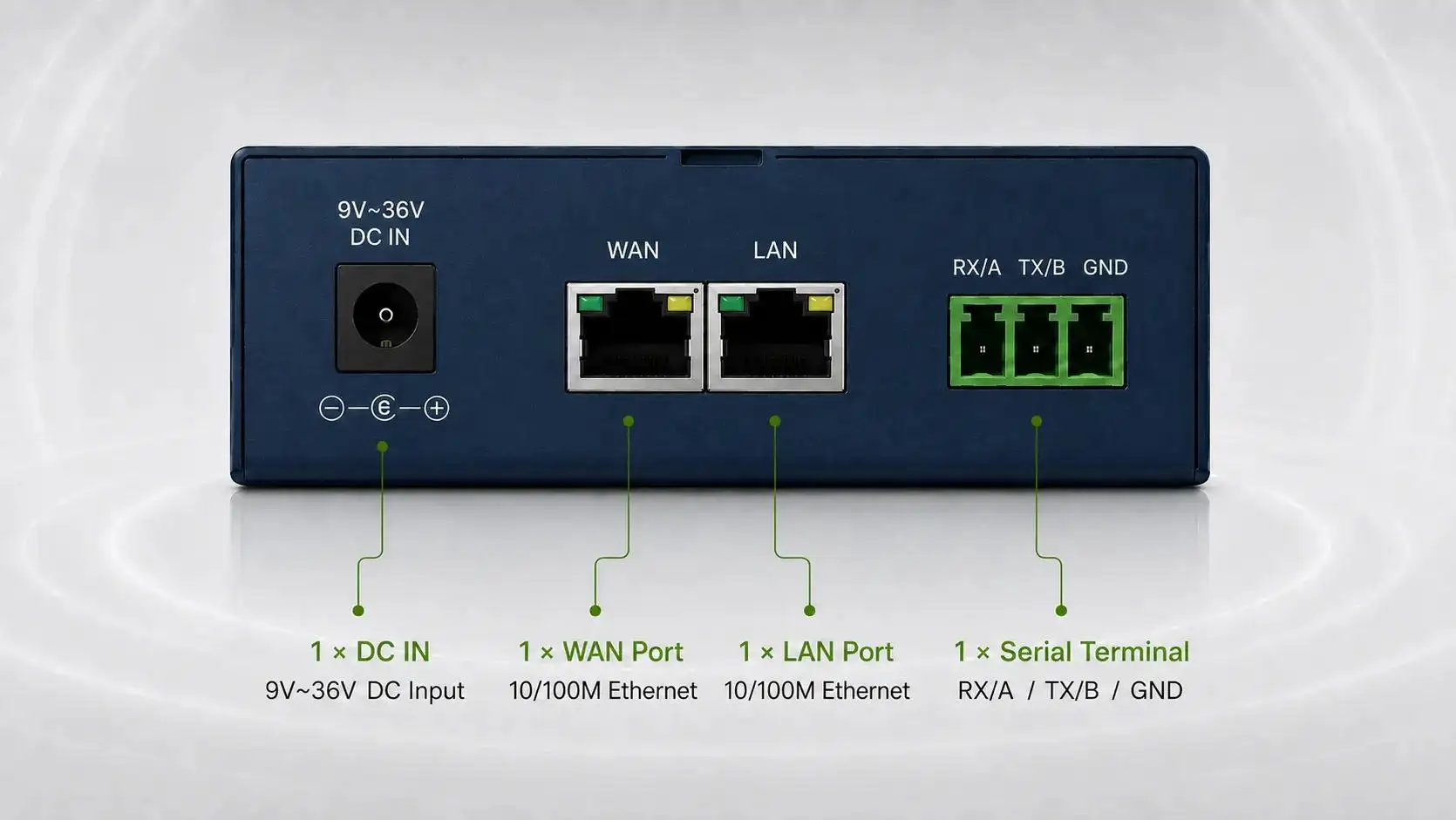
-1791966549842.webp)





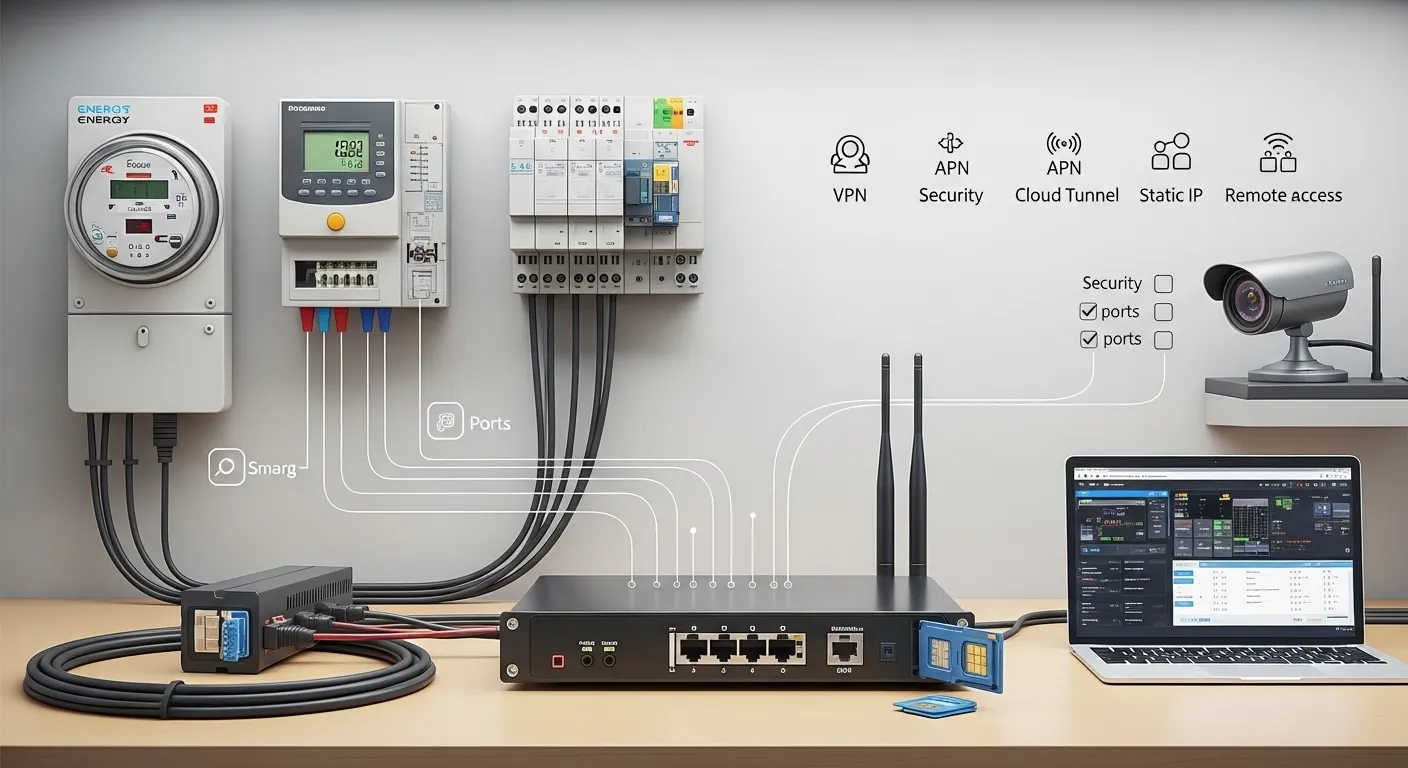

Tespro provides industrial metering, connectivity, and energy data solutions for utilities, AMI/AMR teams, automation engineers, SCADA teams, and industrial IoT integrators that need reliable remote monitoring. When selecting a router for remote monitoring, buyers should not start with “static IP” alone. The better first step is to choose the right access model: cloud tunnel, VPN, private APN, public/static IP, or a hybrid method.
A router with static IP can be useful when a remote site needs direct inbound access. However, many industrial projects are safer and easier to manage with VPN access, a managed cloud tunnel, or a carrier APN design. The correct choice depends on the field device, interface, protocol, cellular network, security policy, and maintenance workflow.
This checklist helps technical and procurement teams prepare router requirements before requesting a Tespro quotation, datasheet, sample, demo, or consultation.
Choose the Remote Access Model Before Choosing the Router
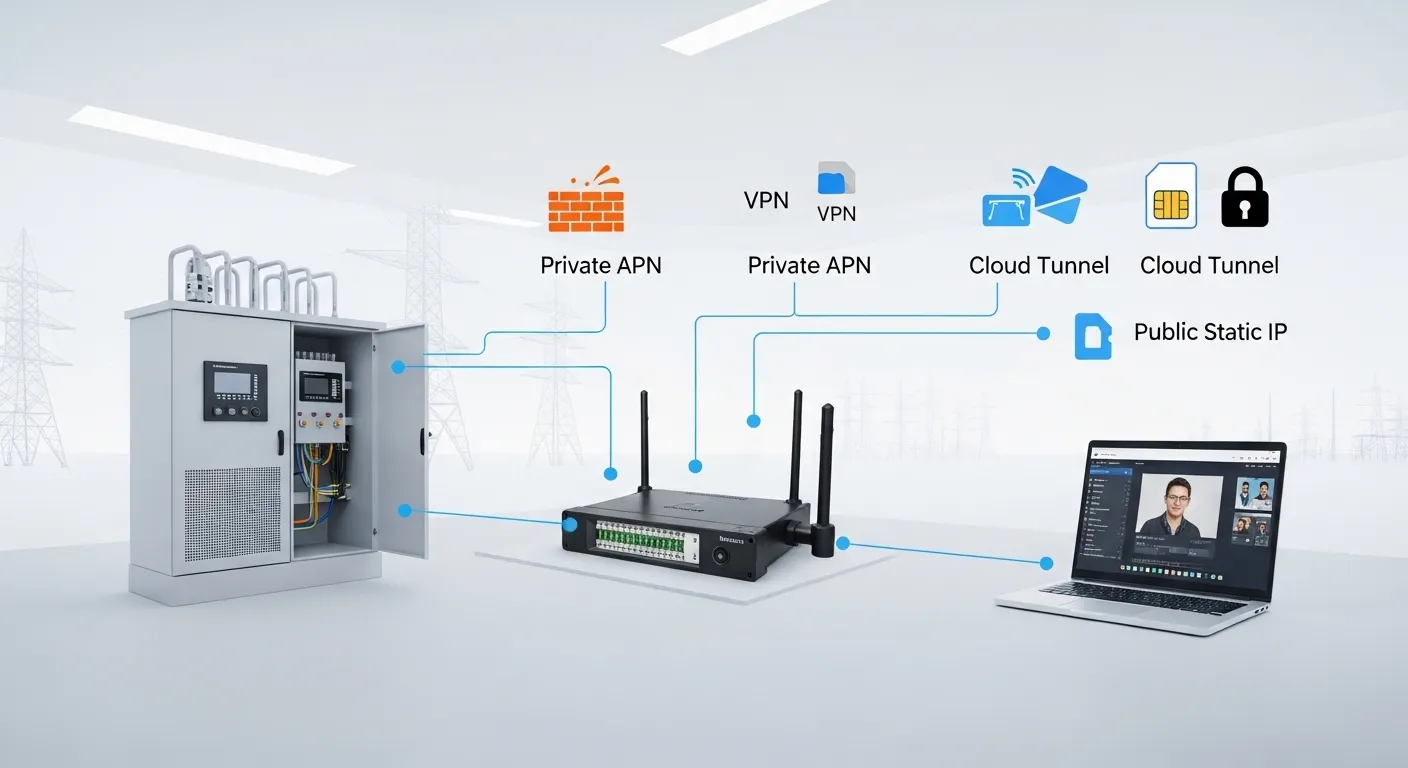
Remote monitoring fails when buyers select hardware before confirming how the site will be accessed. A router may have cellular, Ethernet, serial ports, and VPN features, but the access method must also match the SIM, carrier, firewall, and maintenance process.
For example, an IP camera site may need stable bandwidth and secure viewing access. A PLC site may need VPN access for engineering software. A smart meter or RTU site may need RS485, Modbus, TCP/IP, or periodic data forwarding to a platform.
Before ordering hardware, confirm these questions:
- Will the remote device need inbound access from engineers?
- Can the device send data outbound to a platform instead?
- Does the SIM provide public IP, private IP, or APN-based access?
- Is port forwarding allowed by the security policy?
- Should remote users connect by VPN or managed cloud tunnel?
- How many sites, users, and device types must be supported?
If the project involves secure engineering access, review Tespro’s related Industrial VPN Router: Secure Remote Access Checklist for additional VPN and firewall planning.
Cloud Tunnel, VPN, APN or Public Static IP?
Each remote access model has a different role. The right choice depends on security, IT policy, carrier support, and how the field device will be maintained.
| Access model | Best fit | Static IP needed? | What buyers should confirm |
|---|---|---|---|
| Cloud tunnel or managed remote access | Simple remote access to routers, cameras, PLCs, or field devices | Usually no | Platform access, user roles, router support, data policy |
| VPN tunnel | Secure engineering access to PLCs, HMIs, meters, RTUs, or SCADA devices | Not always | VPN type, firewall rules, user access, subnet plan |
| Private APN | Utility, fleet, or multi-site cellular projects | Usually not public static IP | Carrier APN, SIM plan, private routing, security policy |
| Public/static IP | Direct inbound access when required by the project | Yes | Carrier availability, firewall, port rules, exposure risk |
| DDNS | Small projects with changing public IP | Public routable IP still needed | DNS update support, reliability, security controls |
A public static IP can make remote access simple, but it can also expose field devices if ports are opened without control. For industrial monitoring, VPN, APN, or cloud tunnel access is often better when security and user control matter.
When Is a Router With Static IP Useful?
A router with static IP is useful when a remote device must be reached from a known external address. This may apply to remote camera viewing, gateway access, vendor support, small SCADA nodes, or field equipment that cannot easily connect through a managed platform.
However, the router alone does not always create a public static IP. In cellular projects, the IP address is often controlled by the SIM plan, carrier, and APN. Some cellular connections sit behind carrier-grade NAT, which can block inbound access even if the router is configured correctly.
Buyers should confirm:
- Whether the SIM has public IP, private IP, or carrier NAT
- Whether a fixed public IP is available from the carrier
- Whether a private APN is preferred for security
- Whether VPN or cloud tunnel access can avoid inbound exposure
- Whether port forwarding is allowed by the site owner or IT team
- Whether the remote device supports secure access methods
For many utility and industrial projects, static IP should be treated as one option, not the default requirement.
Device Access Checklist for Cameras, PLCs, Meters and SCADA
Different remote monitoring endpoints require different router features. A camera project does not have the same requirements as a meter reading, PLC maintenance, or SCADA data collection project.
For IP cameras, check bandwidth, Ethernet ports, viewing method, port rules, and data usage. Camera access should be protected by VPN, secure platform access, or strict firewall rules.
For PLCs and HMIs, check Ethernet, VPN access, subnet design, engineering software requirements, and firewall policy. Avoid direct public exposure of PLC ports unless the security design has been reviewed.
For smart meters, RTUs, and industrial instruments, check whether the device uses RS232, RS485, Ethernet, Modbus RTU, Modbus TCP, TCP/IP, MQTT, or another required protocol. If serial devices must be monitored remotely, the router or connected gateway must support the correct interface and data path.
For SCADA or energy monitoring systems, check polling frequency, data upload direction, failover needs, remote diagnostics, and logging requirements. The router should fit the data workflow, not only the network type.
Router Specifications Buyers Should Confirm
A remote monitoring router should be selected against the actual field requirement. Procurement teams should not rely on a simple “4G router” or “static IP router” description.
Confirm these specifications before quotation:
- Network type: 4G, 5G, Ethernet WAN, Wi-Fi, or multi-WAN
- SIM requirements: single SIM, dual SIM, carrier plan, APN, static IP, or private IP
- Interfaces: Ethernet LAN, RS232, RS485, USB, I/O, or other required ports
- Protocols: Modbus RTU/TCP, TCP/IP, MQTT, SNMP, HTTP/HTTPS, or project-specific protocols
- Security: VPN, firewall, access control, user permissions, and password policy
- Remote management: status monitoring, remote reboot, firmware update, logs, and alerts where required
- Power input: available site power and backup power plan
- Installation: DIN rail, cabinet, wall mounting, antenna position, and cable length
- Environment: indoor cabinet, outdoor enclosure, heat, dust, vibration, humidity, or weak signal area
For harsh or unstable field sites, buyers can also review Tespro’s Rugged Cellular Router: Harsh-Site Buyer Guide.
Security and Port Rules Matter More Than Convenience
Static IP access can be convenient, but convenience should not override security. Opening ports from the public internet to cameras, PLCs, meters, or routers can create risk if the access design is weak.
Before deployment, define:
- Which users can access the remote site
- Which devices they can access
- Which ports are required
- Whether access is always open or temporary
- Whether VPN is mandatory
- Whether IP allowlisting is possible
- Who approves firmware changes
- How logs and access records are reviewed
If a buyer needs remote engineering access, VPN should be considered before public port forwarding. If multiple users, sites, or service teams are involved, a managed access workflow may be more practical than direct public IP access.
Uptime Planning: Single SIM, Dual SIM or Multi-WAN?
Remote monitoring projects often fail because the router is reachable during testing but unstable in the field. Weak signal, carrier outage, wrong antenna placement, or power interruption can break the monitoring workflow.
A single-SIM router may be enough for simple sites with good coverage and low risk. Dual SIM is useful when the project needs carrier redundancy or backup connectivity. For more critical sites, multi-WAN can combine wired broadband, cellular backup, or multiple access paths.
Use a higher-resilience design when the site supports:
- Energy monitoring for multiple facilities
- Utility field assets
- Smart city cabinets
- Factory production systems
- Remote SCADA or alarm monitoring
- Camera systems that require frequent access
- Sites where technician visits are expensive
For carrier redundancy, see Tespro’s Dual SIM Industrial Router: Failover Selection Guide. For higher uptime planning, review the Multi-WAN Industrial Router: Uptime Buying Checklist.
Site-Readiness Checks Before Deployment
A correct router model can still perform poorly if the site is not ready. Remote monitoring projects should verify network, power, cabinet, and maintenance conditions before installation.
Check the site for:
- Cellular signal strength and carrier coverage
- Antenna type, mounting point, and cable routing
- SIM activation, APN details, and data plan
- Public IP, private IP, or VPN access method
- Available power supply and backup power
- Cabinet space, heat, grounding, and cable entry
- Ethernet and serial cable distance
- Device IP address plan and subnet separation
- Local technician access for first installation
- Remote support process after commissioning
This information helps Tespro recommend a better router configuration and avoids delays during installation.
RFQ Checklist: What to Send Tespro
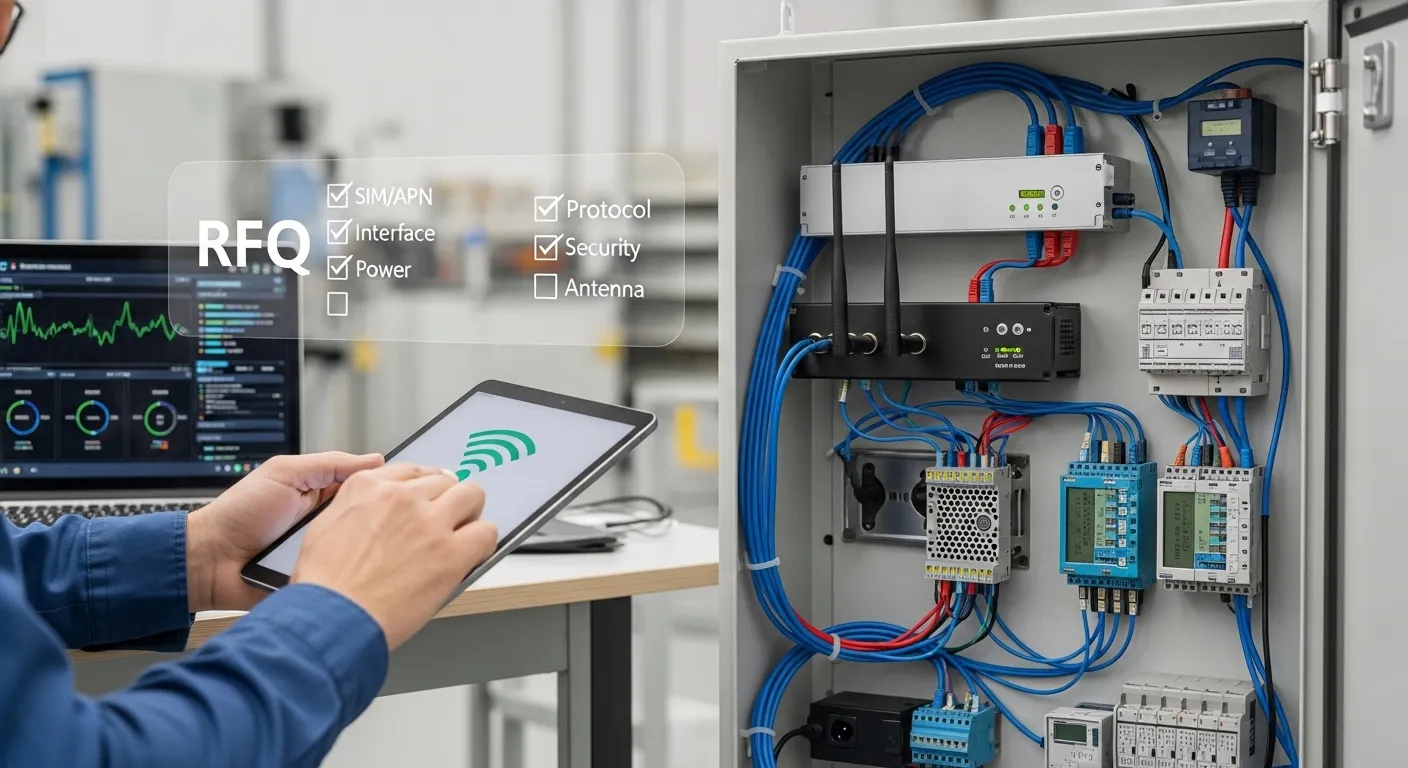
To request a router quotation, datasheet, sample, demo, or technical consultation, prepare a clear project brief. The more complete the RFQ, the easier it is to select the correct device and access method.
Send Tespro:
- Product or device type required
- Quantity and expected project scale
- Application type: metering, SCADA, camera, PLC, factory, smart city, or energy monitoring
- Field device model, if available
- Required interfaces: Ethernet, RS232, RS485, USB, I/O
- Required protocol or data method
- Network type: 4G, 5G, Ethernet WAN, Wi-Fi, or multi-WAN
- SIM, APN, VPN, public IP, or static IP requirement
- Cloud platform, API, dashboard, or software integration needs
- Power supply and backup power details
- Indoor, outdoor, cabinet, or harsh-site installation conditions
- Antenna, enclosure, and mounting constraints
- Security and remote management requirements
- Datasheet, sample, demo, or OEM/ODM support needs
- Delivery destination
- Site drawing, topology, system diagram, or written specification if available
Why Work With Tespro for Remote Monitoring Router Selection?
Tespro supports industrial metering, connectivity, and energy data projects where hardware selection must match real field conditions. Our solutions cover metering optical probes, data transmission units, industrial routers, gateways, meter testing equipment, calibrators, and software platforms.
For router-based remote monitoring, Tespro can help buyers clarify the access model, device interface, network path, security requirement, and deployment environment before purchase. This is useful for utilities, AMI/AMR teams, industrial IoT integrators, factory automation engineers, SCADA teams, distributors, and OEM/ODM buyers.
Instead of selecting a router only by network label or keyword, buyers can share their project details and confirm the right configuration for quotation.
Frequently Asked Questions
Do I need a static IP for remote monitoring?
Not always. Static IP is useful for direct inbound access, but VPN, private APN, or cloud tunnel access may be safer and easier to manage. The right choice depends on the device, SIM, carrier, security policy, and maintenance workflow.
Is public static IP safe for PLC access?
Public static IP should be used carefully. PLC access should normally be protected by VPN, firewall rules, user control, and strong passwords. Avoid exposing PLC ports directly to the internet without a reviewed security design.
Can a cellular router work with a private IP SIM?
Yes, but inbound access may not work if the SIM is behind carrier NAT. In that case, buyers may need VPN, cloud tunnel, private APN, or a carrier-provided public/static IP service.
What router ports are needed for remote monitoring?
It depends on the field device. Cameras and PLCs often use Ethernet. Meters and RTUs may need RS232 or RS485. Buyers should confirm interface, protocol, device count, and access method before requesting a quote.
When should I choose dual SIM or multi-WAN?
Choose dual SIM when carrier backup is important. Choose multi-WAN when the site needs wired and cellular backup, or when downtime is costly. Uptime targets should be defined before selecting the router.
What should I send for a router quote?
Send the device list, quantity, application, interface, protocol, network type, SIM/APN/VPN/static IP needs, power supply, installation environment, security requirements, and any topology or site drawing.
Share your remote monitoring project requirements with Tespro to request a router quotation, datasheet, sample, demo, or technical consultation. Include your device type, quantity, application, interface, protocol, network type, SIM/APN/VPN/static IP requirement, power supply, site environment, security needs, and any system diagram so our team can help you select the right industrial router configuration.