-1791966549842.webp)





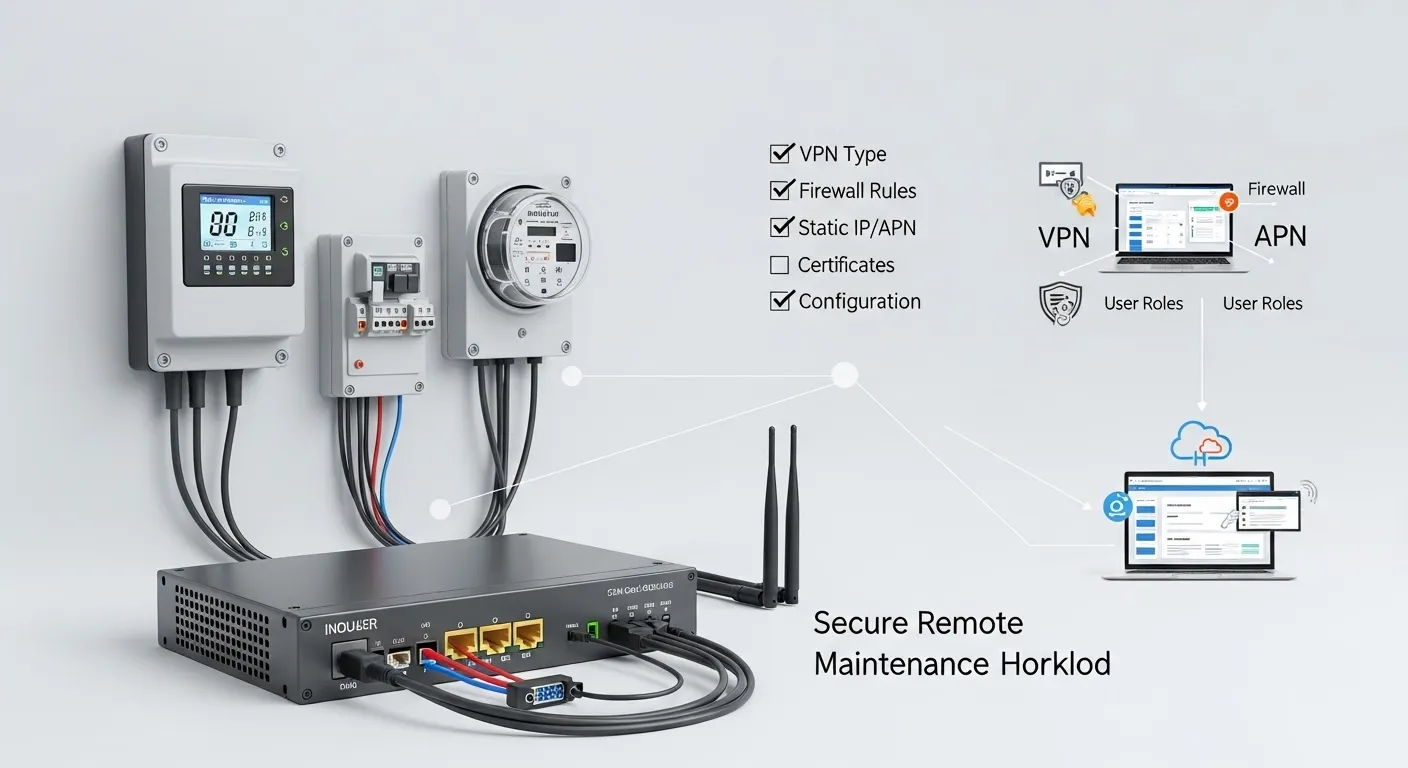

Tespro provides industrial metering, connectivity, and energy data solutions for utilities, AMI/AMR teams, SCADA projects, industrial IoT integrators, automation engineers, and procurement teams. When a project needs remote maintenance without repeated site visits, an industrial VPN router or gateway with firewall should be selected based on the access method, firewall policy, user permissions, logging needs, SIM/APN/static IP plan, field interfaces, and deployment environment.
The goal is not only to “connect a site to the internet.” The goal is to give approved users controlled access to meters, PLCs, gateways, data concentrators, monitoring devices, or energy systems without exposing the field network unnecessarily.
This checklist helps buyers prepare a stronger RFQ for secure remote access projects. Use it before requesting a quotation, datasheet, sample, demo, or consultation from Tespro.
When Do You Need an Industrial VPN Router?
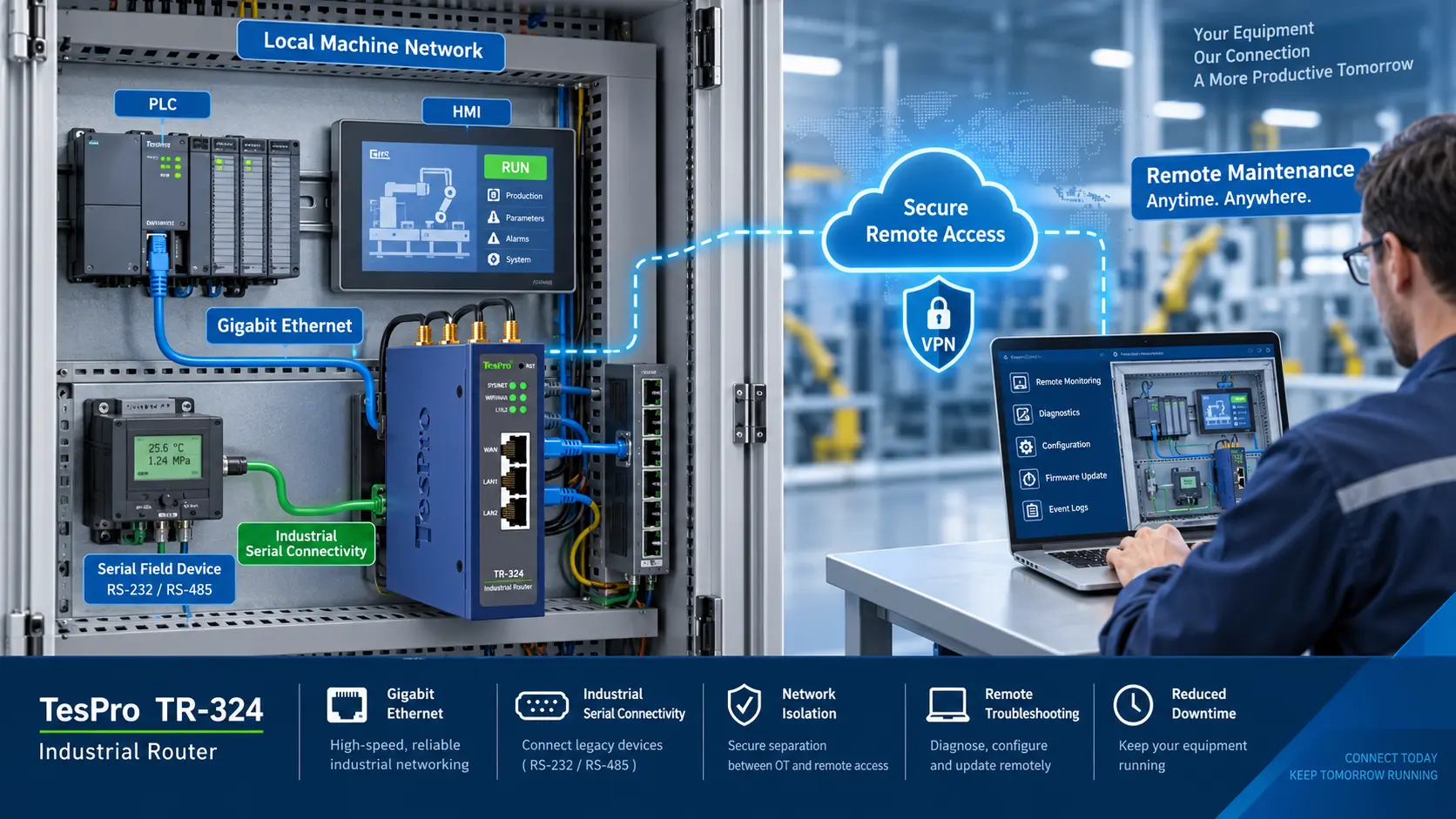
An industrial VPN router is useful when engineers, OEM service teams, utility operators, or system integrators need secure access to remote equipment. It can reduce site visits, support faster maintenance, and help teams troubleshoot field devices from a control center or service office.
Common use cases include:
- Remote maintenance for smart meter communication sites
- Secure access to AMI/AMR field equipment
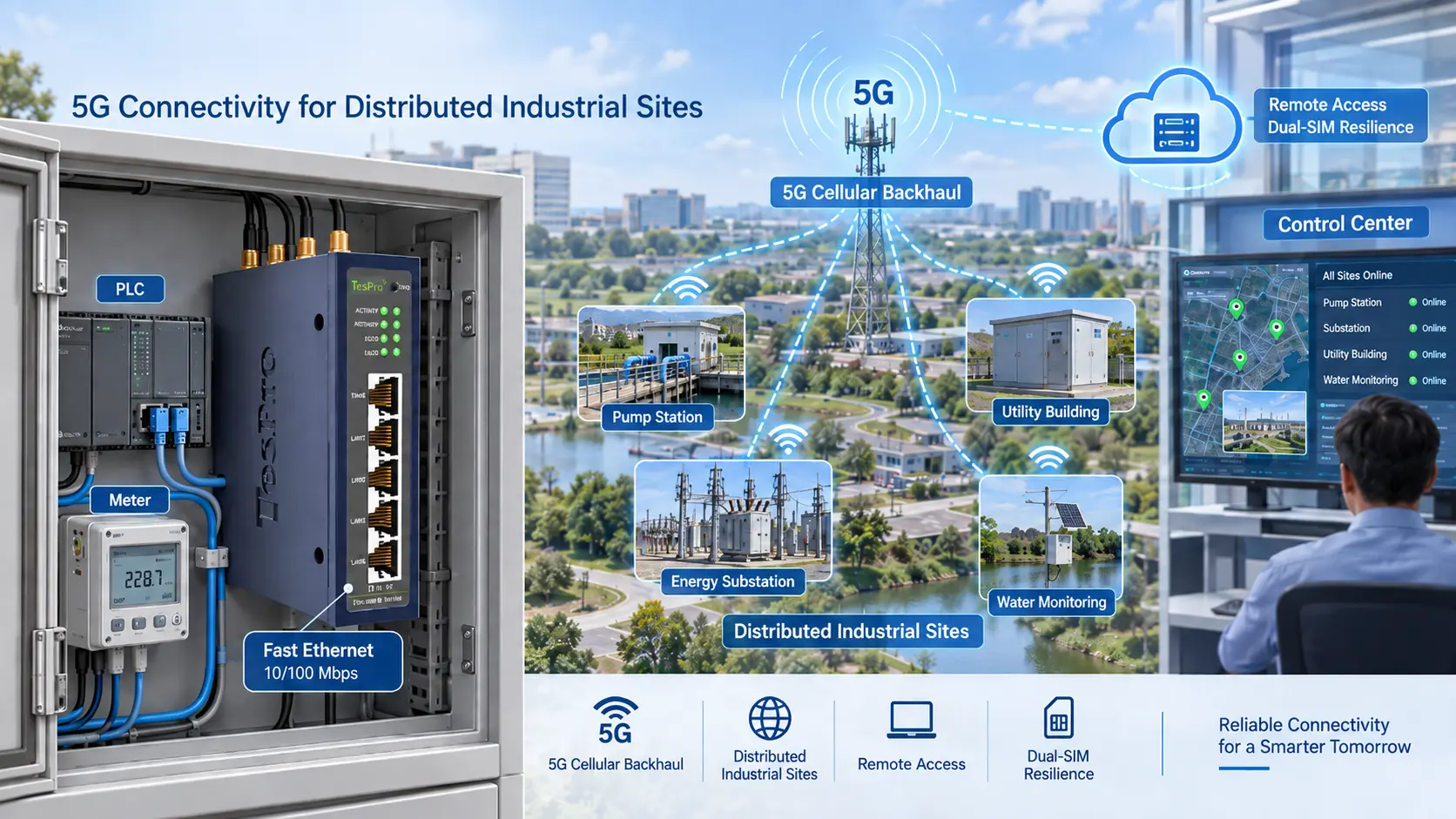
- SCADA connectivity for substations, pump stations, or monitoring cabinets
- Remote configuration of industrial gateways or data transmission units
- Factory automation support for PLCs, HMIs, and energy monitoring systems
- Smart city or remote monitoring projects with distributed field sites
For cellular deployments, buyers should also review site signal, SIM, APN, antenna, and power requirements. Tespro’s 4G industrial router field deployment checklist can support those planning details.
What Should the Router or Gateway Protect?
The router or gateway should protect the path between remote users and the field network. In many industrial sites, the connected equipment may include meters, PLCs, RTUs, concentrators, sensors, cameras, or local software systems.
Before choosing a device, define what must be reachable and what must remain isolated. A secure access design should avoid broad network exposure. It should allow only the required users, IP addresses, ports, protocols, and devices.
Buyers should confirm:
- Which field devices need remote access
- Which devices should not be accessible remotely
- Whether access is temporary, permanent, or maintenance-window based
- Which users or teams need permission
- Whether access logs must be stored or exported
- Whether the site requires local firewall rules, VPN-only access, or both
This planning step helps avoid overbuying and under-securing at the same time.
Choose the Right VPN Access Model
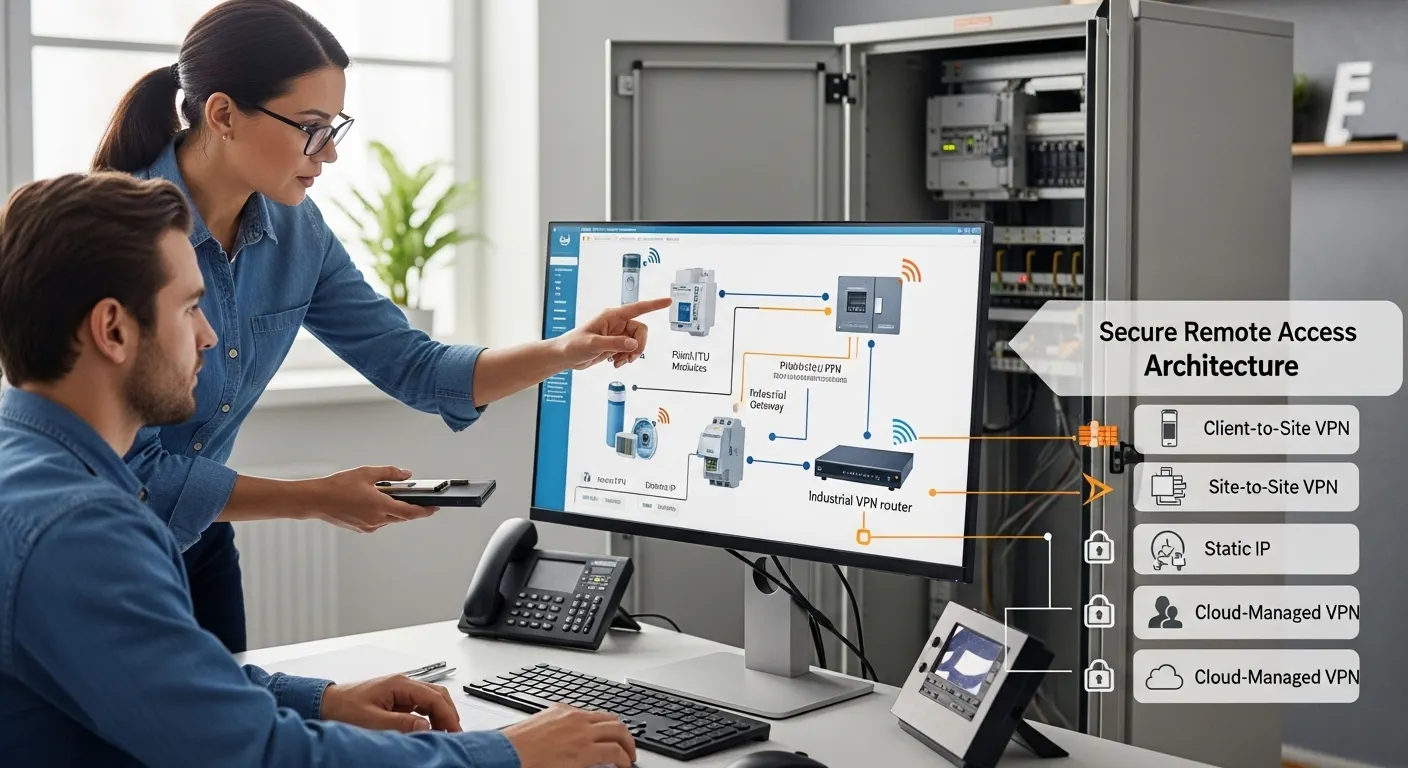
Different projects need different access models. A single remote meter cabinet does not need the same architecture as a multi-site SCADA network.
Common access models include:
- Client-to-site VPN: A remote engineer connects securely to one site.
- Site-to-site VPN: A remote field network connects to a control center or enterprise network.
- Cloud-managed remote access: Users connect through a managed platform instead of directly exposing the site.
- Private APN access: Cellular sites communicate through a private operator network.
- Static IP access with firewall restrictions: Used when direct inbound access is required, but must be controlled carefully.
The RFQ should not only say “VPN support required.” It should state the expected access model, number of users, number of sites, IT policy, and whether certificates or account-based authentication are required.
If the project may upgrade from 4G to 5G later, review the role of bandwidth, latency, lifecycle, and edge workloads. Tespro’s 5G industrial router upgrade buying checklist can help buyers compare future network needs.
Static IP, APN, or Cloud VPN: What Should Buyers Confirm?
Many remote access projects fail during deployment because SIM and IP planning was not confirmed early. Some buyers ask for a static public IP, while others need private APN, VPN tunnel access, or cloud-managed remote access.
A static IP can be useful in some projects, but it should not become an automatic requirement. Public exposure can create security risk if firewall rules and access controls are weak. Private APN or cloud-managed VPN may be more suitable when the buyer wants controlled access without opening field devices directly.
Before requesting a quotation, confirm:
- Will the site use Ethernet, 4G, 5G, or multi-WAN?
- Is the SIM provided by the buyer, carrier, integrator, or supplier?
- Is a private APN required?
- Is a static IP required by the IT team?
- Will remote users connect through VPN software, a cloud portal, or a control center?
- Is inbound access allowed by the network provider?
- Does the project need dual SIM failover?
For projects where uptime is critical, carrier diversity matters. Tespro’s dual SIM industrial router failover selection guide explains how buyers should plan SIMs, carriers, APN, and fallback logic.
Firewall Rules Buyers Should Define Before RFQ
A gateway with firewall should be evaluated by policy, not only by feature name. Buyers should define what traffic is allowed, what is blocked, and who can change the rules.
A practical firewall plan should include:
- Default-deny or restricted access approach
- Allowed source IP addresses or user groups
- Allowed destination devices
- Required ports and services
- NAT or port forwarding rules if needed
- VPN-only access for sensitive devices
- Rules for maintenance windows
- Event logging or syslog needs
- Remote configuration permissions
- Process for firmware and configuration changes
Avoid requesting “open remote access” without a clear rule set. For metering, SCADA, and industrial IoT systems, access should be limited to the real maintenance requirement.
Ports, Interfaces, and Protocols to Check
A secure router is only useful if it can connect to the field equipment and support the project workflow. Buyers should map the device side before selecting the router or gateway.
Important interface and protocol details may include:
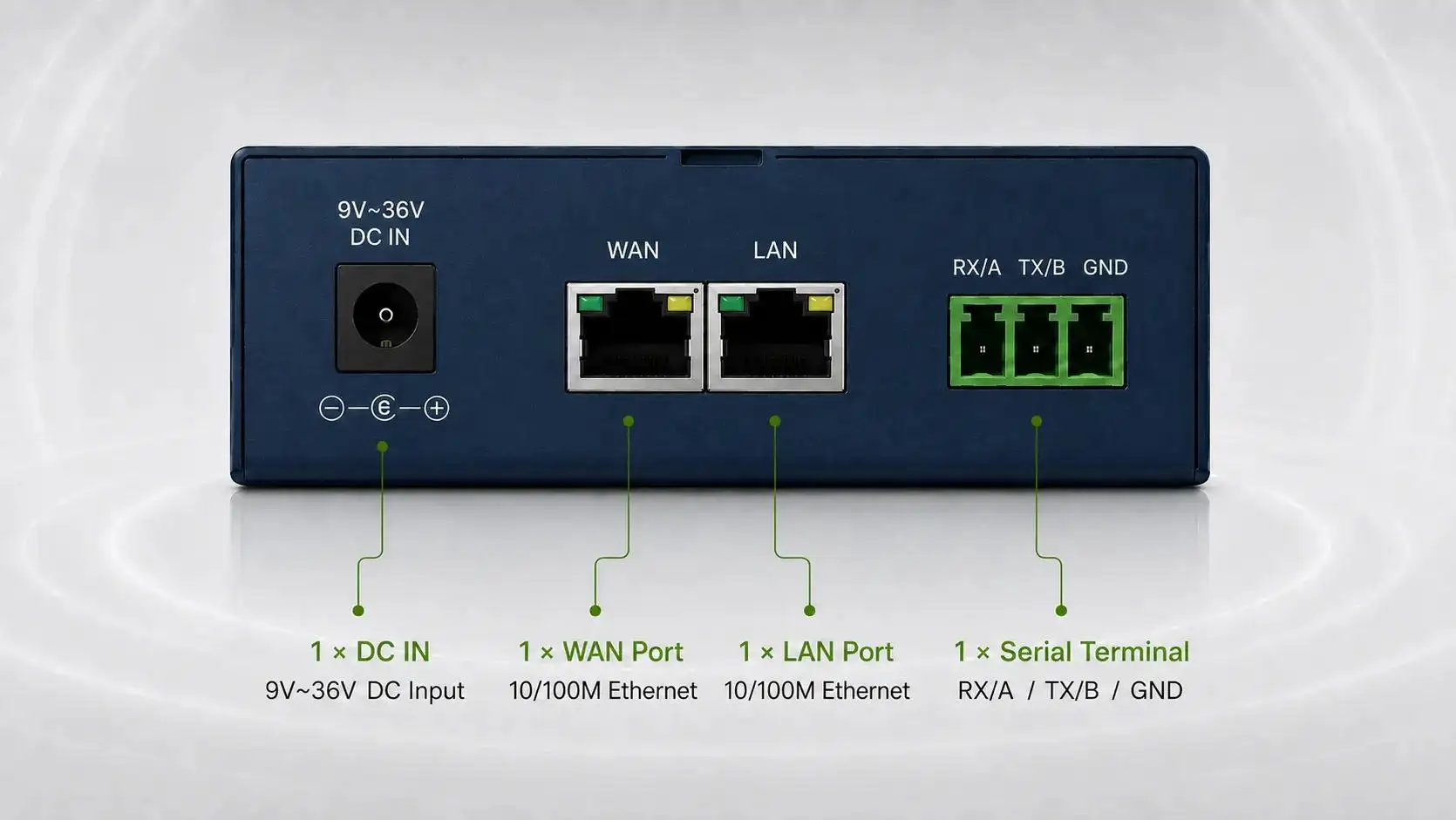
- Ethernet LAN/WAN ports
- RS485 or RS232 connections
- Digital input/output needs
- Antenna connector requirements
- Modbus RTU or Modbus TCP requirements
- TCP/IP transparent transmission needs
- MQTT or cloud data forwarding requirements
- SNMP monitoring needs
- REST API or platform integration needs
- Local dashboard or remote management requirements
For smart metering or AMI/AMR projects, confirm the meter model, concentrator, DTU, gateway, reading software, and data flow. Do not assume that a VPN router alone solves protocol conversion or platform integration.
Secure Remote Access RFQ Checklist
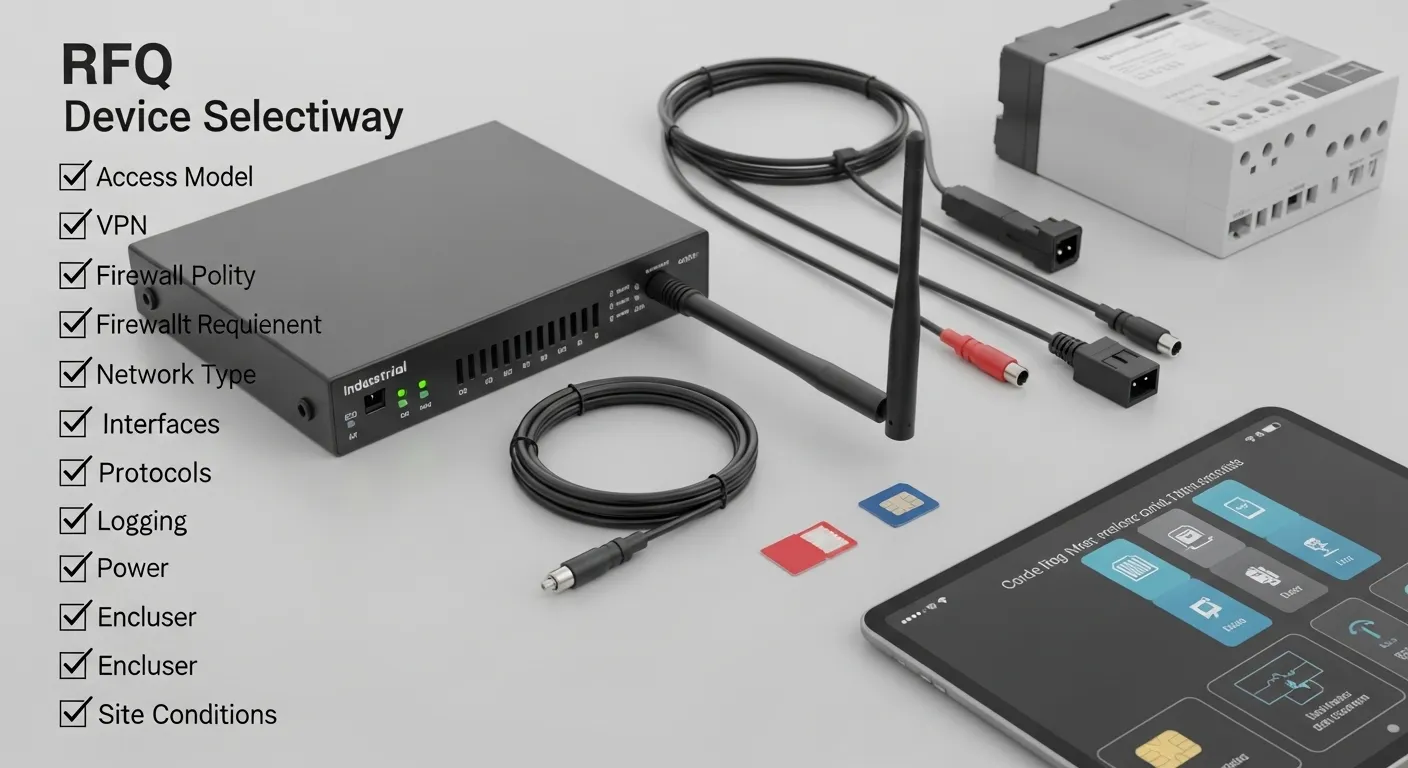
Use this checklist to prepare the project information before contacting Tespro.
| Requirement area | What to confirm | Why it matters | Details to send Tespro |
|---|---|---|---|
| Access model | Client-to-site, site-to-site, cloud VPN, APN, or static IP | Defines the network architecture | Remote user type, site count, access workflow |
| VPN requirement | Preferred VPN type or IT policy | Affects compatibility and security setup | VPN type, certificates, authentication needs |
| Firewall policy | Allowed users, devices, ports, and services | Prevents unnecessary exposure | Rule list, access limits, maintenance windows |
| Network type | Ethernet, 4G, 5G, dual SIM, or multi-WAN | Affects device selection | Carrier, SIM, APN, static IP, signal details |
| Interfaces | Ethernet, RS485, RS232, DI/DO, antenna | Must match field equipment | Device model, port count, wiring needs |
| Protocols | Modbus, MQTT, SNMP, TCP/IP, platform API | Supports integration planning | Required protocol and data direction |
| Remote management | Logs, firmware, config, users, certificates | Affects long-term maintenance | User roles, audit log, update process |
| Site conditions | Power, enclosure, cabinet, temperature, antenna | Affects field reliability | Installation location, power supply, environment |
| Commercial needs | Quantity, destination, sample, demo, datasheet | Helps quotation and support | Quantity, delivery country, required documents |
Remote Management, Logging, and User Roles
Secure remote access should include an operating plan after installation. The buyer should know who manages the router, who approves users, and who reviews logs.
For multi-site projects, confirm whether the team needs remote configuration, user role control, firmware update planning, backup settings, or event logs. These details matter for utilities, industrial IoT integrators, and OEM maintenance teams.
Buyers should also define how access will be removed when a contractor, integrator, or service engineer no longer needs permission.
Site Conditions That Affect Device Selection
Security features are important, but the device must also survive the site. Industrial routers and gateways are often installed in control cabinets, outdoor enclosures, factories, pump stations, substations, or remote energy monitoring points.
Confirm these deployment details early:
- DC power supply range available at the site
- Backup power or UPS requirements
- Cabinet space and mounting method
- DIN rail or wall-mount preference
- Operating temperature and humidity
- Dust, vibration, or electrical noise concerns
- Antenna location and cable length
- Grounding and surge protection needs
- Maintenance access after installation
For harsh or remote environments, review Tespro’s rugged cellular router harsh-site buyer guide before finalizing the RFQ.
Common Buying Mistakes to Avoid
Many projects become harder because the router was selected before the access architecture was clear. Avoid these mistakes:
- Asking only for “VPN router” without defining VPN type
- Using public access without clear firewall rules
- Forgetting APN, SIM, or static IP planning
- Ignoring user roles and access logs
- Selecting Ethernet-only hardware for a cellular field site
- Missing RS485, RS232, or protocol requirements
- Treating router, gateway, and protocol converter as the same device
- Ignoring antenna, enclosure, and power conditions
- Not sending a network diagram during RFQ
A better approach is to define the project workflow first. Then choose the router, gateway, accessories, and configuration support.
Why Work With Tespro for Secure Remote Access Projects?
Tespro supports industrial metering, connectivity, and energy data projects where hardware selection must match field conditions and system requirements. Our team works with buyers who need routers, gateways, DTUs, metering devices, software platforms, and related industrial communication solutions.
For secure remote access projects, Tespro can help buyers organize RFQ details such as network type, interface needs, field device connections, security requirements, remote management expectations, and deployment environment. This helps technical teams and procurement teams discuss the same specification before ordering.
Frequently Asked Questions
Do I need a static IP for an industrial VPN router?
Not always. Static IP may help in some direct access designs, but private APN or cloud-managed VPN may be better for controlled remote access. Confirm this with your IT policy and carrier plan.
Is a gateway with firewall different from a VPN router?
Yes, sometimes. A router focuses on routing and remote access. A gateway may also support data forwarding, protocol conversion, or platform connection. Some industrial devices combine router, gateway, VPN, and firewall functions.
Which VPN type should I request?
The best VPN type depends on IT policy, user access method, certificates, site count, and device support. Buyers should define the access model first, then confirm suitable VPN options with the supplier.
Should I use port forwarding for remote maintenance?
Use port forwarding carefully. For sensitive industrial devices, VPN-only access, firewall allow-lists, and restricted user permissions are usually safer than open public access.
When is dual SIM useful?
Dual SIM is useful when a site needs carrier fallback or higher remote access availability. Buyers should confirm carriers, APN settings, failover rules, antenna placement, and data plan requirements.
What should I send before requesting a quote?
Send the device type, quantity, application, field device models, interface needs, network type, SIM/APN/static IP details, VPN expectations, firewall rules, power, environment, and any system diagram.
Request a Secure Remote Access Quote or Consultation
Send Tespro your industrial VPN router or gateway with firewall requirements for quotation, datasheet support, sample request, demo discussion, or technical consultation. Include the product type, quantity, project application, meter or device model, interface and protocol needs, network type, SIM/APN/VPN/static IP requirements, firewall rules, remote management needs, power supply, operating environment, enclosure constraints, delivery destination, and any site drawing or system diagram.