-1791966549842.webp)






Tespro provides industrial metering, connectivity, and energy data solutions for utilities, AMI/AMR teams, industrial IoT integrators, SCADA teams, automation engineers, and procurement buyers. A dual SIM industrial router is usually selected when a remote site needs more reliable cellular connectivity than a single-SIM router can provide.
For smart metering, remote monitoring, energy management, smart city, and factory automation projects, the main buying question is not only “Does it have two SIM slots?” Buyers also need to confirm carrier diversity, automatic failover logic, APN settings, static IP needs, VPN access, interface requirements, antenna planning, power input, enclosure conditions, and remote management.
This guide helps technical and commercial buyers prepare a better router RFQ before requesting a quote, datasheet, sample, demo, or consultation from Tespro.
When Should You Choose a Dual SIM Industrial Router?
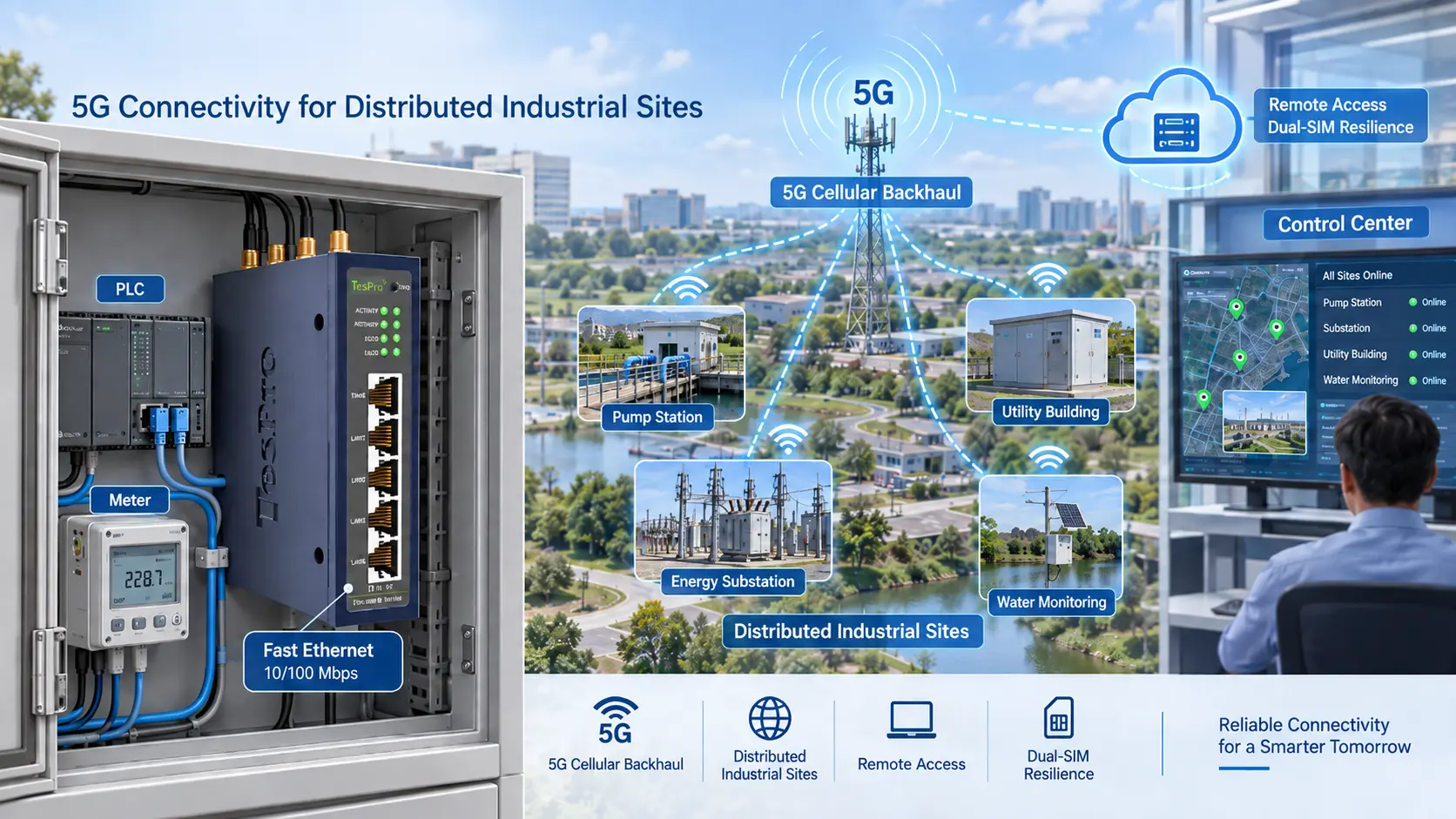
Choose a dual SIM router when losing cellular connectivity can interrupt data collection, alarms, monitoring, or remote access. This is common in remote metering cabinets, substations, solar sites, water infrastructure, smart city systems, factory control panels, and roadside equipment.
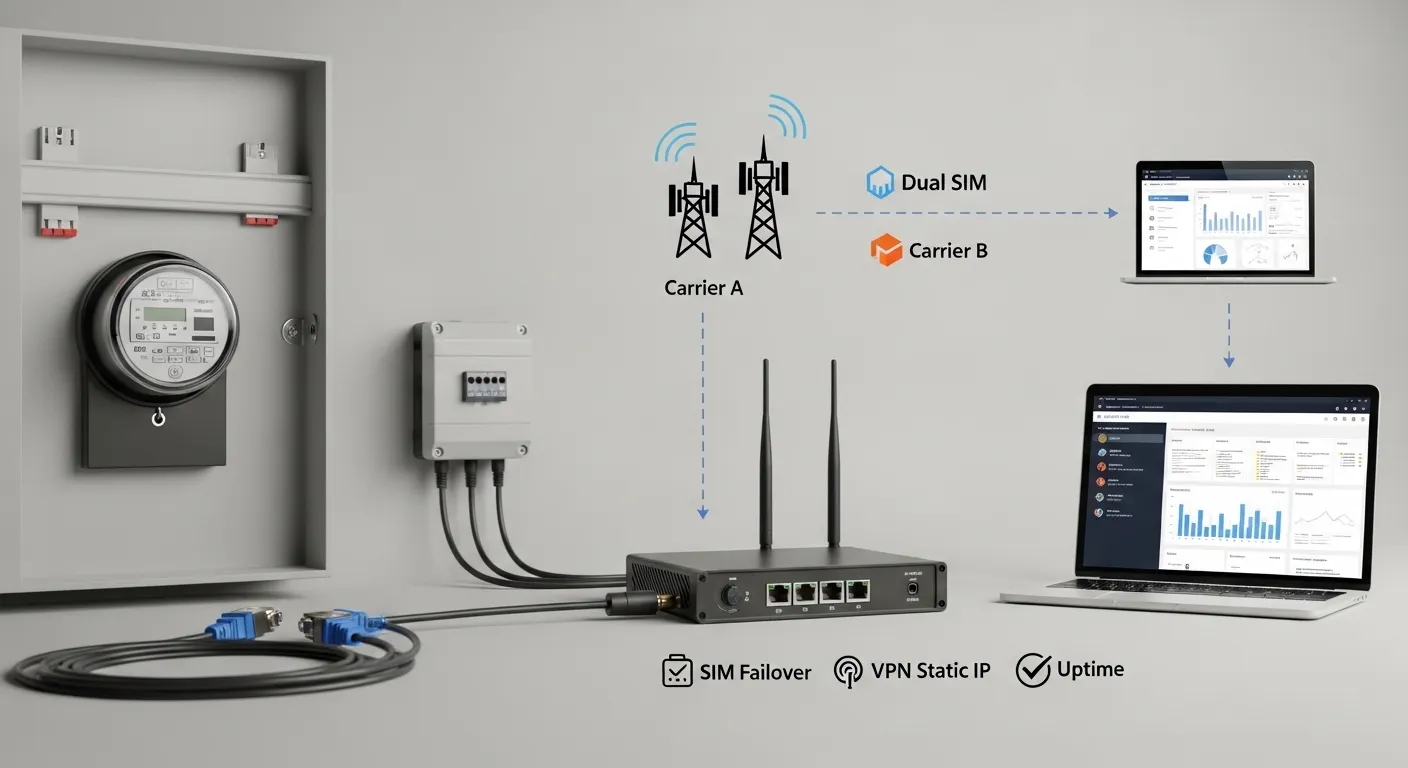
A dual SIM setup gives the router a second mobile network path. If the primary SIM or carrier fails, the router can switch to the backup SIM based on its configured failover rules. This can reduce site downtime when the issue is caused by carrier outage, weak signal, SIM plan failure, or local network instability.
Dual SIM is especially useful for projects such as:
- AMI/AMR meter reading backhaul
- Smart meter data collection
- SCADA and remote monitoring
- Energy management systems
- Industrial IoT field data transmission
- Remote PLC, gateway, or data logger access
- Smart city and traffic infrastructure
- Factory equipment monitoring
However, dual SIM alone does not guarantee uptime. The router configuration, carrier plan, antenna installation, VPN setup, and site power design all affect reliability.
Dual SIM Industrial Router Selection: What Buyers Should Compare
Before selecting a router, buyers should understand the difference between dual SIM, dual modem, and multi-WAN designs.
A dual SIM router may use one cellular modem and switch between SIM 1 and SIM 2 when the primary connection fails. This is suitable for many metering and monitoring projects where short failover time is acceptable.
A dual-modem router can support two cellular connections more actively, depending on the device design. This may be useful for higher-uptime or load-balancing projects, but it can increase cost and complexity.
A multi-WAN industrial router may support wired WAN, cellular, Wi-Fi, or other backup paths. This is useful when a site has fiber, Ethernet, or broadband as the primary connection and cellular as backup.
Buyers should confirm:
- Is the second SIM standby or active?
- How does the router detect link failure?
- Can it fail back to the primary SIM automatically?
- Can WAN, Wi-Fi, and cellular priority be configured?
- Does the project need 4G, 5G, or both?
- Is load balancing required, or only backup connectivity?
- How will remote access continue after failover?
For broader router procurement criteria, buyers can also review Tespro’s Industrial Cellular Router: Procurement Checklist.
Carrier and SIM Planning for Remote Infrastructure
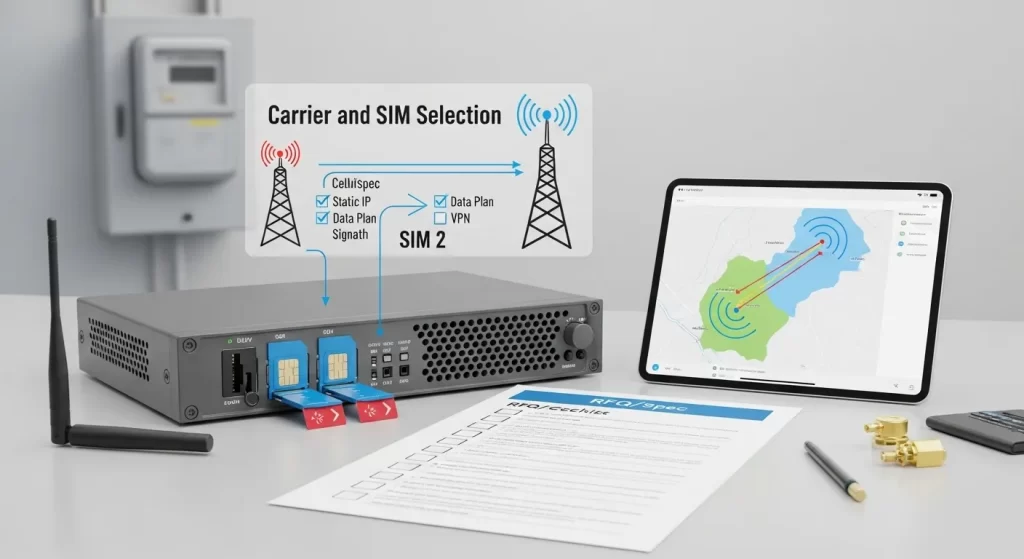
A dual SIM router only improves reliability when the SIM and carrier plan is designed properly. Using two SIM cards from the same operator may not help if both depend on the same weak coverage area or network outage.
For remote utility, industrial, and smart metering sites, buyers should plan SIM cards before finalizing the router specification.
| Planning item | What to confirm | Why it matters | RFQ note to send Tespro |
|---|---|---|---|
| Primary carrier | Preferred operator and coverage at site | Sets the main connection path | Country, region, and carrier name |
| Backup carrier | Second operator or roaming option | Reduces carrier outage risk | Backup SIM plan or carrier option |
| APN requirement | Public APN, private APN, or custom APN | Affects network access and security | APN details from carrier |
| Static IP need | Public static IP, fixed IP SIM, or no static IP | Affects remote access method | Whether remote login is required |
| VPN requirement | IPsec, OpenVPN, WireGuard, or other VPN type | Protects remote device access | Required VPN protocol if known |
| Data plan | Monthly data cap, throttling, and backup SIM cost | Prevents unexpected data issues | Expected data volume per site |
| Signal condition | Indoor, outdoor, cabinet, basement, or remote field | Affects antenna and placement | Site photos or signal survey if available |
For field installation planning, antenna placement, SIM/APN checks, and pre-installation details, see Tespro’s 4G Industrial Router: Field Deployment Checklist.
APN, Static IP, and VPN: Remote Access Decisions
Many buyers choose an industrial router because they need remote access to meters, PLCs, gateways, data loggers, cameras, or control equipment. In these projects, the SIM plan and security design can be as important as the router hardware.
A public static IP can help direct remote access, but it may not always be available or suitable. Some cellular networks use CGNAT, which can block direct inbound access. In those cases, buyers may need a private APN, fixed IP SIM, cloud remote access method, or VPN tunnel.
For industrial and utility applications, VPN is often safer than exposing field equipment through open public ports. Before ordering, buyers should confirm whether the project requires IPsec, OpenVPN, WireGuard, GRE, L2TP, PPTP, or another VPN method.
Key questions to answer before purchase:
- Will the router connect to a SCADA server, cloud platform, or private network?
- Does the project need remote access to LAN devices behind the router?
- Will the carrier provide static IP or private APN?
- Is port forwarding allowed or restricted?
- What security policy does the utility or integrator require?
- Should remote management be available by web, cloud, SMS, or another method?
Tespro can help review these project details and recommend the right router configuration based on the required access model.
Ports, Interfaces, and Protocols to Confirm
Dual SIM is only one part of the specification. The router must also match the field equipment and data workflow.
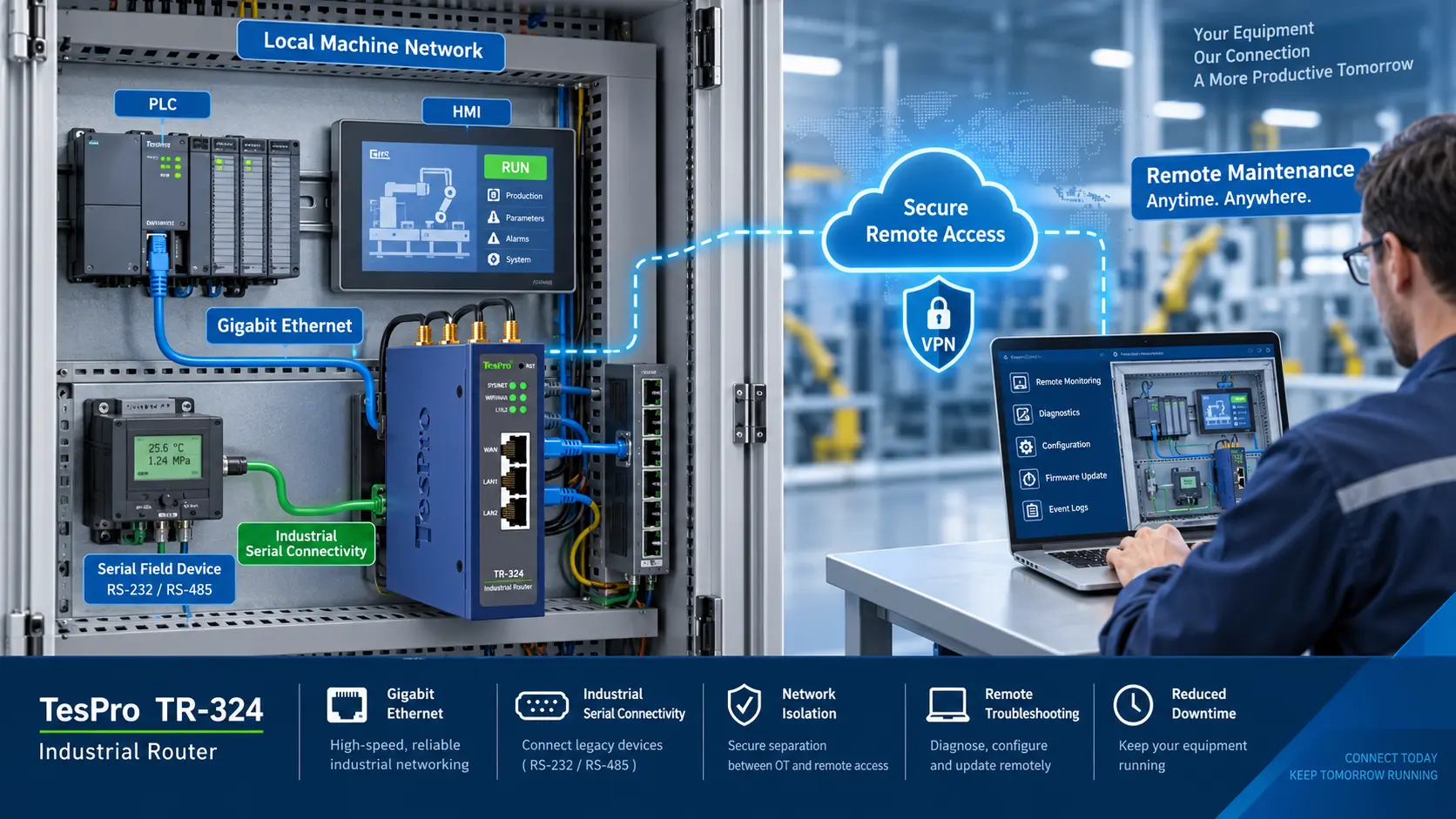
For smart metering and industrial monitoring, buyers should confirm whether the router needs Ethernet only or serial connectivity as well. Some sites may connect meters, PLCs, RTUs, gateways, cameras, HMIs, or data loggers through different interfaces.
Common items to confirm include:
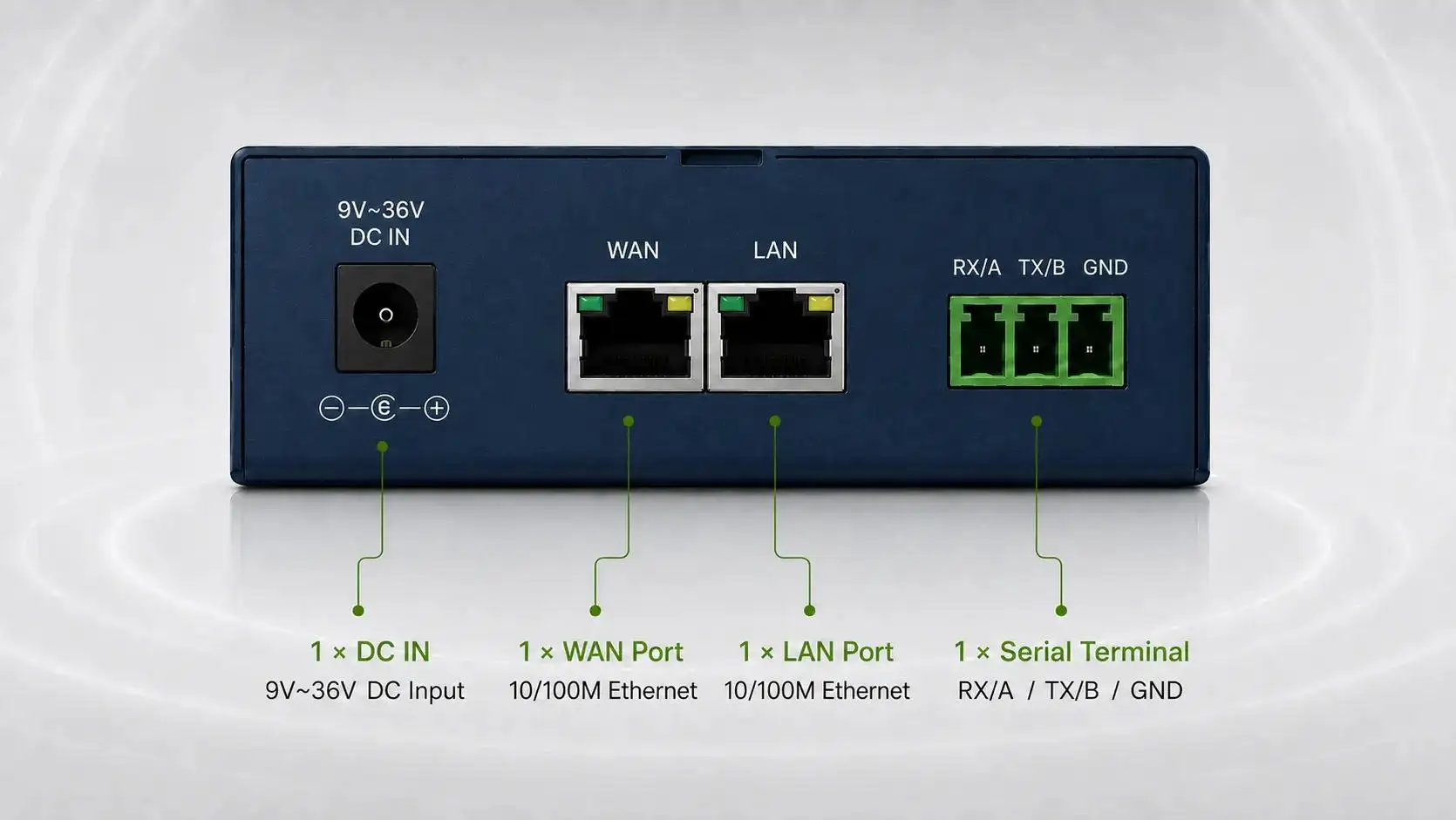
- LAN and WAN Ethernet ports
- RS232 or RS485 serial ports
- DI/DO requirements
- Wi-Fi requirement, if needed
- 4G or 5G cellular network type
- External antenna connector needs
- Modbus RTU or Modbus TCP requirements
- TCP/IP transparent transmission needs
- MQTT or platform communication needs
- SNMP or remote monitoring needs
- DLMS or smart metering workflow requirements, if relevant
If the router will be part of an AMI/AMR or energy data system, buyers should also confirm how field data moves from the meter or device to the software platform. This may involve an industrial router, DTU, gateway, or software platform depending on the system design.
Deployment Conditions That Affect Failover Reliability
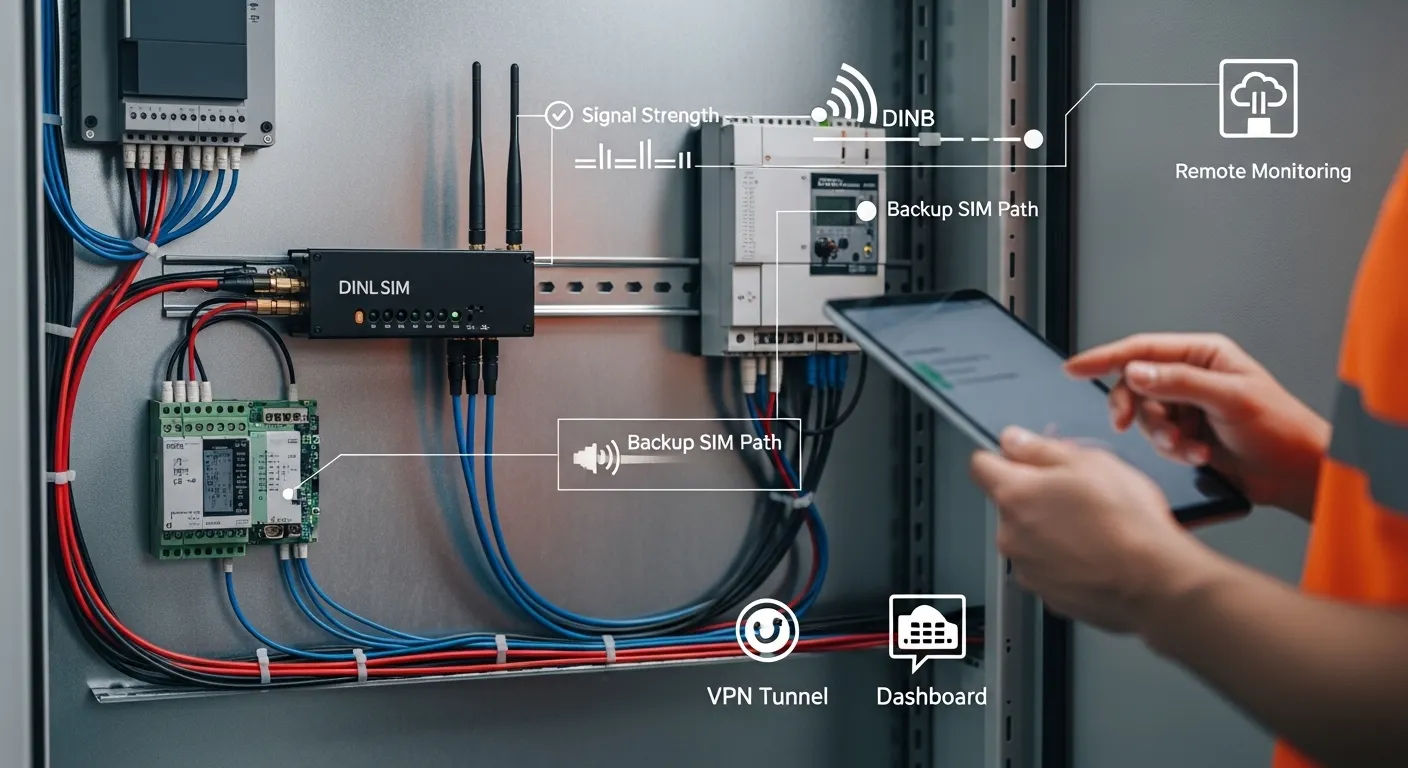
A failover router cannot perform well if the site design is weak. Poor antenna placement, unstable power, overheating cabinets, and poor carrier coverage can all reduce the value of dual SIM redundancy.
Before selecting a model, buyers should check:
- Site location and country of deployment
- Indoor or outdoor installation
- Cabinet size and mounting method
- DIN rail, wall, or panel mounting needs
- Power supply voltage and backup power
- Temperature, humidity, dust, and vibration conditions
- Antenna position and cable length
- Signal strength for both carriers
- Maintenance access to SIM cards and router
- Need for watchdog, auto reboot, or remote restart
- Security rules for remote access
For harsh locations, rugged design becomes more important than the number of SIM slots alone. Buyers planning sites with heat, dust, vibration, unstable power, or weak signal can review Tespro’s Rugged Cellular Router: Harsh-Site Buyer Guide.
Should Buyers Choose 4G or 5G for Dual SIM Failover?
Many remote monitoring and metering projects do not need high-bandwidth 5G. A properly selected 4G industrial router may be enough for meter reading, alarms, telemetry, PLC access, and low-to-medium data transmission.
5G may be useful when the project needs higher bandwidth, lower latency, more connected devices, video data, edge workloads, or longer lifecycle planning. It may also matter if the deployment region has strong 5G coverage and the buyer wants a newer network architecture.
Before upgrading, compare:
- Data volume per site
- Read frequency or polling interval
- Number of connected devices
- Latency requirement
- Carrier coverage at the field site
- Router lifecycle expectations
- Budget and data plan cost
- Need for 5G as primary or backup
For upgrade planning, see Tespro’s 5G Industrial Router: Upgrade Buying Checklist.
Common Buying Mistakes to Avoid
The most common mistake is treating “dual SIM” as a complete uptime solution. It is only one part of the network design.
Buyers should avoid:
- Using two SIMs from carriers with the same poor site coverage
- Ignoring APN, static IP, and VPN requirements
- Selecting a router without enough Ethernet or serial ports
- Forgetting antenna location and cable loss
- Choosing 5G when 4G is enough for the data load
- Using open port forwarding without a security review
- Ignoring backup SIM data usage and throttling
- Buying before confirming power input and cabinet conditions
- Requesting a quote without application and interface details
A better approach is to prepare the project data first. Then the supplier can recommend the right device, configuration, and accessories.
What to Send Tespro for a Dual SIM Router RFQ
To help Tespro recommend a suitable industrial router, send as much practical project information as possible. A complete RFQ reduces back-and-forth and helps the technical team understand the real deployment need.
Include:
- Required device type: 4G router, 5G router, dual SIM router, rugged router, gateway, or DTU
- Quantity and expected deployment schedule
- Application type: AMI/AMR, SCADA, remote monitoring, factory automation, smart city, or energy management
- Country, region, and site environment
- Preferred carriers or SIM plan details
- APN, private APN, static IP, or VPN requirement
- Required LAN/WAN ports
- RS232, RS485, DI/DO, or other interface needs
- Protocol or data workflow requirements
- Meter, PLC, gateway, or device model if relevant
- Cloud, platform, API, or SCADA connection details
- Power supply and backup power design
- Enclosure, mounting, and antenna constraints
- Security and remote management needs
- Datasheet, sample, demo, or OEM/ODM support request
- Any drawing, site photo, system diagram, or written specification
Why Work With Tespro for Industrial Router Selection?
Tespro supports industrial metering, connectivity, and energy data projects where hardware selection affects long-term operation. Our solutions cover metering optical probes, data transmission units, industrial routers, industrial gateways, test equipment, calibrators, and software platforms.
For dual SIM router projects, Tespro can help buyers connect the router decision to the wider system. That includes meter communication, data acquisition, remote monitoring, AMI/AMR workflow, industrial IoT integration, and site deployment planning.
Instead of choosing based only on SIM count, buyers can discuss the full requirement: network path, field device interface, security, remote access, power, environment, and platform integration.
Frequently Asked Questions
Can I use two SIM cards from different carriers?
Yes, if the router and local networks support the required carriers. Using different carriers can improve redundancy, but buyers should confirm coverage, bands, APN settings, data plans, and signal quality at the actual site.
Does dual SIM mean both SIMs are active at the same time?
Not always. Some dual SIM routers use one modem and switch between SIMs. Others may support more advanced cellular redundancy. Buyers should confirm whether the router is standby, active-active, dual modem, or multi-WAN.
Do I need static IP for remote monitoring?
Static IP can help, but it is not the only option. Depending on the carrier and security policy, a private APN, VPN tunnel, or cloud remote access method may be more suitable.
Is VPN better than port forwarding?
For industrial and utility networks, VPN is usually safer than exposing field devices through open public ports. Buyers should confirm the required VPN type and follow their internal cybersecurity rules.
Which ports are important for metering or PLC projects?
Ethernet is common, but many projects also need RS232, RS485, DI/DO, or protocol support such as Modbus RTU/TCP, TCP/IP, MQTT, or DLMS-related workflows. Confirm the connected device before choosing.
How can I control backup SIM data usage?
Check failover rules, failback behavior, traffic priority, remote management data, alert settings, and data caps. Backup SIMs should be planned so they do not become expensive or throttled during an outage.
Request a Dual SIM Industrial Router Quote or Consultation
Share your project requirements with Tespro to receive a suitable dual SIM industrial router recommendation, datasheet, quotation, sample discussion, demo request, or OEM/ODM consultation.
Send your application type, quantity, country or site location, connected devices, port requirements, protocol needs, 4G/5G preference, SIM carrier plan, APN/static IP/VPN requirements, power supply, installation environment, antenna constraints, security needs, remote management needs, delivery destination, and any system diagram or written specification.