


Remote meter reading and industrial monitoring depend on a continuous data path from field equipment to the central platform. Once RS232 or RS485 devices are connected through a cellular network, however, operational data is no longer confined to the control cabinet.
A secure Industrial DTU for Remote Data Transmission must protect this complete path. Encryption is important, but it is only one layer. Device identity, server authentication, access control, network isolation, message integrity, electrical protection, and recovery after communication loss all influence system security.
At Tespro, we recommend evaluating these controls as part of the DTU architecture—not as optional features added after commissioning.
Where Security Risks Enter the DTU Data Path
A typical remote monitoring architecture follows this route:
Meter or PLC → RS232/RS485 → Industrial DTU → Cellular network → Server or cloud platform
Each connection introduces a different risk.
| Security Area | Typical Risk | Engineering Control |
| Field interface | Unauthorized equipment connected to RS485 | Cabinet access control and interface protection |
| DTU configuration | APN or server address changed | Restricted configuration access and unique credentials |
| Cellular connection | Device exposed through a public network | Private APN, firewall rules or network isolation |
| Transport layer | Data intercepted or modified | SSL/TLS encryption and certificate validation |
| Application protocol | False, repeated or unauthorized messages | Device authentication, timestamps and sequence checking |
| Management platform | Excessive user permissions | Role-based access, audit logs and alerting |
| Power and environment | Reset, data interruption or hardware damage | Wide-voltage input and industrial protection circuits |
This is why specifying only "4G connectivity" is insufficient when selecting an Industrial DTU for Remote Data Transmission.
SSL/TLS Protects the Communication Channel
In product descriptions, SSL is still common, but TLS is used in all modern implementations. During an encrypted connection, the DTU and server conduct a handshake, generate session keys, and encrypt the traffic.
An SSL/TLS connection can securely provide:
•Confidentiality: Details on meters and equipment can not be easily read as they are transmitted.
•Integrity: Encrypted packets can not be transmitting a modification of the packet.
•Server authentication: The DTU can validate the server's certificate.
•Session protection: Each connection employs a unique set of session keys.
When considering an "SSL supported" statement, engineers should consider:
•Which TLS versions and cipher suites are supported?
•Does the DTU validate the complete server certificate chain?
•Can custom CAs be utilized?
•What is the behavior on a server certificate expiration?
•Is mutual TLS with client certificates supported?
•How are keys and certificates distributed for the device fleet?
This should be confirmed for the selected firmware and server environment.
Encryption, Authentication, and Authorization Are Different
While these terms are commonly lumped together, they provide solutions to distinct problems.
Encryption
Encryption prevents third parties from reading data transmitted between the DTU and the server. It does not identify who is allowed to connect.
Authentication
Authentication confirms the identity of a device, user or server. An Industrial DTU for Remote Data Transmission may be authenticated through:
•SIM and cellular network credentials
•MQTT username and password
•Unique MQTT Client ID
•Device-specific token or key
•Server certificate
•Client certificate, where supported
Each DTU should ideally have its own identity. Sharing one password across an entire fleet makes credential revocation and incident tracing difficult.
Authorization
Authorization determines what an authenticated device can do. For MQTT, this may mean that a device can be authorized to publish to a specific topic and not transmit data to other devices.
Message Integrity and Replay Protection
When using TLS, the protected data can still be exposed to attacked centered around replayed or duplicated messages. Message Integrity can be achieved with the help of Message IDs, timestamps, or sequence counters. Servers can also help protect against replay attacks by acknowledging message duplication.
Choosing Between MQTT, TCP, and UDP
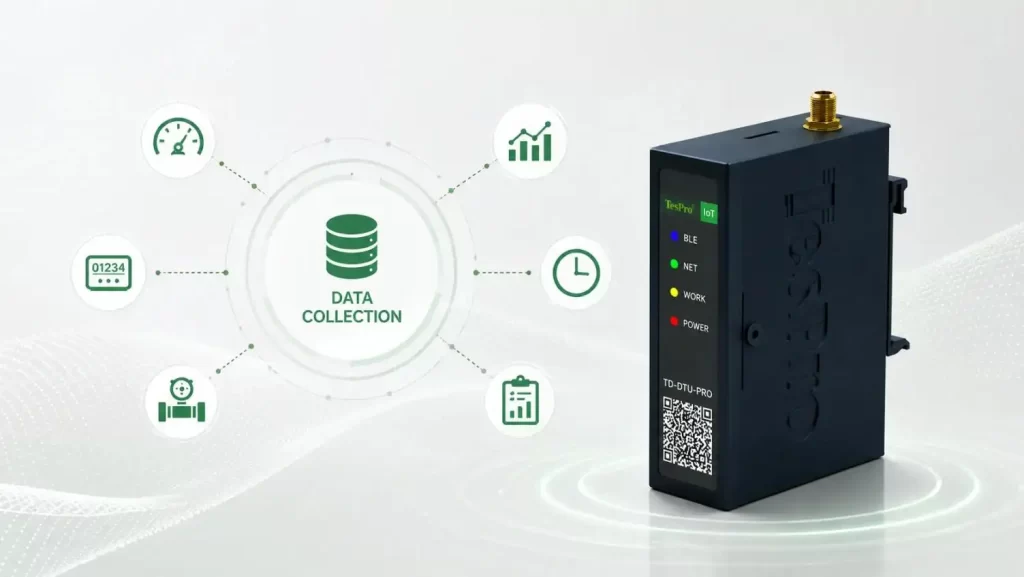
Tespro TD-DTU-PRO supports TCP, UDP and MQTT client modes. The correct mode depends on the server architecture and operational priorities rather than on one protocol being universally better.
| Protocol | Main Strength | Security Requirement | Suitable Use |
| TCP | Ordered, connection-oriented delivery | Add SSL/TLS and application authentication | Meter reading and command-response systems |
| MQTT | Lightweight publish/subscribe model | Use TLS, unique Client IDs and topic permissions | Cloud-connected monitoring and large DTU fleets |
| UDP | Low protocol overhead and latency | Add application-level encryption, authentication and retry logic | Specialized real-time or bandwidth-sensitive systems |
TCP confirms transport delivery but does not confirm that the application processed the reading. MQTT can provide different Quality of Service levels, but higher QoS may increase traffic and duplicate-message handling requirements. UDP does not guarantee delivery, order or retransmission.
The protocol decision for an Industrial DTU for Remote Data Transmission should therefore consider:
•Acceptable data-loss rate
•Required acknowledgment level
•Cellular traffic cost
•Transmission frequency
•Command-response requirements
•Server concurrency
•Weak-network behavior
•Duplicate-message handling
Tespro's DTU Design for Industrial Deployment
Security also depends on hardware stability. Voltage fluctuations, electrical surges or high cabinet temperatures can interrupt data transmission and create monitoring gaps.
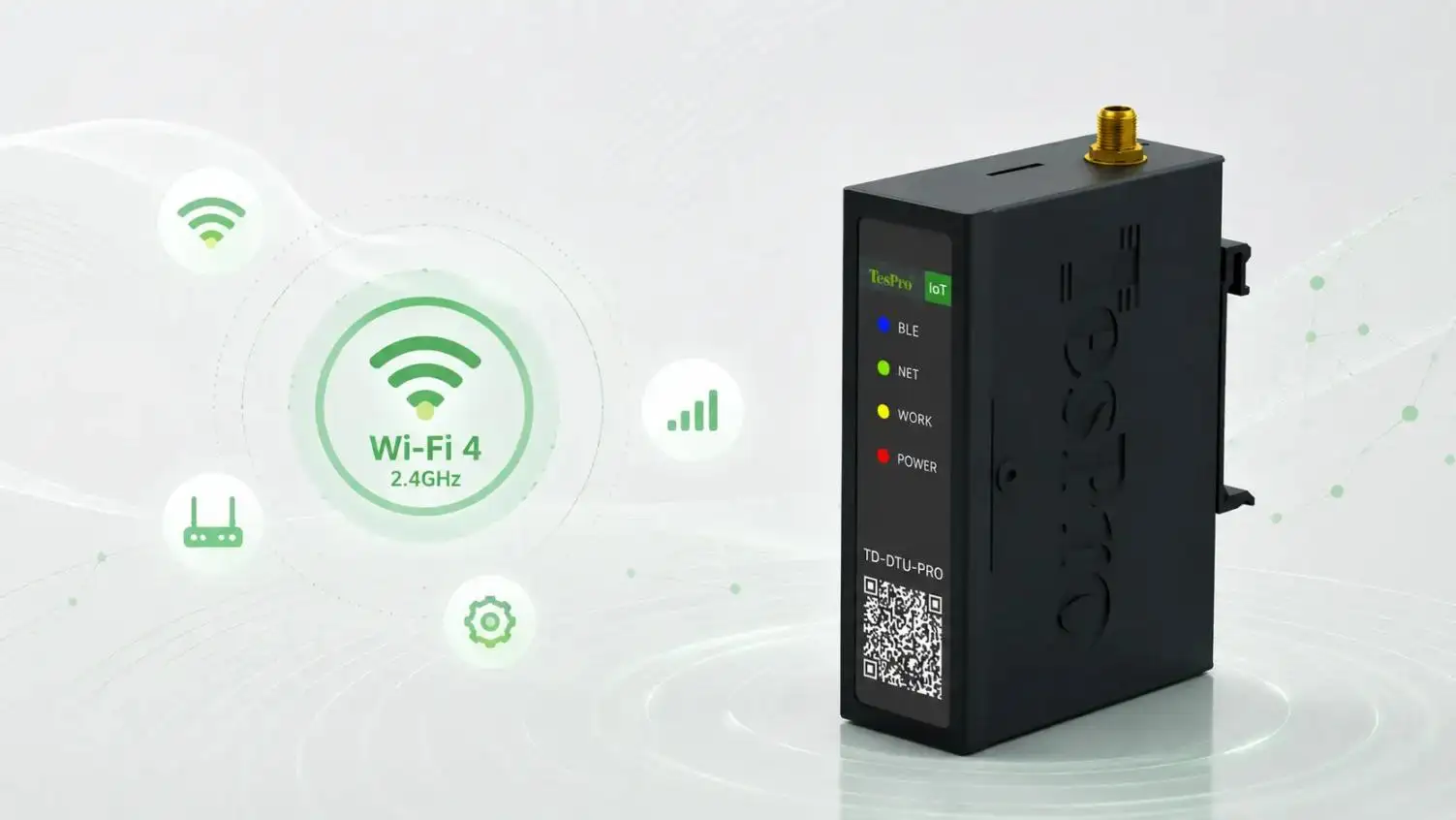
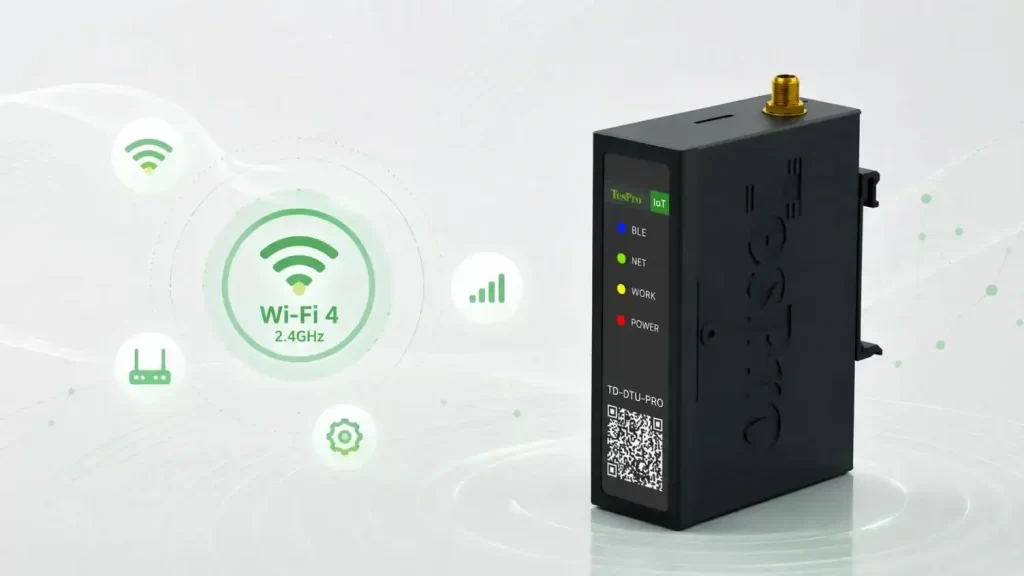
The Tespro TD-DTU-PRO is designed for remote acquisition and cellular transmission. According to its published specifications, it provides:
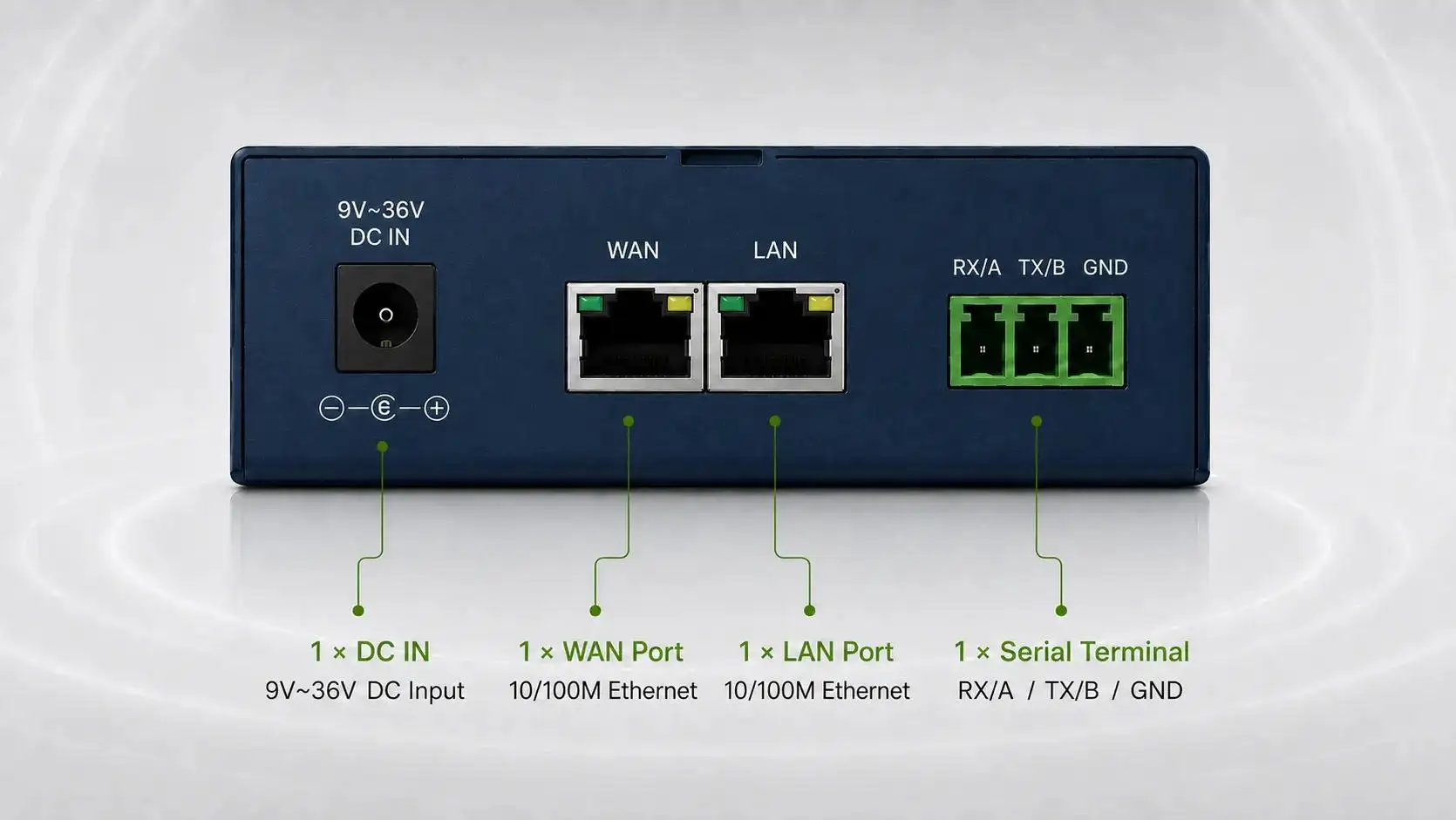
•One RS232 and one RS485 port that can operate simultaneously
•A configurable baud rate from 300 to 115200 bps
•Multi-band cellular connectivity for different regions
•TCP, UDP and MQTT client modes
•SSL-supported data transmission
•Bluetooth connectivity
•Optional GPS, GLONASS, BDS, Galileo and QZSS positioning
•9–36 VDC power input
•−40°C to +75°C operating temperature
•Reverse-polarity, overvoltage and overcurrent protection
•Lightning and surge protection
This combination supports distributed electricity metering, utility data collection and industrial equipment monitoring. The wide power range and protection circuits address field reliability, while the communication interfaces help integrate existing serial equipment. View the TD-DTU-PRO technical specifications.
Secure Commissioning Checklist
When deploying an Industrial DTU for Remote Data Transmission, do the following:
•Make sure each DTU has its own unique credentials.
•Change all default credentials.
•Check your region's cellular bands and ensure compatibility with your SIMs.
•Use SSL/TLS and turn on certificate validation.
•Restrict access to the APN and adjust firewall policies.
•Protect the SIM slot and the serial terminals.
•Allow only the server addresses and ports that are needed.
•Test what happens when the authentication fails and what happens when the certificate expires.
•Test what happens when the power is lost and what happens when the network is lost.
•Determine if the DTU is capable of buffering data and transmitting it later.
•Log any changes to the configuration and any failed connections.
•Determine procedures for updating the firmware, credentials, and certificates.
•Weak-signal, long-duration and power-cycle tests should be completed before volume deployment.
Selecting a Secure Industrial DTU
A qualified Industrial DTU for Remote Data Transmission should be assessed across four dimensions:
- Compatibility: Serial interface, baud rate, cellular bands and server protocol
- Security: Encryption, authentication, credential isolation and access control
- Reliability: Temperature range, power protection and reconnection behavior
- Lifecycle management: Firmware, certificates, configuration and technical support
No DTU should be selected from network speed alone. The more useful question is whether it can maintain a controlled, authenticated and recoverable data path throughout the project lifecycle.
For remote metering and industrial monitoring projects, the Tespro TD-DTU-PRO provides a practical basis for combining serial data acquisition, multi-band cellular communication and SSL-supported transmission. Contact Tespro to confirm protocol integration, regional frequency bands and project-specific authentication requirements before deployment.
FAQs
Q1. Does the Tespro TD-DTU-PRO support encrypted data transmission?
Yes. Tespro lists SSL encryption support for the TD-DTU-PRO. Project engineers should confirm the applicable TLS version, certificate-verification method, and server requirements for the selected firmware before deployment.
Q2. What authentication methods can be used with the Tespro DTU?
Authentication may involve SIM credentials, MQTT usernames and passwords, unique Client IDs, platform tokens, or certificates. The exact method depends on the firmware, protocol, and connected platform, so it should be confirmed with Tespro during system integration.
Q3. Which serial interfaces does the Tespro TD-DTU-PRO provide?
The device provides one RS232 port and one RS485 port. This enables an Industrial DTU for Remote Data Transmission to connect with meters, PLCs, sensors, controllers, and other serial industrial equipment.
Q4. Can the RS232 and RS485 ports operate simultaneously?
Yes. According to Tespro's published specifications, the RS232 and RS485 ports can operate simultaneously. This is useful when a project needs to collect data from different types of field equipment through one DTU.
Q5. Which network protocols does the Tespro DTU support?
The TD-DTU-PRO supports TCP Client, UDP Client, and MQTT Client modes. Protocol selection should be based on delivery reliability, latency, cellular traffic consumption, server architecture, and application-level security requirements.