-1791966549842.webp)





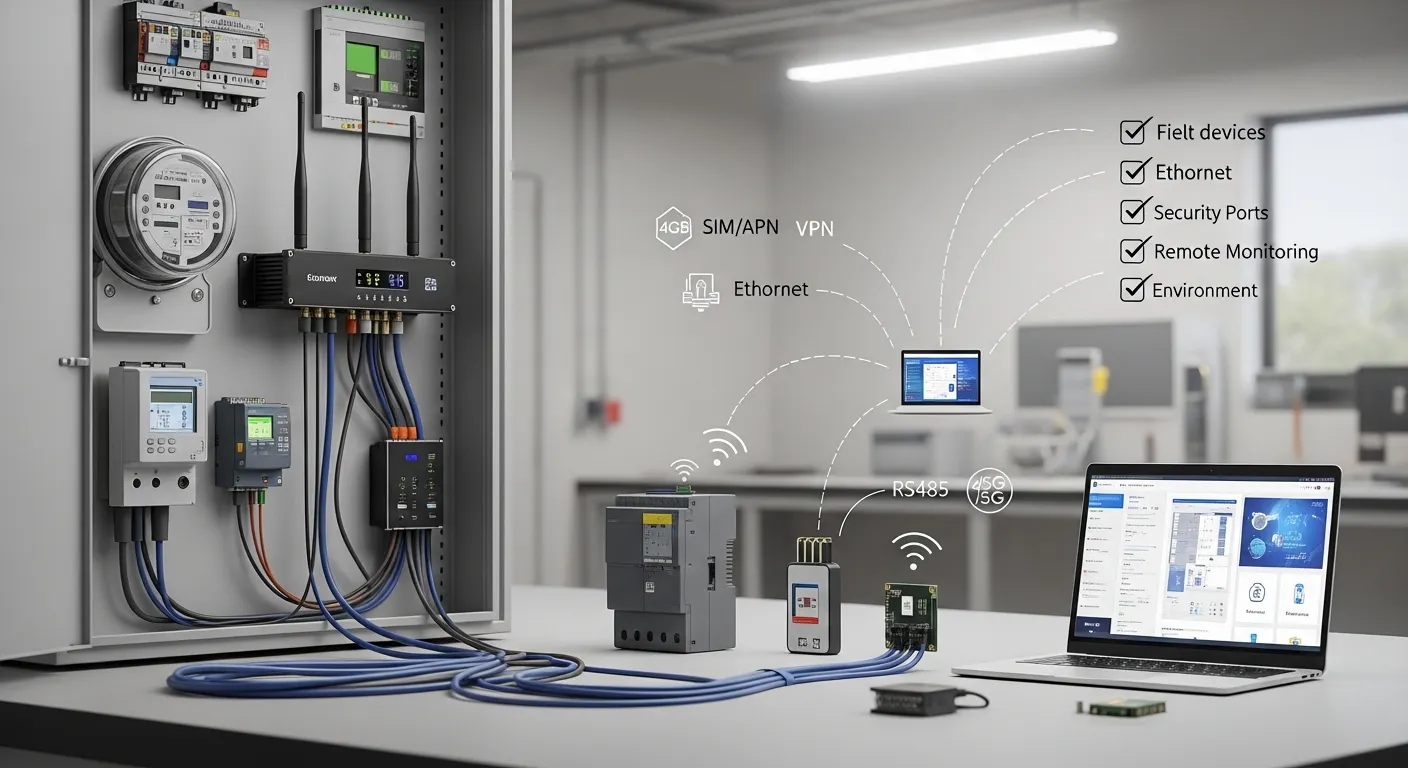

Tespro provides industrial metering and connectivity solutions for utility companies, AMI/AMR teams, SCADA projects, factory automation sites, remote monitoring systems, and industrial IoT deployments. When buyers select an industrial cellular router, the decision should start with uptime, carrier coverage, SIM and APN requirements, VPN or remote access method, interface count, power supply, antenna planning, and operating environment.
An industrial router is not only a network box. In a utility cabinet, meter room, factory line, traffic cabinet, pump station, or remote energy site, it may become the main communication path between field devices and the central platform. A wrong model or missing configuration detail can create downtime, weak signal, access problems, or extra integration cost.
This procurement checklist helps technical and purchasing teams prepare router requirements before requesting a Tespro quotation, datasheet, sample, or project consultation.
Where an Industrial Cellular Router Fits in a Field Project
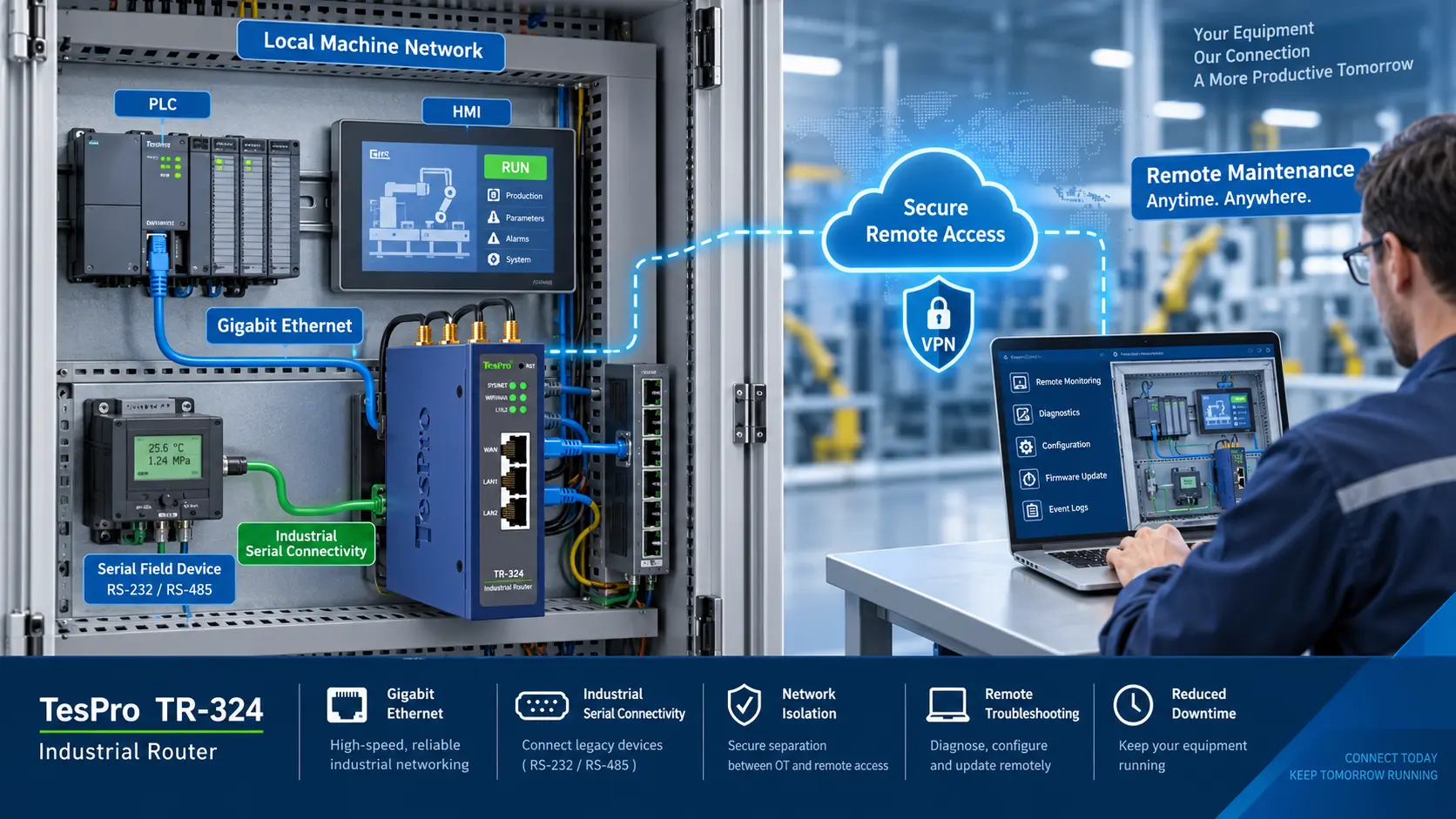
An industrial cellular router is usually selected when a project needs secure, stable, and remotely managed connectivity for distributed devices. It may connect meters, PLCs, RTUs, data loggers, gateways, cameras, sensors, or control panels to a SCADA system, monitoring dashboard, cloud platform, or private network.
Common Tespro buyer scenarios include:
- Utility metering and energy monitoring sites
- AMI/AMR communication backhaul
- Smart grid and distribution automation projects
- SCADA cabinets and RTU stations
- Factory automation and production monitoring
- Smart city cabinets and traffic systems
- EV charging, BESS, and power monitoring sites
- Remote pump stations, substations, and environmental monitoring locations
- Industrial IoT systems that need field-to-platform connectivity
The router should be selected around the project architecture. For example, a simple remote monitoring site may need cellular backup and Ethernet LAN. A meter communication project may also need serial connectivity, APN settings, VPN access, or integration with a gateway or DTU.
For harsh remote data transmission projects, buyers may also compare router requirements with Tespro’s related guide on DTU selection for harsh remote sites.
Industrial Cellular Router Procurement Checklist
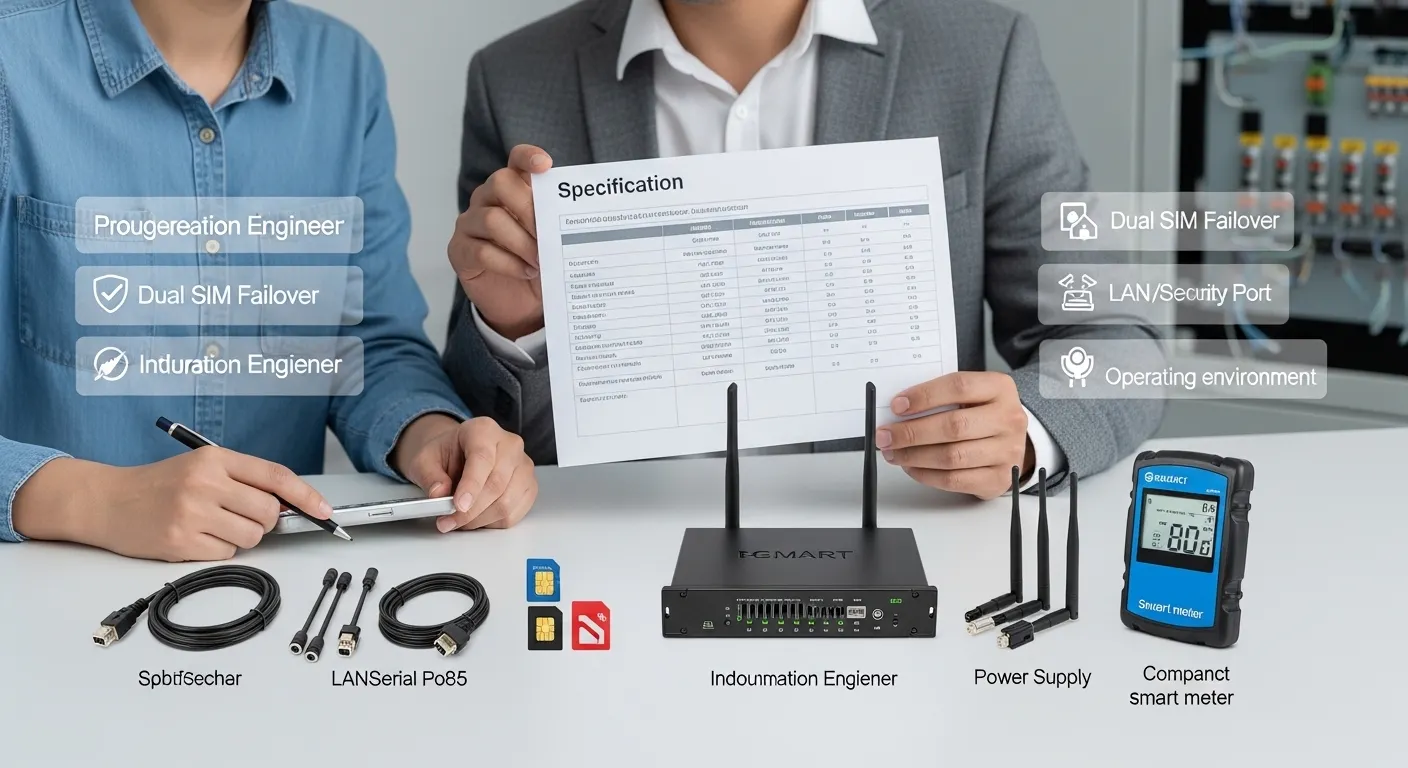
Use this checklist before asking for a quote. It helps engineering and procurement teams avoid vague RFQs such as “send price for 4G router” without the technical details needed for model selection.
| Procurement item | What to confirm | Why it matters | RFQ detail to send Tespro |
|---|---|---|---|
| Application | Metering, SCADA, factory, smart city, remote monitoring | Defines router class and configuration | Project type and connected devices |
| Network | 4G, 5G, LTE coverage, carrier region | Affects cellular module and antenna choice | Country, carrier, network preference |
| Uptime | Single SIM, dual SIM, failover, backup link | Reduces communication loss risk | Required redundancy level |
| SIM/APN | Public SIM, private APN, static IP, VPN need | Affects remote access design | SIM type and access method |
| Interfaces | Ethernet, RS232, RS485, I/O, PoE if needed | Ensures field devices can connect | Port quantity and device list |
| Protocol workflow | TCP/IP, Modbus, MQTT, SCADA, platform link | Determines router/gateway/DTU fit | Protocol and data destination |
| Security | VPN, firewall rules, user access, remote login | Protects field systems | Security and access requirements |
| Remote management | Reboot, logs, firmware, configuration support | Reduces site visits | Maintenance workflow |
| Power | DC input, cabinet supply, backup power | Prevents field installation issues | Available power source |
| Environment | Temperature, dust, humidity, vibration, enclosure | Affects installation reliability | Site and cabinet condition |
Confirm Uptime and Network Requirements First
For industrial projects, uptime is often more important than headline speed. A router used for smart metering, SCADA, or remote monitoring must maintain communication even when coverage is weak or a carrier link becomes unstable.
Before choosing a router, confirm:
- Is the site fixed or mobile?
- Which carrier has the best coverage at the location?
- Is one SIM enough, or is dual SIM failover required?
- Does the project need Ethernet WAN backup?
- Will the system use public SIM, private APN, or static IP?
- Is VPN access required for remote troubleshooting?
- How often will the device send data?
- Is the data low-volume meter data or high-volume video/data logging?
A 5G router may be useful for high bandwidth, low latency, or long lifecycle projects. However, many metering and monitoring projects can work well with the correct 4G LTE configuration. Buyers should decide based on actual data volume, coverage, and project lifecycle instead of choosing by network label only.
Check Interface Count Before Comparing Models
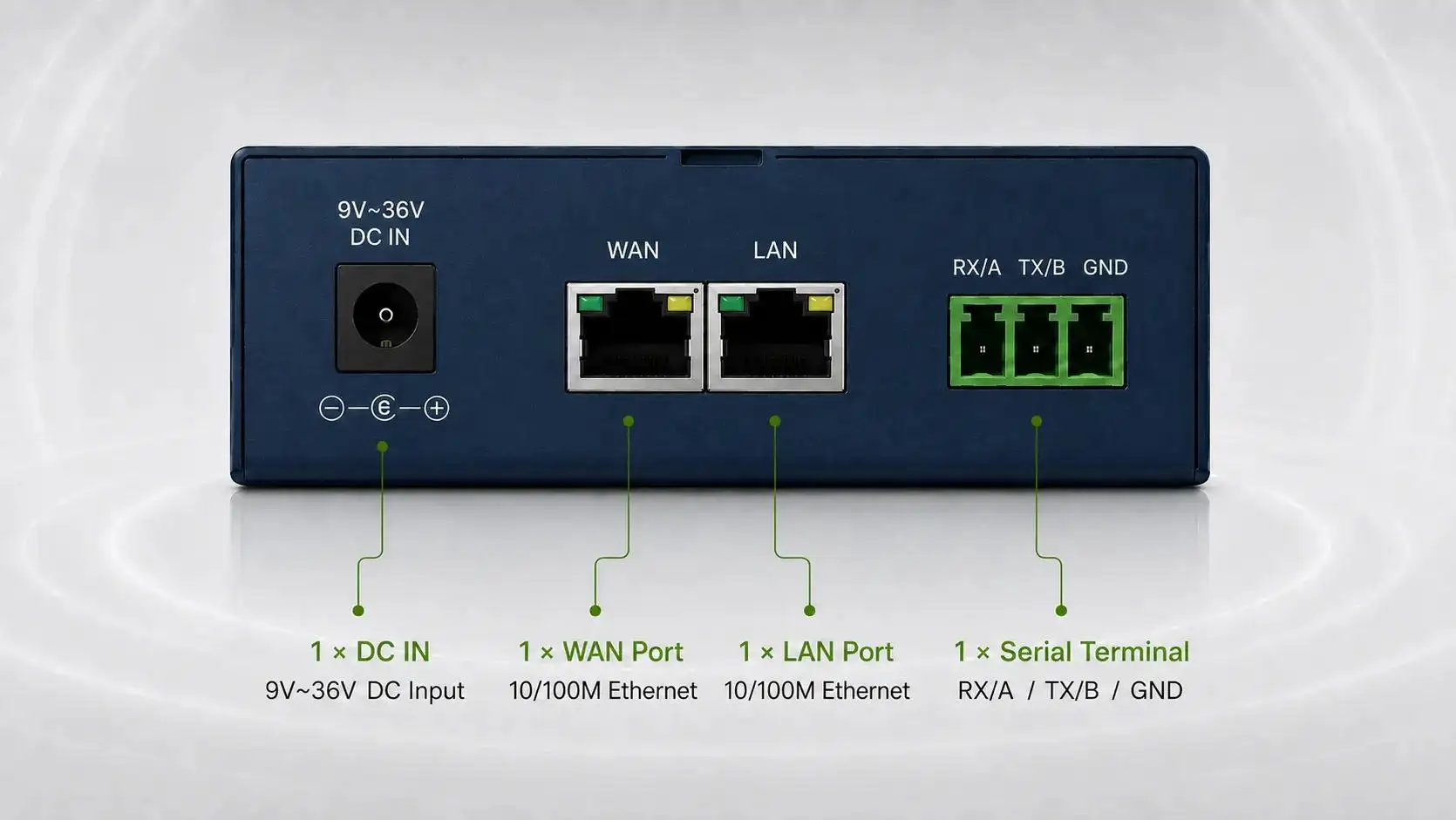
Interface count is one of the most common reasons router selection goes wrong. A buyer may choose a cellular router with enough network speed but not enough physical ports for the field devices.
Confirm whether the site needs:
- Ethernet LAN ports for meters, PLCs, gateways, or local devices
- WAN port for wired backup or uplink
- RS232 for legacy equipment
- RS485 for meters, sensors, or Modbus devices
- DI/DO or analog input for basic monitoring signals
- PoE for cameras or powered field devices, if required
- USB, GNSS, or other optional interfaces, if part of the project design
If the project is mainly serial-to-IP communication, a DTU may be more suitable than a router in some cases. For serial interface planning, see Tespro’s guide on RS232 TCP/IP DTU interface selection.
Match the Router to the Data Workflow
A router can provide cellular connectivity, but the full data workflow may need more than internet access. In metering and industrial IoT projects, the field system may also need protocol handling, data forwarding, cloud upload, or integration with software.
Buyers should map the workflow before ordering:
- Which field devices will connect to the router?
- Will the devices send data by Ethernet or serial?
- Is the system using Modbus RTU, Modbus TCP, TCP/IP, MQTT, SNMP, or another protocol?
- Will data go to SCADA, a private server, a cloud platform, or an energy management system?
- Does the project need transparent transmission only?
- Is protocol conversion required?
- Will engineers need remote access to meters, PLCs, or gateways?
This step helps decide whether the site needs an industrial cellular router only, a router plus DTU, or a router plus gateway. For example, a router may be enough for secure backhaul. A gateway may be needed when local processing, protocol conversion, or device-to-cloud data handling is required.
Plan VPN, Static IP, APN, and Remote Access
Remote access should be discussed before procurement, not after installation. Many industrial sites are difficult to visit. If the router cannot be reached securely, troubleshooting becomes slow and expensive.
Key access questions include:
- Will the buyer need a static public IP?
- Will the carrier provide a private APN?
- Will remote engineers connect through VPN?
- Does the system need firewall rules or port restrictions?
- Who will manage user access?
- Will the router require remote reboot or configuration updates?
- How will logs and connection status be checked?
- Will the router connect to a customer platform or third-party monitoring system?
For SCADA and utility projects, remote access must balance convenience and security. Procurement teams should involve both engineering and IT/security teams before final model selection.
Review Operating Environment and Installation Conditions
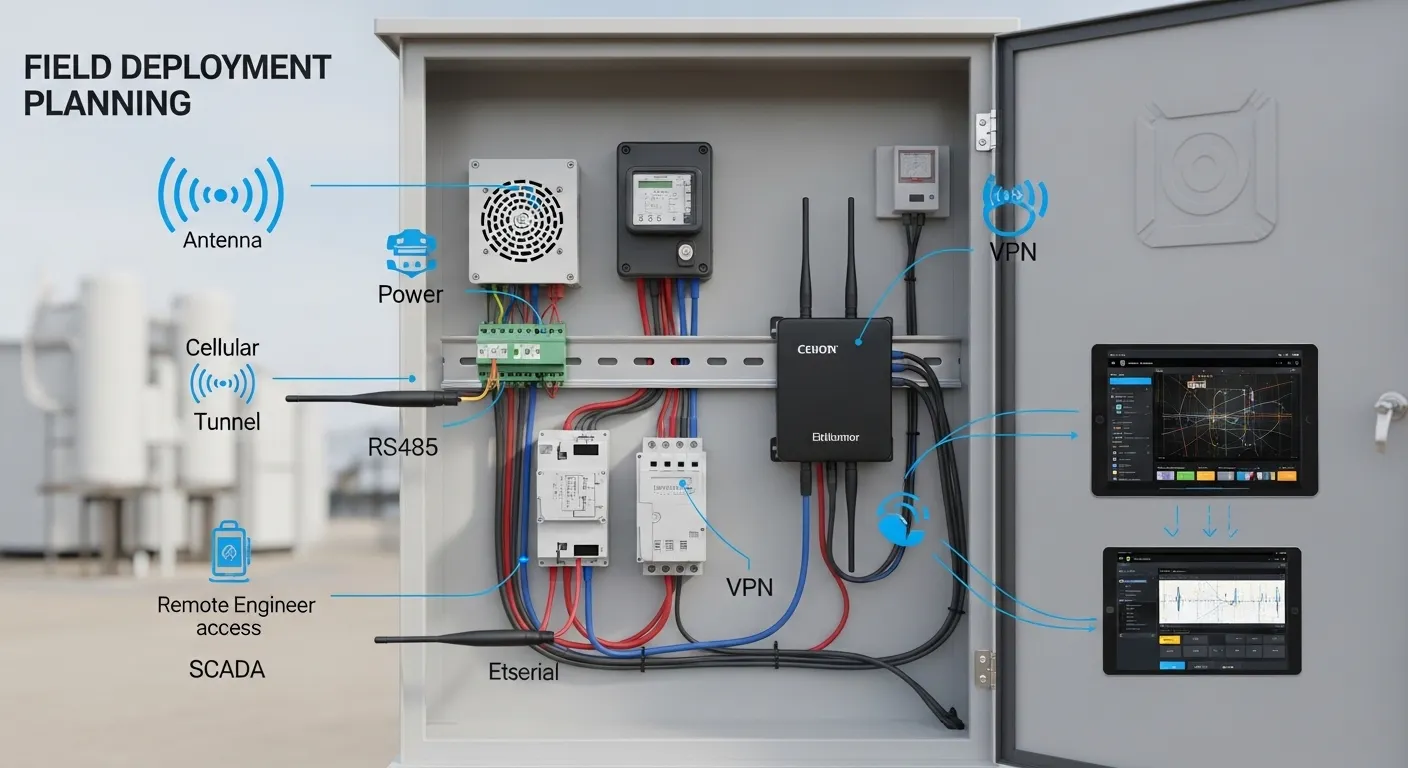
Industrial routers are often installed in cabinets, substations, outdoor enclosures, traffic boxes, factories, energy sites, or remote utility locations. The installation environment affects router selection as much as network features.
Confirm these site details:
- Available power supply and backup power
- Cabinet size and mounting method
- DIN rail or wall-mount requirement
- Indoor or outdoor enclosure
- Operating temperature range required by the site
- Dust, vibration, humidity, or electrical noise exposure
- Antenna type and antenna cable length
- Signal strength at the installation point
- Grounding and surge protection plan
- Maintenance access for field technicians
Antenna planning is especially important. A router with good specifications may still perform poorly if it is placed inside a metal cabinet without suitable antenna routing.
How Buyers Should Compare Industrial Router Suppliers
A supplier comparison should not focus only on unit price. For utility and industrial projects, the better question is whether the supplier can help the buyer select the correct configuration and avoid deployment problems.
When comparing suppliers, check whether they can support:
- Clear datasheets and model information
- Router, DTU, gateway, and platform-level guidance
- Interface and protocol requirement review
- SIM, APN, VPN, and remote access discussion
- Application-specific selection support
- Sample, datasheet, or demo request handling
- OEM/ODM discussion where relevant
- Technical communication before quotation
For broader supplier evaluation, buyers can also review Tespro’s industrial DTU supplier vetting checklist. The same principle applies to router projects: the supplier should understand the field application, not only the product label.
What to Send Tespro for a Router Quote
A complete RFQ helps Tespro recommend a more suitable router option and respond with clearer technical guidance. Before requesting pricing or a datasheet, prepare the following details:
- Required product type or device category
- Estimated quantity
- Application or project type
- Country, installation region, and preferred carrier
- 4G, 5G, or other network requirement
- SIM, APN, VPN, or static IP needs
- Connected device types, such as meters, PLCs, RTUs, gateways, or cameras
- Interface requirements, including Ethernet, RS232, RS485, I/O, or PoE
- Protocol or data workflow, such as Modbus, TCP/IP, MQTT, SNMP, SCADA, or cloud upload
- Power supply available on site
- Cabinet, enclosure, and mounting constraints
- Operating environment and site conditions
- Remote management and security requirements
- Datasheet, sample, demo, or consultation request
- Delivery destination
- Any system diagram, drawing, site photo, or written specification
If your team is reviewing technical documents, Tespro’s guide on datasheet specifications buyers should check can also help structure the review process.
Why Work With Tespro for Industrial Router Selection
Tespro supports industrial metering, connectivity, and energy data projects where field hardware must fit real deployment conditions. Our product scope includes metering optical probes, data transmission units, industrial routers, industrial gateways, test equipment, calibrators, software platforms, and related smart metering solutions.
This wider product context is useful for buyers who are not only purchasing a router. Many projects also involve meters, optical reading tools, DTUs, gateways, dashboards, remote data collection, or integration with utility and industrial systems.
Tespro can help buyers review project requirements, prepare RFQ details, compare device categories, and request datasheets, samples, demos, or OEM/ODM support where relevant.
Frequently Asked Questions
Do I need a 4G or 5G industrial router?
Choose based on data volume, coverage, latency, and project lifecycle. Many metering and remote monitoring sites can use 4G. 5G may fit high-bandwidth, low-latency, or future-focused deployments.
When should I choose dual SIM?
Dual SIM is useful when uptime matters and one carrier may be weak or unstable. It is common for remote sites, utility cabinets, SCADA systems, and field monitoring projects that need failover.
Can an industrial router connect RS232 or RS485 devices?
Some projects need serial connectivity for meters, RTUs, or legacy equipment. Confirm RS232 or RS485 requirements before quotation. If the project is mainly serial data transmission, a DTU may also be considered.
Do I need static IP, APN, or VPN?
You may need these for secure remote access, SCADA connectivity, or field troubleshooting. The right choice depends on the carrier, customer IT policy, firewall rules, and how engineers will access devices.
What affects router performance in a remote cabinet?
Signal strength, antenna placement, cabinet material, power stability, temperature, grounding, and cable routing all matter. A strong router can still perform poorly if the installation environment is not planned.
What should I send for a router quotation?
Send quantity, application, network type, carrier region, interface needs, protocol workflow, SIM/APN/VPN details, power supply, site environment, remote management needs, and any system diagram or written specification.
Request an Industrial Router Quote or Technical Consultation
Share your project requirements with Tespro to request an industrial cellular router quotation, datasheet, sample, demo, or model selection consultation. Include your application, quantity, connected devices, interface requirements, network type, SIM/APN/VPN/static IP needs, protocol workflow, power supply, operating environment, installation constraints, delivery destination, and any drawing or system diagram.