-1791966549842.webp)





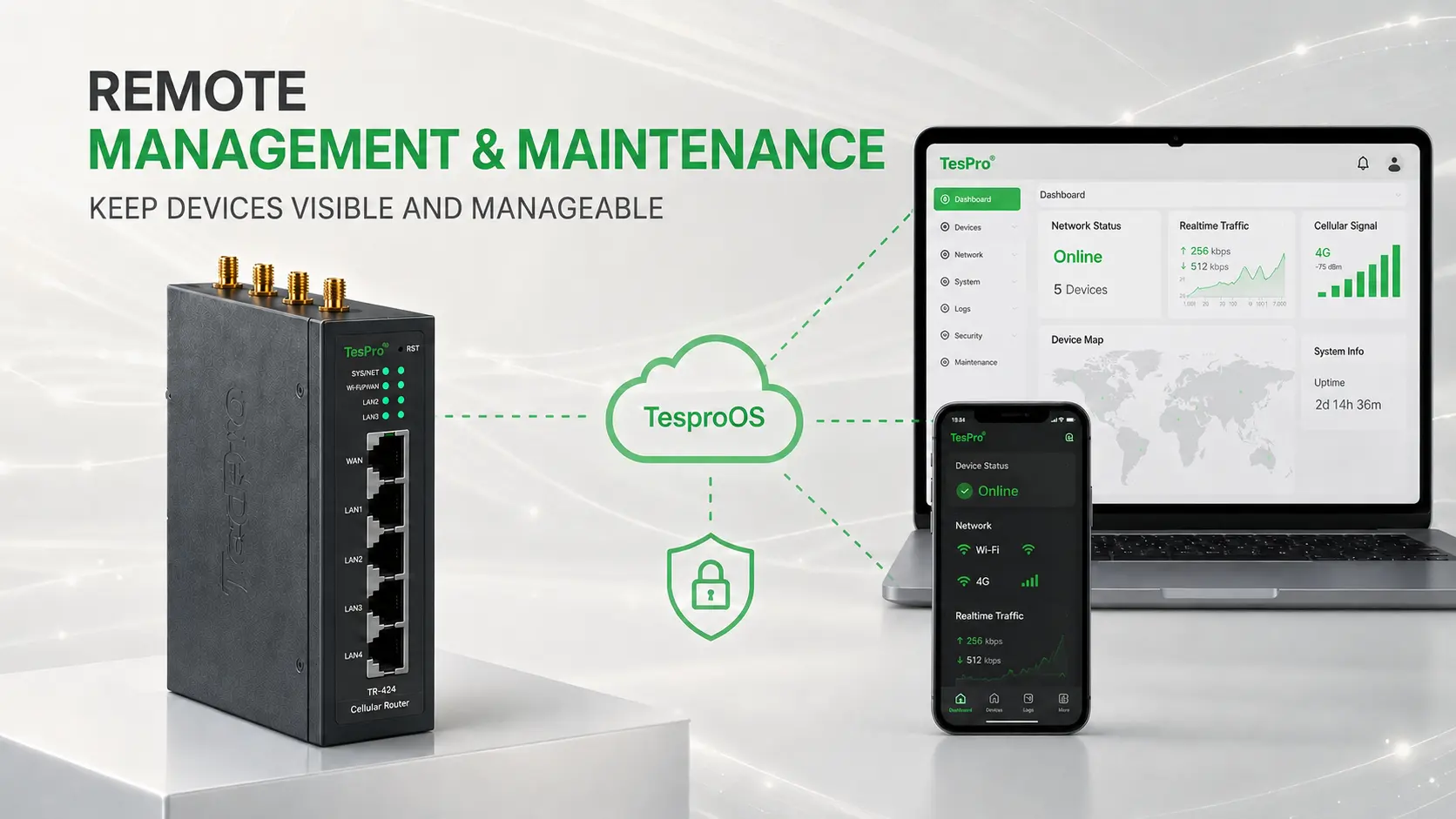

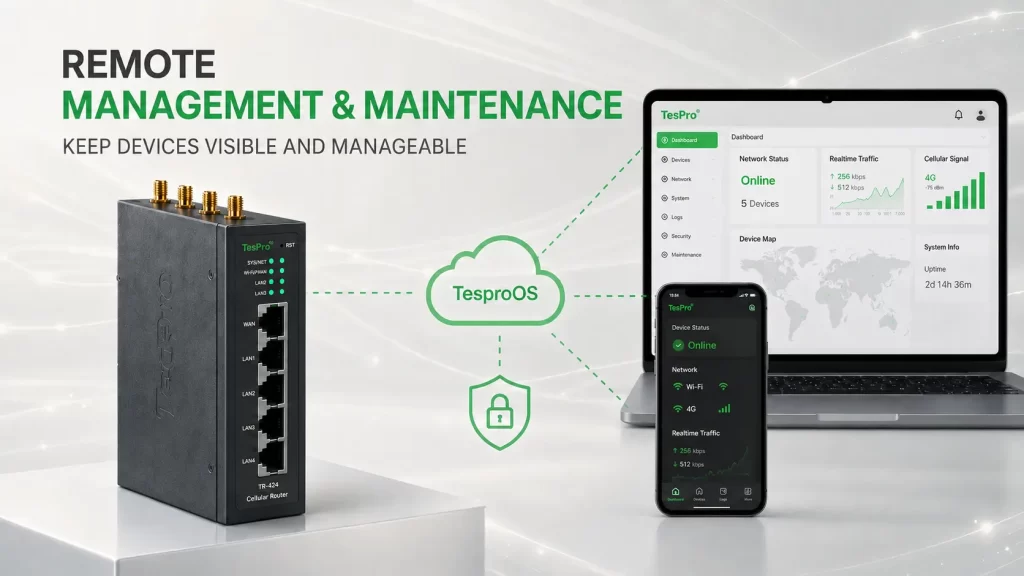
Remote management is more than being able to log into a device. It turns configuration, diagnostics, upgrades and recovery into repeatable operations. The TR-424 page lists Web UI, CLI, SSH, JSON-RPC, TesproOS, event/system/kernel logs, FOTA and bulk firmware/configuration updates through TesproOS.
Key Points
- Standardized configuration reduces parameter drift across sites.
- Logs and remote diagnostics can reduce some field troubleshooting.
- Bulk upgrades need version control, backup and rollback planning.
Move from single-device setup to fleet operations
When deployments grow from tens to hundreds or thousands of units, opening each Web UI no longer scales. Bulk configuration and firmware management help reuse site templates and reduce manual-entry errors.
Remote logs provide more value than a simple online/offline status
Event, system and kernel logs help diagnose cellular dialing, VPN, interfaces, reboots and software behavior. Intermittent issues often require logs before an engineering team can identify root cause.
Remote upgrades still need risk control
TR-424 lists configuration-preserving upgrades, configuration backup and factory restore. Production fleets should still use staged rollout, rollback validation and planned change windows rather than updating every site at once.
Remote operations should cover the full device lifecycle
Before deployment, devices need templates and identity. During operation, teams need status, logs and configuration. Faults require diagnosis and recovery. Upgrades need grouping, version control and rollback. Retirement also includes certificates, SIMs and accounts. Evaluating this full lifecycle shows whether TesproOS reduces real O&M cost rather than merely offering remote login.
Grouping and change control matter more than a one-click mass upgrade
Large fleets should be grouped by customer, region, model, firmware and service criticality. Start upgrades with a test cohort, expand gradually, and record version, time, result and exceptions. Critical sites should retain configuration backups and a manual recovery plan.
Applications and Technical Boundaries
Where remote management has the most value: Multi-city or multinational fleets, unattended sites, high device counts, expensive site visits or projects that need standardized configuration.
What still needs a field process: Antenna placement, power faults, cable damage, hardware replacement and safe physical work cannot be fully remote. Remote O&M should be paired with spare and service procedures.
TesproOS turns the industrial router from a box into a manageable asset
TesproOS extends the router from “a box that connects” into “an asset that can be managed over time.” Standardized configuration, logs, FOTA and fleet operations fit multi-site deployments where field access is expensive. The software layer does not remove physical maintenance, but it improves remote diagnosis and change control.
Frequently Asked Questions
Q: Can TesproOS perform bulk upgrades?
A: The current TR-424 page explicitly lists bulk firmware/configuration updates for multiple devices through TesproOS.
Q: Will a remote upgrade erase the configuration?
A: The page lists configuration-preserving upgrade capability, but production upgrades should still be backed up and validated on a small batch first.
Q: Does remote management require a public IP at the site?
A: That depends on the platform, VPN and network architecture. Do not assume every deployment requires a public IP at the field site.
Q: Can TesproOS fix a router immediately when the router itself is offline?
A: If the device has no working network path, the platform cannot communicate with it directly. Local watchdog/redial functions, backup links and an on-site contingency process are still required.