-1791966549842.webp)





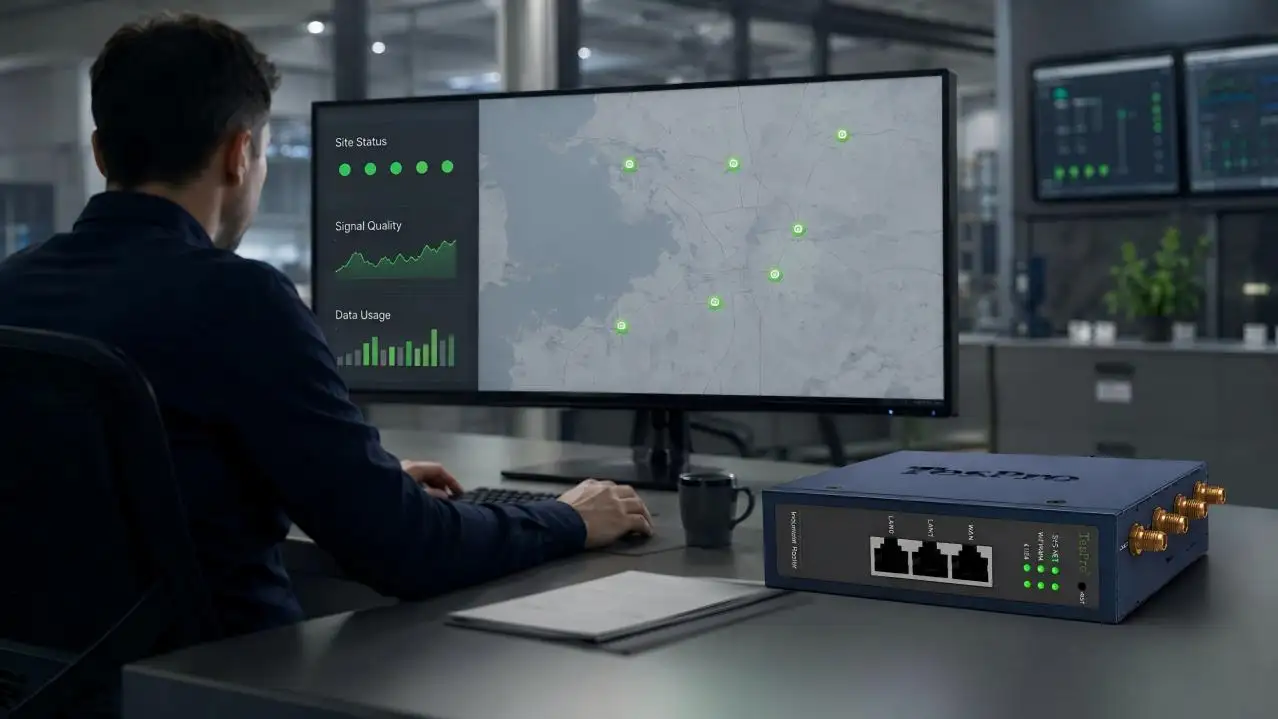

Managing one remote router is straightforward. Managing hundreds across substations, factories, campuses, water facilities, or smart-city assets is a different engineering problem. Each site may have different cellular coverage, field interfaces, power conditions, and cybersecurity requirements.
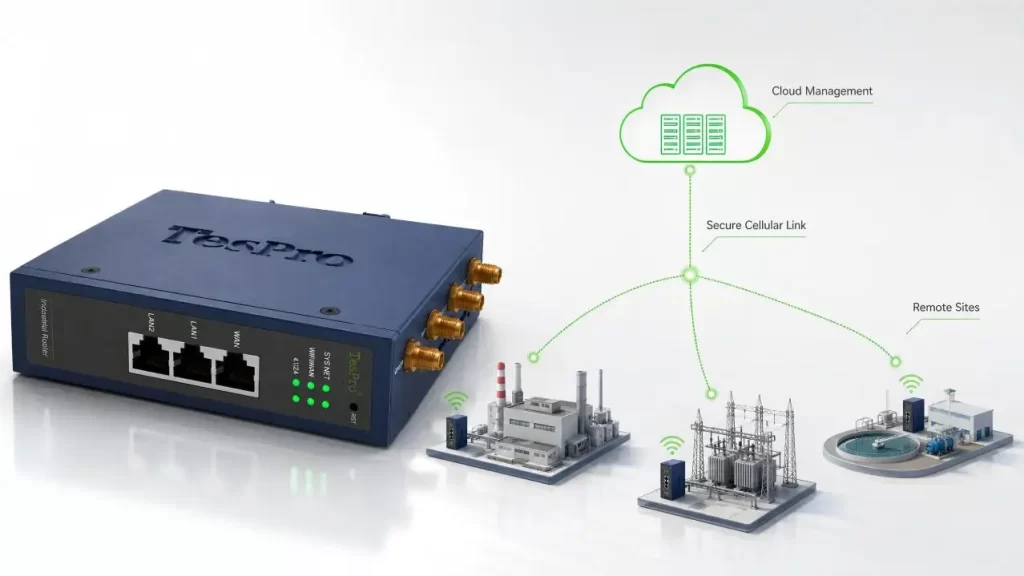
A cloud-managed Industrial Cellular Router for Remote Monitoring provides the communication layer between field equipment and a central platform while allowing network teams to supervise distributed connections. However, successful deployment depends on more than adding a SIM card and enabling remote access.
Why Multi-Site Monitoring Requires Centralized Management
A typical multi-site architecture follows this path:
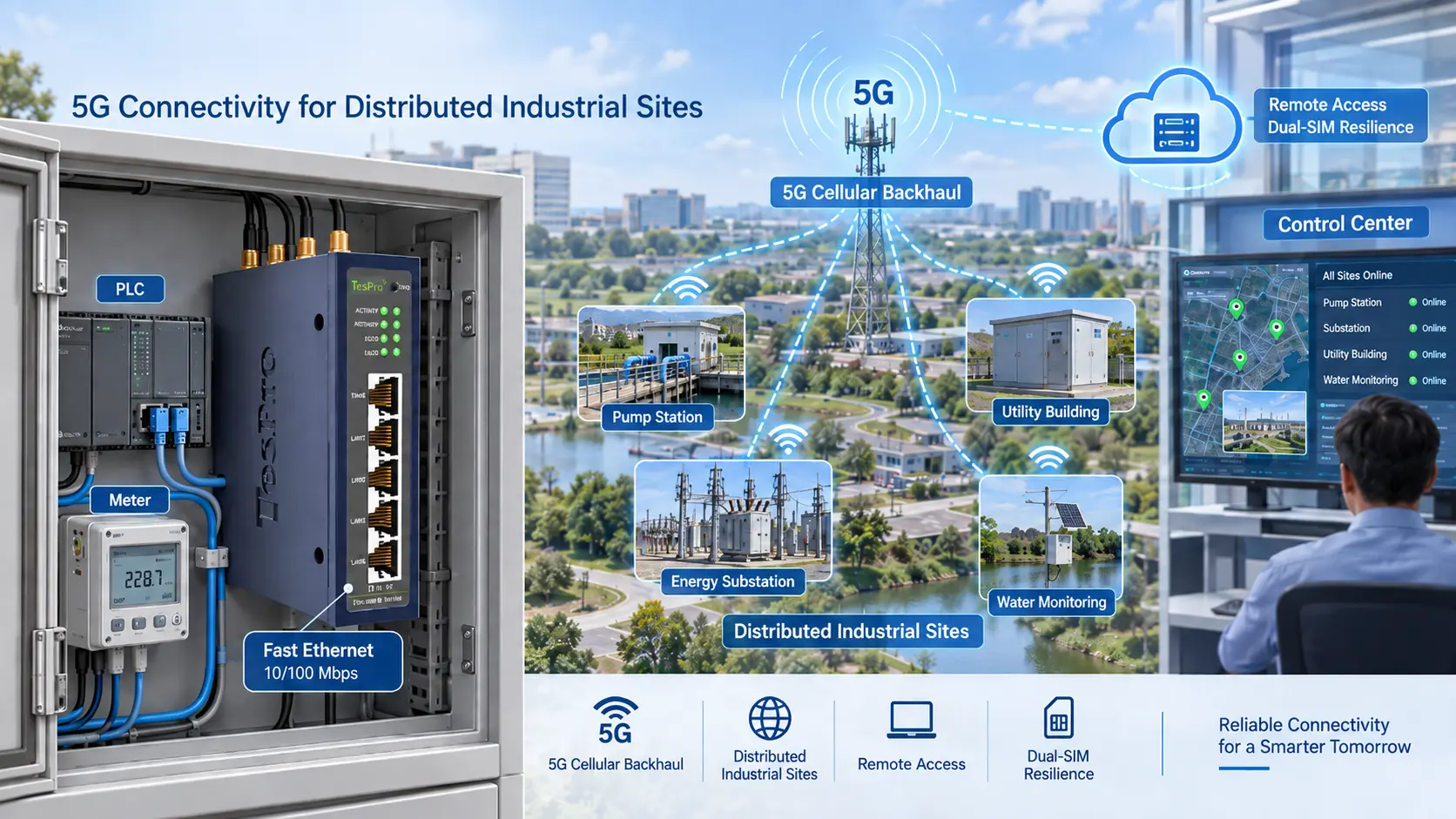
PLC, Meter or Sensor → Industrial Router → Cellular Network → VPN/Private Network → Control Center or Cloud Application
The router transports data; the management platform supervises router connectivity and configuration. It should not be confused with SCADA, AMI, BMS, or an industrial analytics platform.
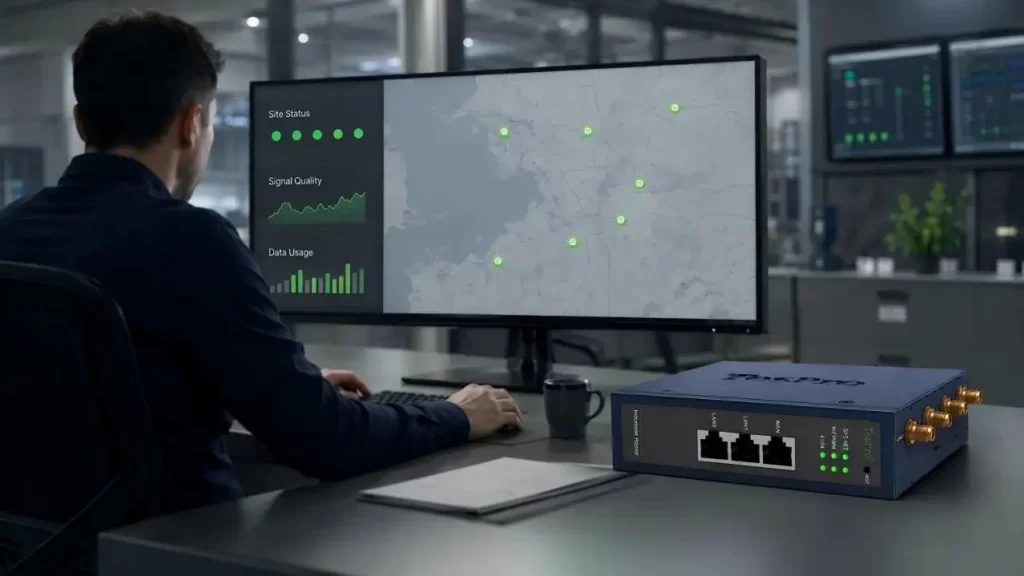
Centralized management becomes valuable when teams need to identify:
• Which routers are online or offline
• Which connection—WAN, cellular, or Wi-Fi—is active
• Whether signal quality is deteriorating
• Which sites use inconsistent configurations
• Where data consumption is unusually high
• Which devices require maintenance or updates
Cloud Management vs. Individual Router Management
| Decision Area | Individual Management | Cloud-Managed Deployment |
| Device visibility | Each router checked separately | Multiple sites viewed centrally |
| Configuration | Higher risk of inconsistent settings | Standard templates can be used |
| Troubleshooting | Often begins with a site visit | Remote diagnosis comes first |
| Expansion | Workload rises with every site | Better suited to fleet deployment |
| Updates | Firmware versions may diverge | Updates follow a coordinated policy |
| Auditability | Logs remain distributed | Events are easier to review centrally |
Cloud management reduces repetitive work, but it does not eliminate physical maintenance. Antenna damage, wiring faults, unstable power, or environmental problems can still require an on-site technician.
Technical Requirements for an Industrial Cellular Router for Remote Monitoring
Router selection should begin with the field application rather than the highest advertised data rate.
| Design Dimension | Engineering Requirement | Validation Point |
| Cellular access | 4G, 5G, or NB-IoT | Bands, local coverage, carrier approval |
| Network resilience | Dual SIM and WAN backup | Failover and recovery behavior |
| Field interfaces | Ethernet, Wi-Fi, RS232, RS485 | Port count, speed, and device compatibility |
| Security | VPN, firewall, and access controls | Encryption, authentication, and segmentation |
| Industrial design | Wide power and temperature support | Cabinet and site conditions |
| Central management | Status, configuration, and event visibility | Platform functions and device capacity |
| Scalability | Repeatable deployment across sites | Templates, naming, and lifecycle policy |
| Choosing Between 4G, 5G, and NB-IoT | ||
| Network | Best-Fit Application | Main Consideration |
| 4G LTE | PLC, SCADA, AMI/AMR, routine telemetry | Broad coverage and sufficient bandwidth |
| 5G | Video, high-volume data, low-latency applications | Coverage, cost, and data consumption |
| NB-IoT | Small, infrequent sensor or meter messages | Low throughput and operator availability |
| Ethernet/Wi-Fi | Sites with existing local networks | Network quality and backup design |
For many monitoring applications, stable 4G is more valuable than poorly covered 5G. Network surveys should record more than signal bars. Useful cellular indicators include RSRP, RSRQ, SINR, latency, packet loss, and reconnection time.
Dual SIM Does Not Automatically Mean Reliable Failover
A dual-SIM Industrial Cellular Router for Remote Monitoring must have a defined switching policy. Engineers should determine:
• How the router detects a failed or degraded link
• Whether the SIMs use different carrier networks
• How long failover takes
• Whether VPN sessions automatically reconnect
• When the router returns to the primary link
• How field data is handled during disconnection
WAN, cellular, and Wi-Fi backup paths should be tested under real failure conditions. Removing an antenna, blocking an uplink, interrupting WAN service, and restarting site power reveal problems that configuration reviews may miss.
Connecting Legacy and IP-Based Equipment
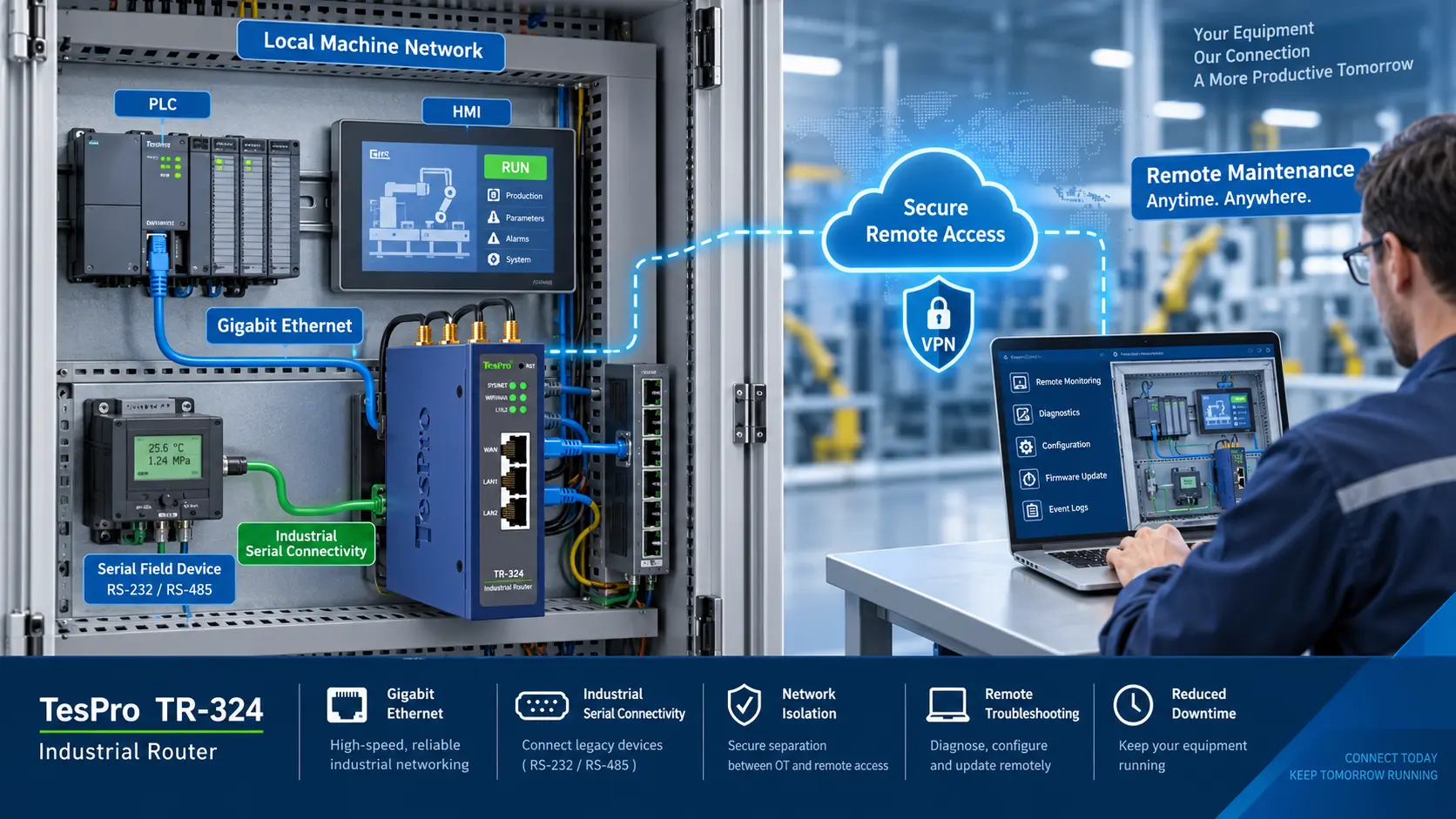
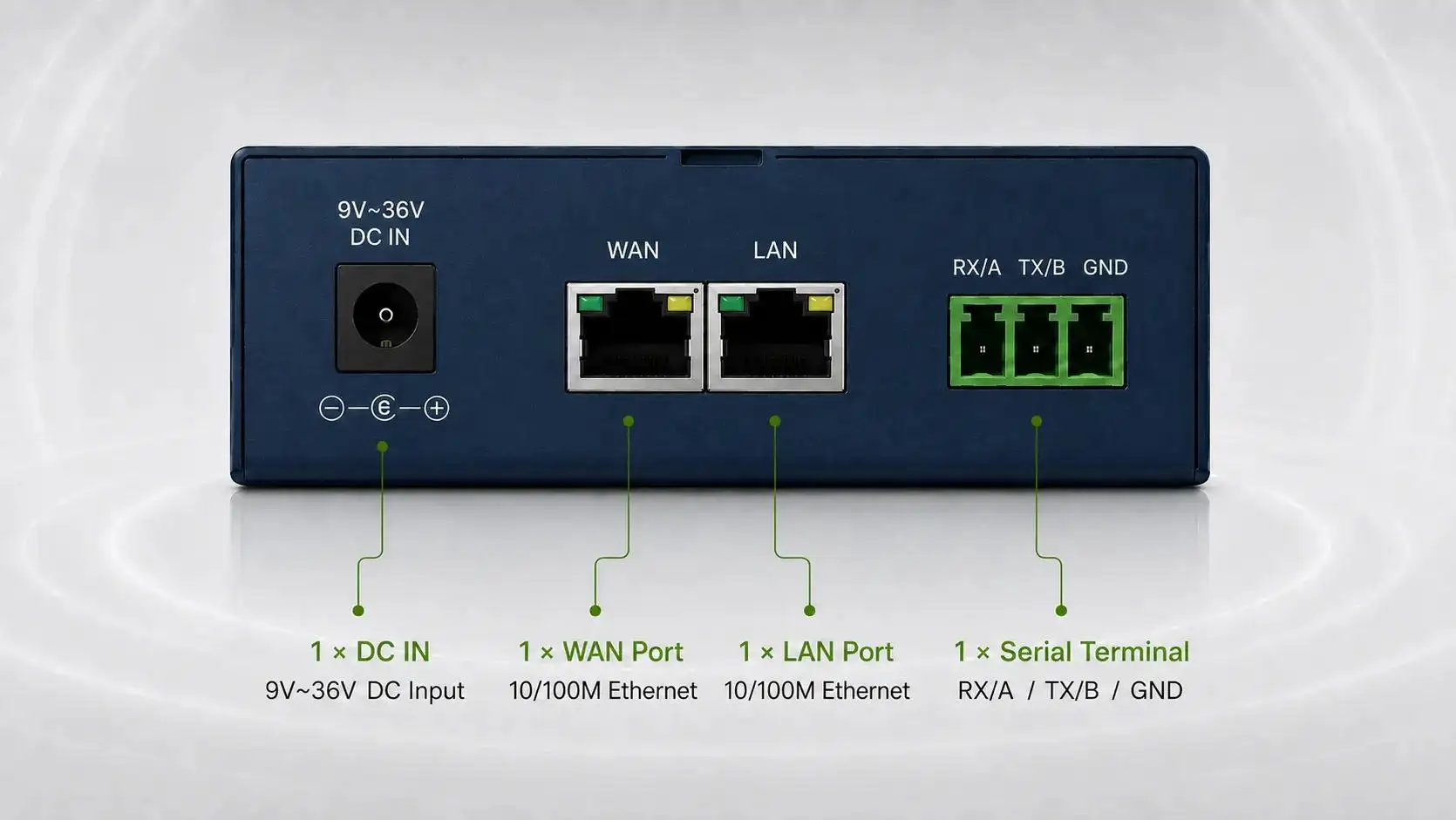
Ethernet ports connect IP-based PLCs, HMIs, cameras, and controllers. RS232 and RS485 interfaces support many installed meters and automation devices, while Wi-Fi can connect nearby equipment where cabling is impractical.
Physical interface support does not always mean automatic protocol conversion. A project using Modbus RTU, Modbus TCP, DLMS, or a proprietary protocol should confirm whether the router only transports data or also performs gateway-level conversion.
Port count also matters. A two-LAN router may suit a compact metering cabinet, while a site with several controllers may require four LAN ports or an additional industrial switch. Gigabit Ethernet is useful for high-volume traffic but may offer little benefit for low-rate telemetry.
Building a Secure Remote-Access Architecture
While supporting VPNs is important, available VPNs do not ensure the security of an OT network. An industrial cellular router for remote monitoring should be part of a defense in depth security design.
Suggested controls are:
• Do not connect PLCs or router admin pages to the internet
• Change default router passwords
• Use firewall rules to manage open ports
• Keep OT devices on a separate network from office and public Wi-Fi
• Use strong keys or certs for VPNs
• Limit access to what is needed for the task
• Log system access and changes, including those made during connection failures
• Establish a controlled process for firmware updates
• Keep a vulnerability management process
Using a private APN reduces public exposure, but it does not replace the use of encryption, authentication, and network segmentation. Policies for deployment should follow established frameworks such as ISA/IEC 62443.
Estimating Cellular Data and Operating Cost
Monthly traffic can be estimated as:
Monthly Data ≈ Payload Size × Reporting Frequency × Device Count × 30 days
The calculation should also include protocol headers, VPN overhead, heartbeats, retransmissions, logs, and firmware downloads.
There are several expenses that go beyond the price of a router. Examples of these expenses are:
• The cost of SIM cards and data plans
• Costs associated with the cloud platform
• The expense of antenna work and installation
• Administration of cybersecurity
• Firmware configuration and maintenance
• The technician's travel expenses
• Lost production or service due to downtime
A more expensive router can still be a good investment even with the higher price due to its potential to reduce the need for on-site visits or to provide a more reliable failover.
Multi-Site Deployment and Acceptance Testing
In order to achieve a successful deployment of multiple sites, acceptance testing should be:
- A staged rollout for surveying cellular coverage, power, interfaces, and environmental conditions.
- Defining policies for IP addressing, APN, VPN, firewall, and failover
- Establishing standard configurations and naming devices
- Piloting configurations at sites with both strong and weak cellular coverage
- Testing power failure, VPN failure, and data continuity failover
- Staged deployment to monitor availability, traffic, and signals, and respond to alarms
Acceptance records should include configuration version, carrier, signal measurements, average latency, failover time, and communication results for every connected device.
Tespro's Approach to Industrial Remote Connectivity
Tespro takes a unique approach to remote monitoring by not lumping all projects together and assuming similarities where there are none. We provide a wide variety of connectivity options including GPRS, 4G, 5G, NB-IoT as well as Ethernet, Wi-Fi, RS232, and RS485.
Our products offer a number of configurable options including different LAN counts, Ethernet speeds up to Gigabit, and various Wi-Fi standards. We also offer a number of features to help with multi-site connectivity including Dual SIM, network failover, VPNs, remote management, and a cloud management platform.
This range allows an Industrial Cellular Router for Remote Monitoring to be matched to AMI/AMR, utilities, campuses, automation systems, and smart-city infrastructure. For projects requiring specialized interfaces, protocols, cellular options, or software functions, Tespro's hardware and software teams can also evaluate OEM/ODM requirements.
Conclusion
A cloud-managed Industrial Cellular Router for Remote Monitoring must balance bandwidth, field interfaces, redundancy, cybersecurity, environmental durability, and lifecycle cost. The correct design is the one that remains manageable when a pilot project expands into hundreds of distributed sites.
If you are planning a multi-site deployment, share the site locations, carriers, field interfaces, reporting frequency, security architecture, and environmental requirements with Tespro. We can help evaluate a practical router and management configuration for the application. Explore Tespro Industrial Cellular Routers.
FAQs
Q1. What cellular networks do Tespro industrial routers support?
Tespro's industrial router portfolio includes models supporting GPRS, 2G, 3G, 4G LTE, 5G, and NB-IoT. Network availability depends on the selected model, regional frequency bands, local carrier coverage, and SIM service.
Q2. Can Tespro routers be centrally managed across multiple sites?
Tespro offers remote-management functions and a cloud management platform for distributed router deployments. Project teams should confirm required functions such as device-status monitoring, configuration management, alarms, logs, and user permissions before deployment.
Q3. Do Tespro industrial cellular routers support dual-SIM failover?
Selected Tespro models support dual SIM and network failover. This can provide an alternative cellular connection when the primary carrier becomes unavailable. Failover thresholds, switching time, VPN recovery, and carrier compatibility should be tested during commissioning.
Q4. Which field interfaces are available on Tespro routers?
Depending on the model, Tespro industrial routers can provide Ethernet, Wi-Fi, RS232, and RS485 connectivity. This allows them to connect IP-based equipment and many existing meters, PLCs, controllers, and other serial devices.
Q5. Are both Fast Ethernet and Gigabit models available?
Yes. Tespro's portfolio includes industrial routers with 10/100 Mbps Ethernet and models with Gigabit Ethernet. Buyers should select the port speed according to device count, traffic volume, video requirements, and local network architecture.