-1791966549842.webp)





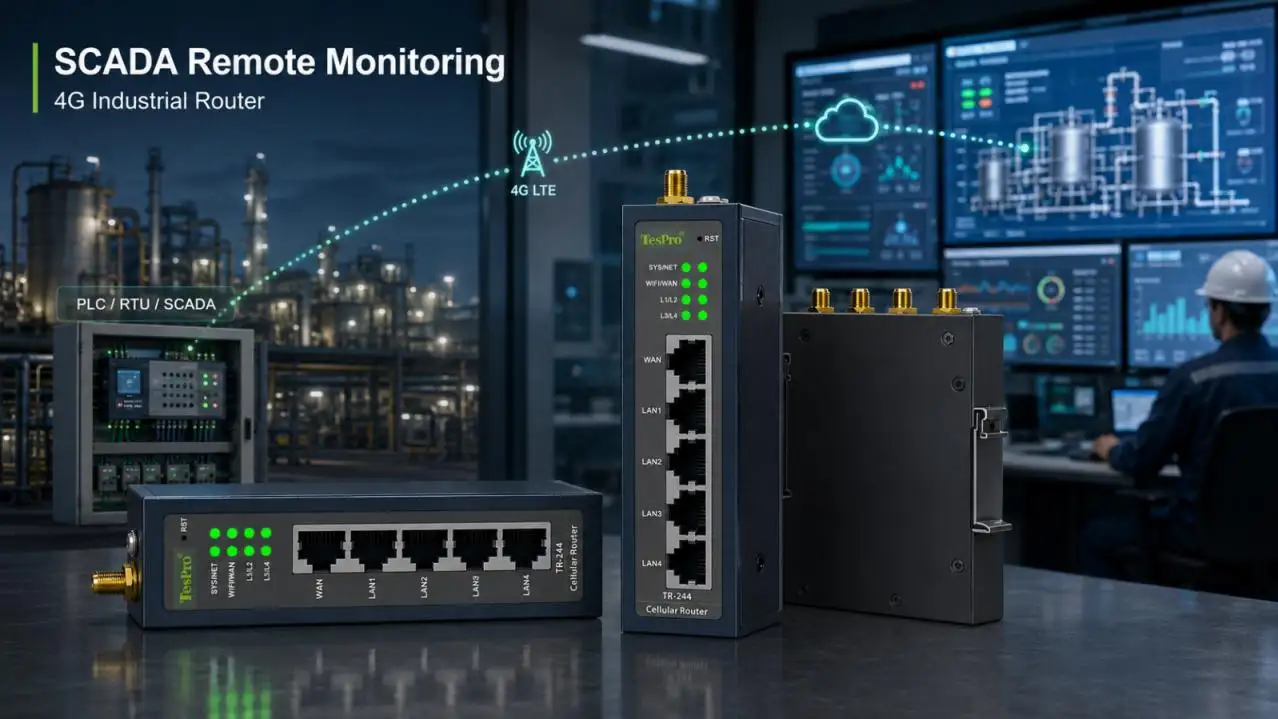

A 4G Industrial Router for SCADA remote monitoring should be selected around communication availability rather than headline cellular speed. In water treatment, pumping stations, power distribution, environmental monitoring and other unattended sites, SCADA traffic is usually dominated by PLC polling, RTU telemetry, alarms and equipment status—not continuous high-bandwidth video.
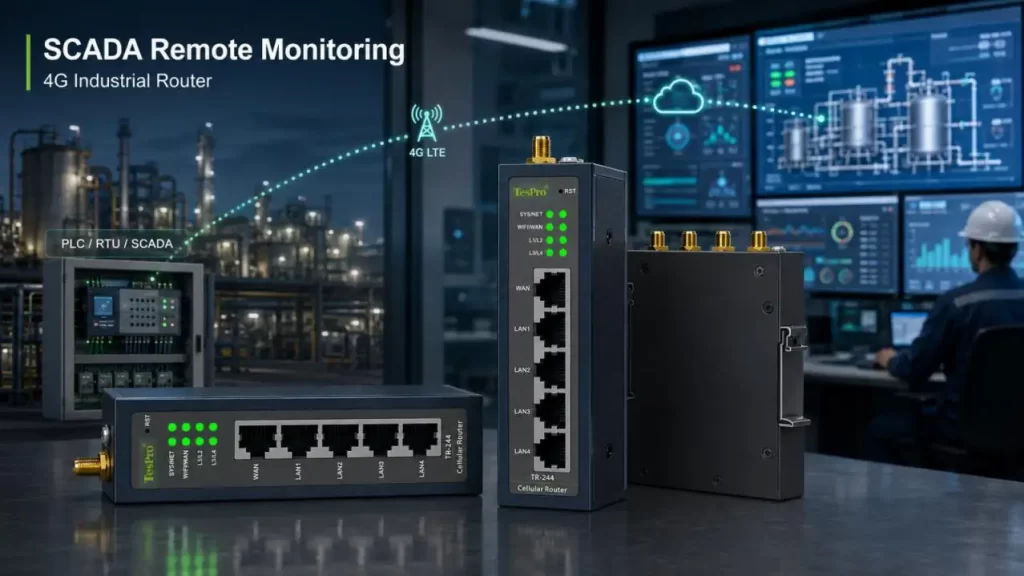
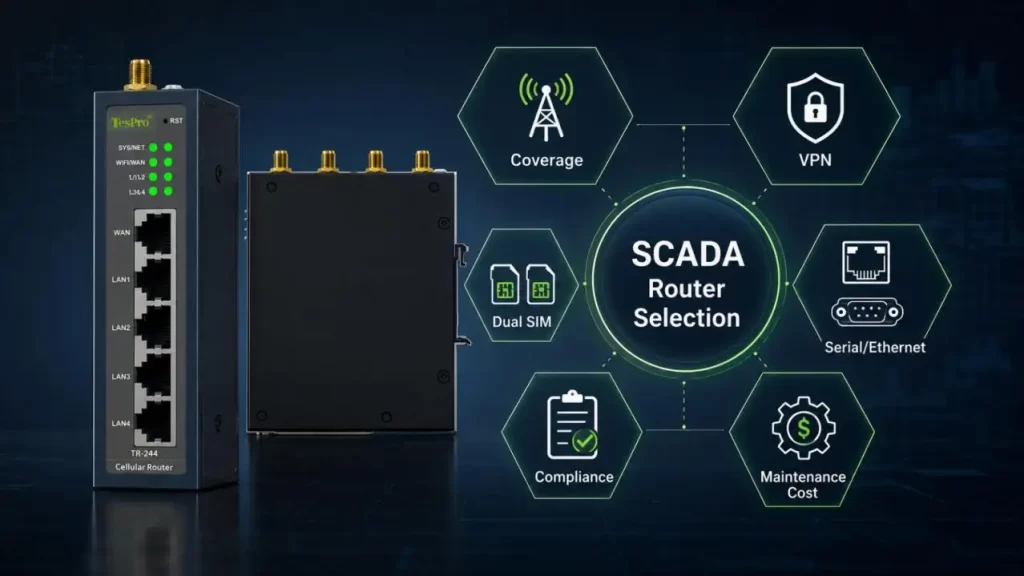
The engineering priorities are therefore different:
• Stable LTE coverage under real field conditions
• Secure SCADA access through VPN
• RS232, RS485 and Ethernet compatibility
• Predictable Dual-SIM failover
• Reliable recovery after cellular interruptions
• Low installation and maintenance cost
For these applications, a correctly sized 4G Industrial Router can often provide a better cost-performance balance than specifying unnecessary high-bandwidth infrastructure.
Why SCADA Can Fail While the 4G Connection Is Still Online
A complete SCADA communication path contains several independent layers:
PLC / RTU → Serial or Ethernet → 4G Industrial Router → LTE → VPN → SCADA Server
An LTE-connected status does not guarantee that SCADA data is available. A failure may occur at the VPN, TCP session, serial interface or application layer.
When diagnosing unstable communication, check:
• LTE network registration
• RSRP, RSRQ and SINR
• WAN IP address changes
• VPN tunnel state
• TCP connection timeout
• Serial baud rate and parity
• Modbus polling timeout
• SCADA reconnect behavior
This distinction is important because replacing a router with a faster LTE model will not solve poor RF conditions or incorrectly configured VPN recovery.
Match Serial and Ethernet Interfaces to the Field Equipment
SCADA installations often combine modern Ethernet PLCs with older meters, controllers and RTUs. A 4G Industrial Router should therefore be selected according to the actual southbound interfaces.
| Field Interface | Typical Equipment | What to Verify |
| RS232 | Legacy PLC, controller, instrument | Baud rate, parity, serial mode |
| RS485 | Meter, RTU, multi-drop bus | Termination, addressing, protocol |
| Ethernet | PLC, HMI, IP controller | Port quantity and LAN topology |
| Modbus RTU | Serial field equipment | RTU handling or conversion requirement |
| Modbus TCP | Ethernet PLC/RTU | IP addressing and routing |
One important distinction is that RS485 is a physical interface, while Modbus RTU is a communication protocol. A serial port does not automatically mean the router performs protocol conversion.
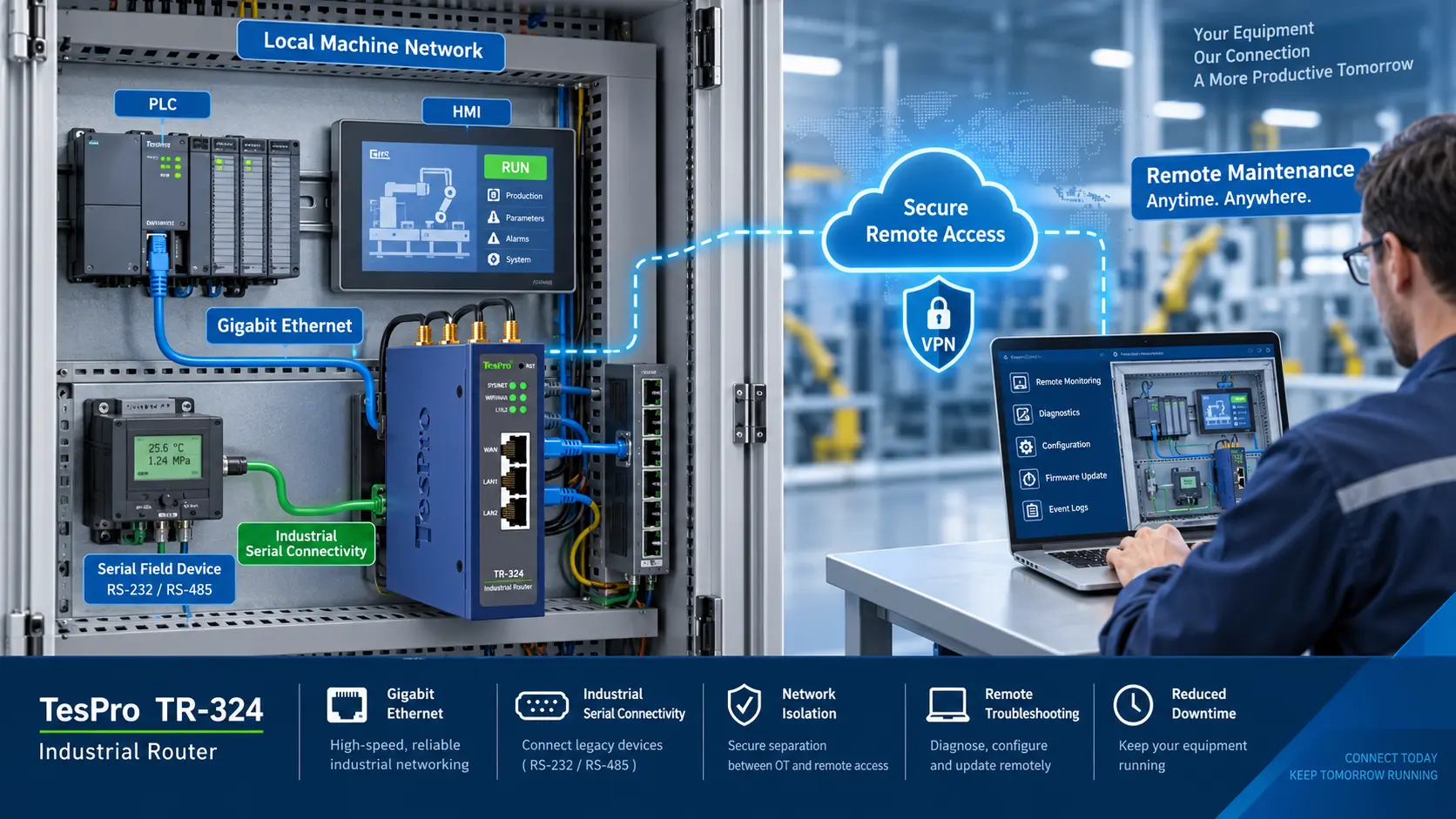
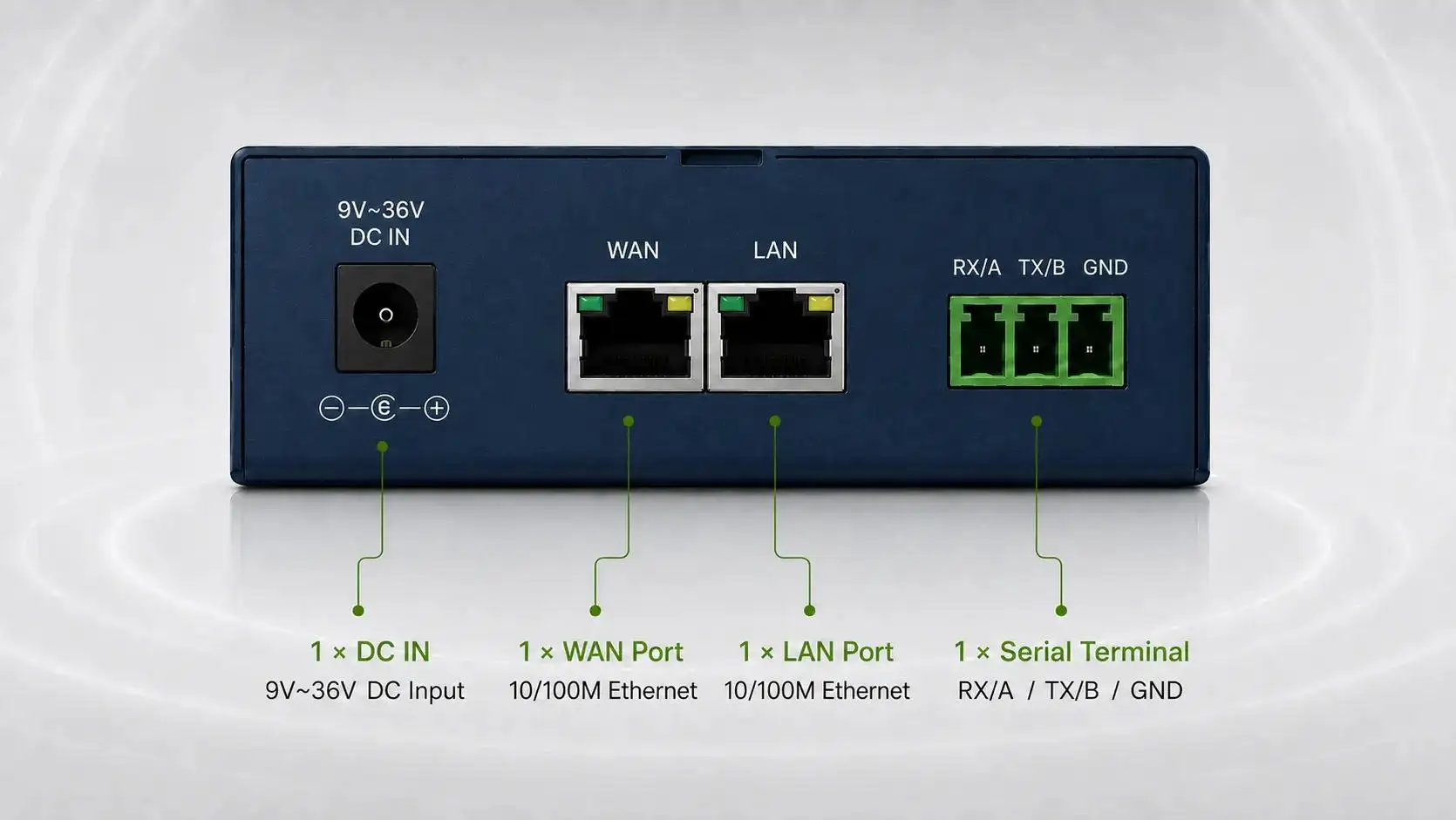
At Tespro, we use different TR-series configurations to address these field architectures. The TR-224 combines two 100 Mbps LAN ports with RS485 and RS232, while the TR-244 expands local Ethernet capacity to four 100 Mbps LAN interfaces. The TR-324 provides two Gigabit Ethernet ports, two RS485 interfaces and RS232 for projects requiring additional serial connectivity.
The TR-244 also supports Modbus TCP/RTU, making this type of 4G Industrial Router suitable for mixed serial and Ethernet SCADA installations.
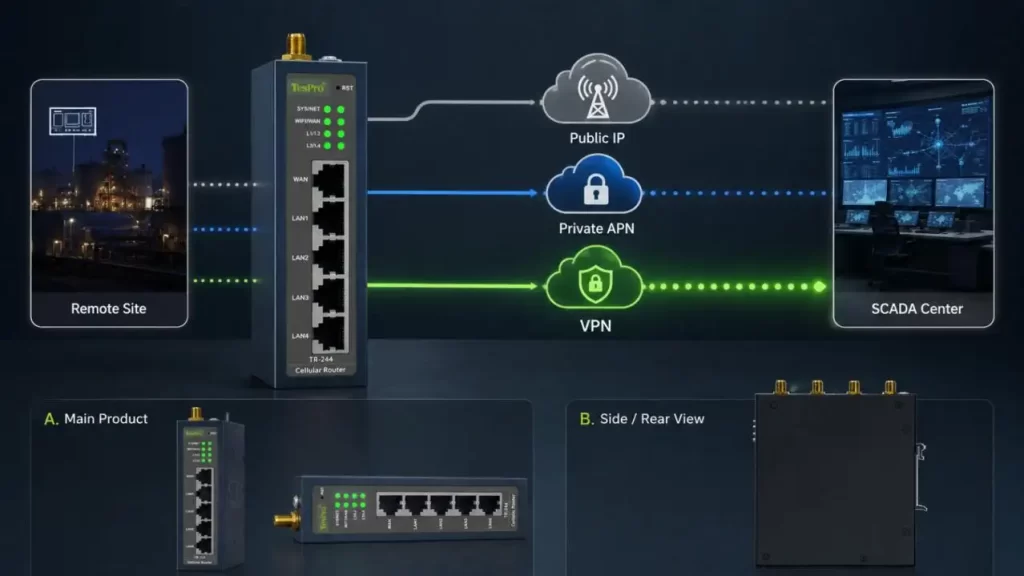
Public IP, Private APN or VPN?
How the SCADA center reaches remote equipment is a more important design decision than LTE throughput.
| Architecture | Main Advantage | Main Limitation | Typical Use |
| Public Static IP | Simple direct addressing | Greater Internet exposure | Small controlled networks |
| Private APN | Operator-level isolation | Carrier dependency and recurring cost | Utility or enterprise networks |
| VPN Overlay | Flexible multi-site connectivity | Requires tunnel management | Distributed SCADA systems |
CGNAT Changes the Remote-Access Design
Many cellular connections operate behind Carrier-Grade NAT. In this condition, the 4G Industrial Router may have Internet access while remaining unreachable through an inbound connection from the SCADA server.
A common architecture is therefore:
Remote Router → Outbound VPN Tunnel → VPN Server / Control Center
The SCADA platform communicates through the established tunnel instead of attempting to reach the cellular router directly.
Tespro industrial routers provide VPN capabilities for this type of remote networking, but protocol selection, authentication, firewall rules and tunnel topology should be defined according to the actual SCADA architecture.
Dual SIM Is About Recovery, Not Just Redundancy
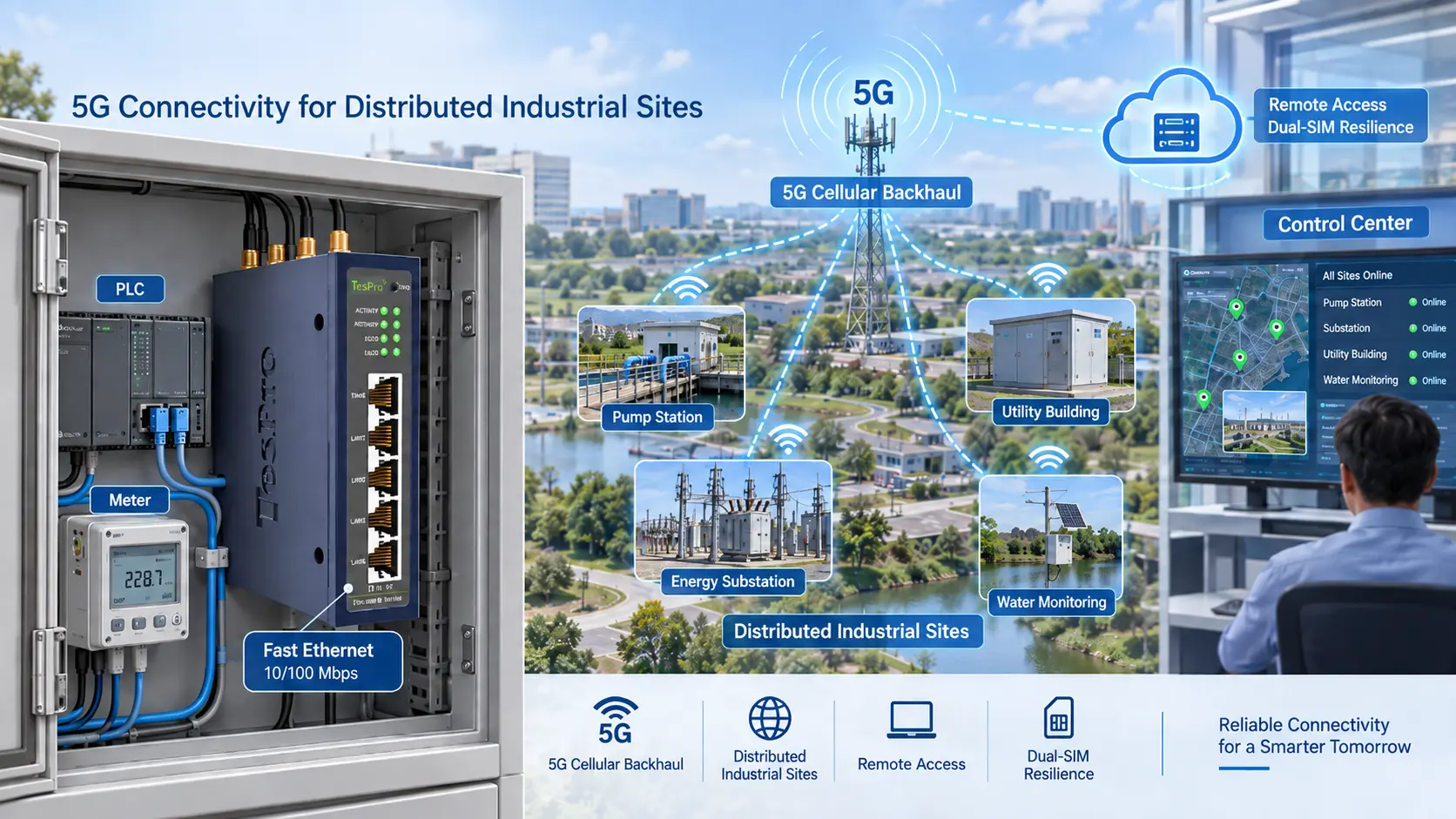
Dual SIM can improve cellular availability, but it should not be treated as zero-downtime communication.
A real failover process may involve:
- Detecting primary-link failure
- Completing configured retries
- Switching to the backup SIM
- Registering with the new operator
- Obtaining a new IP address
- Re-establishing the VPN
- Restoring TCP sessions
- Resuming SCADA polling
For this reason, the important procurement question is not simply:
"Does the 4G Industrial Router support Dual SIM?"
It is:
"How long can the SCADA system tolerate before communications recover?"
Same-Operator vs. Different-Operator SIMs
Using two SIMs from one operator simplifies subscription management but does not protect against all regional network failures.
Different operators can provide stronger coverage diversity but introduce additional APN, addressing and data-plan management.
For critical unattended sites, failover should be tested with the intended SIM cards, VPN configuration and SCADA timeout settings.
RF Design Often Matters More Than LTE Category
For SCADA telemetry, high peak Mbps is rarely the primary indicator of connection quality.
RF assessment should consider:
• RSRP: received LTE reference-signal power
• RSRQ: radio-link quality
• SINR: signal quality relative to interference
• Antenna gain and feeder loss
• Metal cabinet shielding
• Antenna position and orientation
• Available operator coverage
Installing a high-specification 4G Industrial Router inside a poorly shielded or badly positioned metal enclosure can still produce an unstable link.
For outdoor cabinets and remote stations, improving antenna placement may deliver more practical value than moving to a higher LTE category.
Select the Tespro TR Configuration Around the Site
Different SCADA stations need different interface density.
| Tespro Router | Interface Direction | Suitable SCADA Requirement |
| TR-100 | WAN/LAN with configurable serial/CAN direction | Basic remote equipment access |
| TR-224 | 2 × Fast Ethernet + RS485 + RS232 | Compact PLC/RTU station |
| TR-244 | 4 × Fast Ethernet + RS485 + RS232 | Multiple local Ethernet devices |
| TR-324 | 2 × Gigabit Ethernet + 2 × RS485 + RS232 | Higher serial-interface demand |
This approach helps avoid two common purchasing problems:
• Under-sizing: requiring extra switches, gateways or serial converters later
• Over-sizing: paying for bandwidth and interfaces that SCADA traffic never uses
Installation and Maintenance Determine Lifecycle Cost
A 4G Industrial Router should also be evaluated by how easily it can remain operational at an unattended site.
Before commissioning, verify:
• LTE bands against the local carrier
• SIM and APN configuration
• Antenna location
• DC input and grounding
• Surge and EMC requirements
• VPN reconnection behavior
• Firewall permissions
• RS232/RS485 communication parameters
• Watchdog and link-recovery settings
• Remote configuration and diagnostic logs
Remote visibility into cellular registration, signal quality, VPN state and SIM switching can reduce unnecessary field visits—an important cost factor when hundreds of SCADA stations are geographically distributed.
Verify Security and Compliance Before Procurement
VPN support alone does not equal complete SCADA cybersecurity.
Projects should evaluate:
• Firewall and access control
• User authentication
• VPN key or certificate management
• Network segmentation
• Firmware maintenance
• Applicable IEC 62443 cybersecurity requirements
• Industrial EMC requirements
• Radio and market-access certification
• Exact certification scope for the selected model
Statements such as "CE certified" or "industrial-grade" should therefore be supported by applicable documentation rather than treated as universal proof of suitability.
Choose a 4G Industrial Router Around Availability, Not Maximum Mbps
For SCADA remote monitoring, router selection should follow this sequence:
Field Device → RS232/RS485/Ethernet → Protocol → LTE Coverage → VPN Architecture → Dual-SIM Strategy → Recovery Requirement → Compliance
Tespro's TR-100, TR-224, TR-244, TR-324 and related 4G Industrial Router configurations provide different Ethernet and serial interface options for this type of deployment.
For a new SCADA project, defining the PLC/RTU interfaces, number of local devices, cellular operators, VPN topology and acceptable failover time first makes it easier to select a Tespro 4G Industrial Router that meets the real communication requirement without unnecessary network cost.
FAQs
Q1. Which Tespro 4G Industrial Router models are compatible with SCADA remote monitoring?
Tespro's TR-series models are the TR-100, TR-224, TR-244, and TR-324. The number of Ethernet ports and the local device count and networking architecture help determine the model.
Q2. Is it possible to connect RS485 devices to a remote SCADA system using a Tespro 4G Industrial Router?
Yes. Tespro's TR-series routers are able to accommodate PLCs and RTUs as well as other serial devices using RS485. These routers are able to be configured for other serial modes and vary in the type of serial protocol depending on the nature of the project.
Q3. Does Tespro provide Industrial Routers with both RS232 and RS485?
Yes. Models such as TR-224, TR-244, and TR-324 provide support for RS232 and RS485 serial interfaces to accommodate different generations of industrial automation equipment.
Q4. Can Tespro 4G Industrial Routers connect Ethernet PLCs?
Yes. Routers of the TR-series support the Ethernet interfaces for PLCs and HMIs along with other industrial controllers and devices.