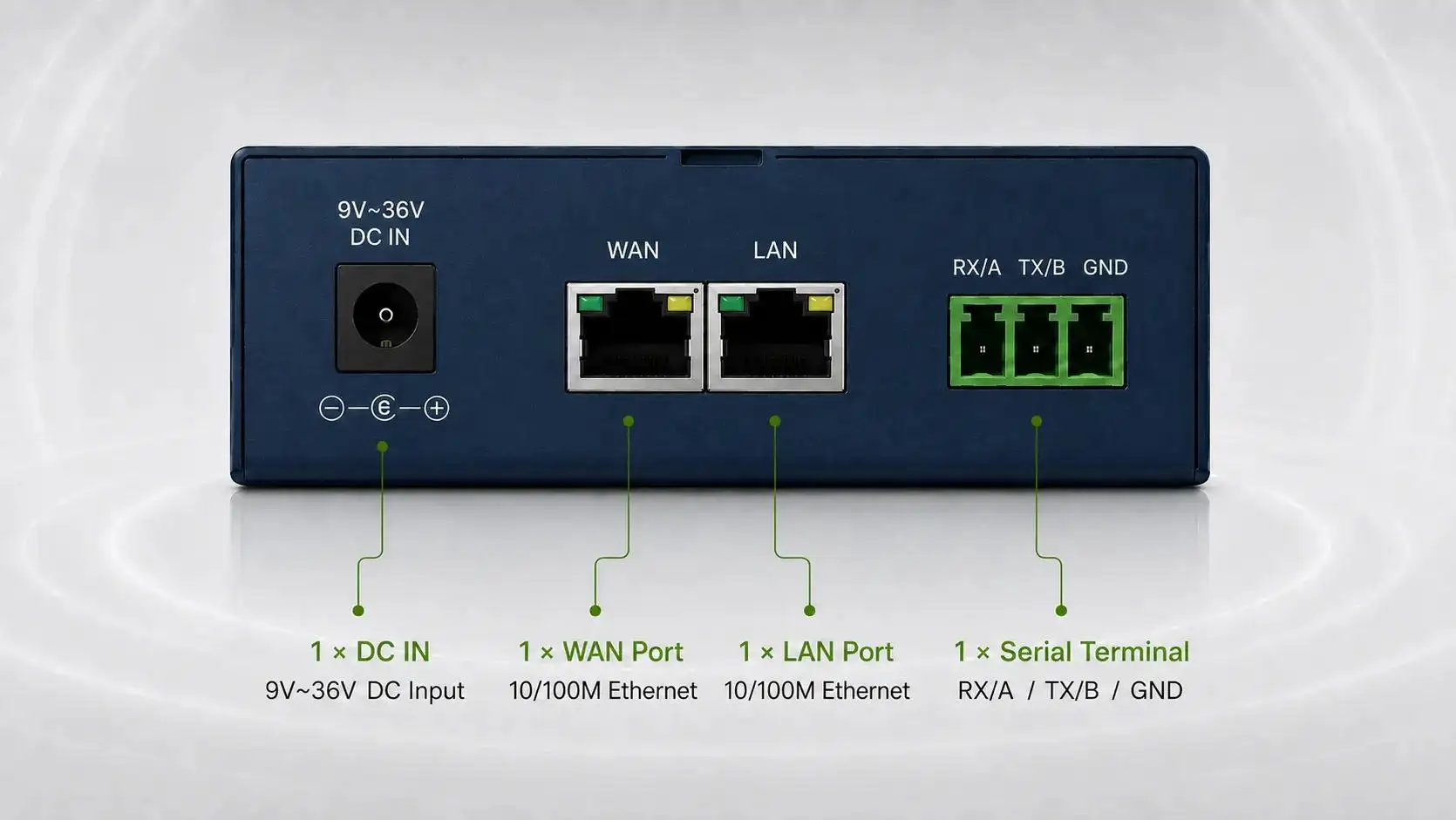
-1791966549842.webp)





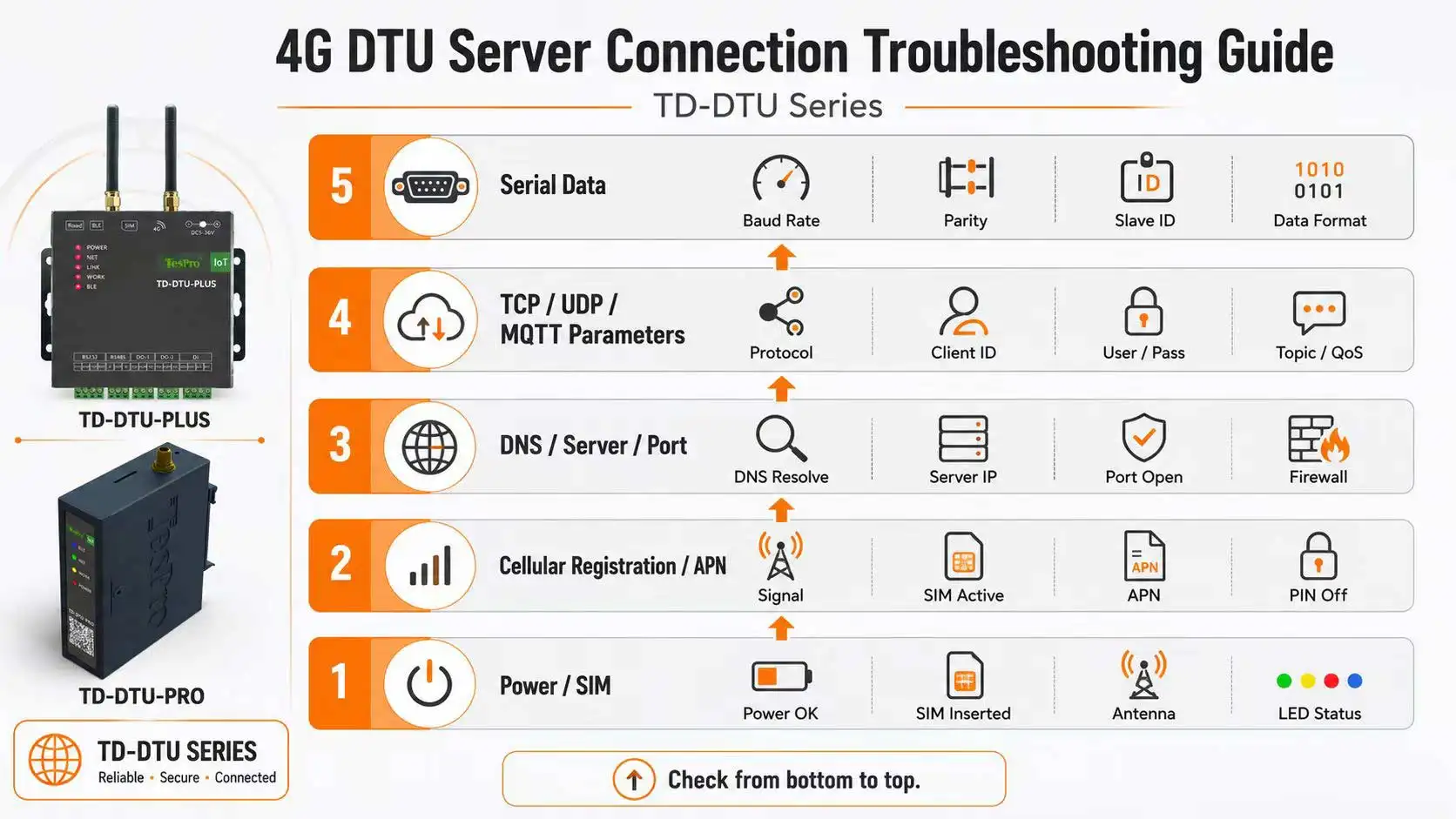

Troubleshoot a 4G DTU from the bottom up: verify power and SIM, then cellular registration, bands, APN and IP, followed by DNS, server address, port and firewall, and finally TCP/UDP/MQTT settings, registration packets, heartbeat and serial data. Skipping layers creates repeated trial and error.
Key Takeaways
• Signal does not prove registration or server reachability.
• Online status does not prove that serial business data exists.
• Logs and packet captures are more effective than repeatedly changing parameters.
Layer 1: power, SIM and cellular network
Check input voltage, antenna, SIM orientation, plan, PIN, account status, carrier coverage and target bands, then confirm registration and IP assignment.
Layer 2: server and network
Verify DNS, IP, port, server listening, firewall, allowlist, private APN and NAT. Use server logs or known tools to confirm whether connection attempts arrive.
Layer 3: application and serial interface
Confirm client/server direction, TCP/UDP/MQTT mode, registration packet, heartbeat, timeout, serial baud, parity, wiring and device frames.
How Tespro Fits
Tespro TD-DTU Series devices support multiple serial and network modes. Exact diagnostic pages, logs, registration packets, heartbeat and reconnect settings depend on model and firmware. Support requests should include model, configuration, SIM details, indicators, logs and server records.
Compatibility and Selection Checklist
✓ Power, antenna, SIM and plan
✓ Country, carrier, bands, APN and IP
✓ DNS, server, port and firewall
✓ TCP/UDP/MQTT mode and direction
✓ Registration, heartbeat, timeout and reconnect
✓ Serial wiring, baud, parity and frames
Frequently Asked Questions
Q: Does a 4G signal icon prove that the DTU is online?
A: No. Confirm network registration, IP assignment and reachability to the target server.
Q: Can TCP fail even when the server responds to ping?
A: Yes. The port may not be listening, or firewall, allowlist or application settings may block the session.
Q: How can I quickly confirm serial data exists?
A: Use a serial test tool or receive counters and verify that the field device actually outputs the expected frames.