-1791966549842.webp)





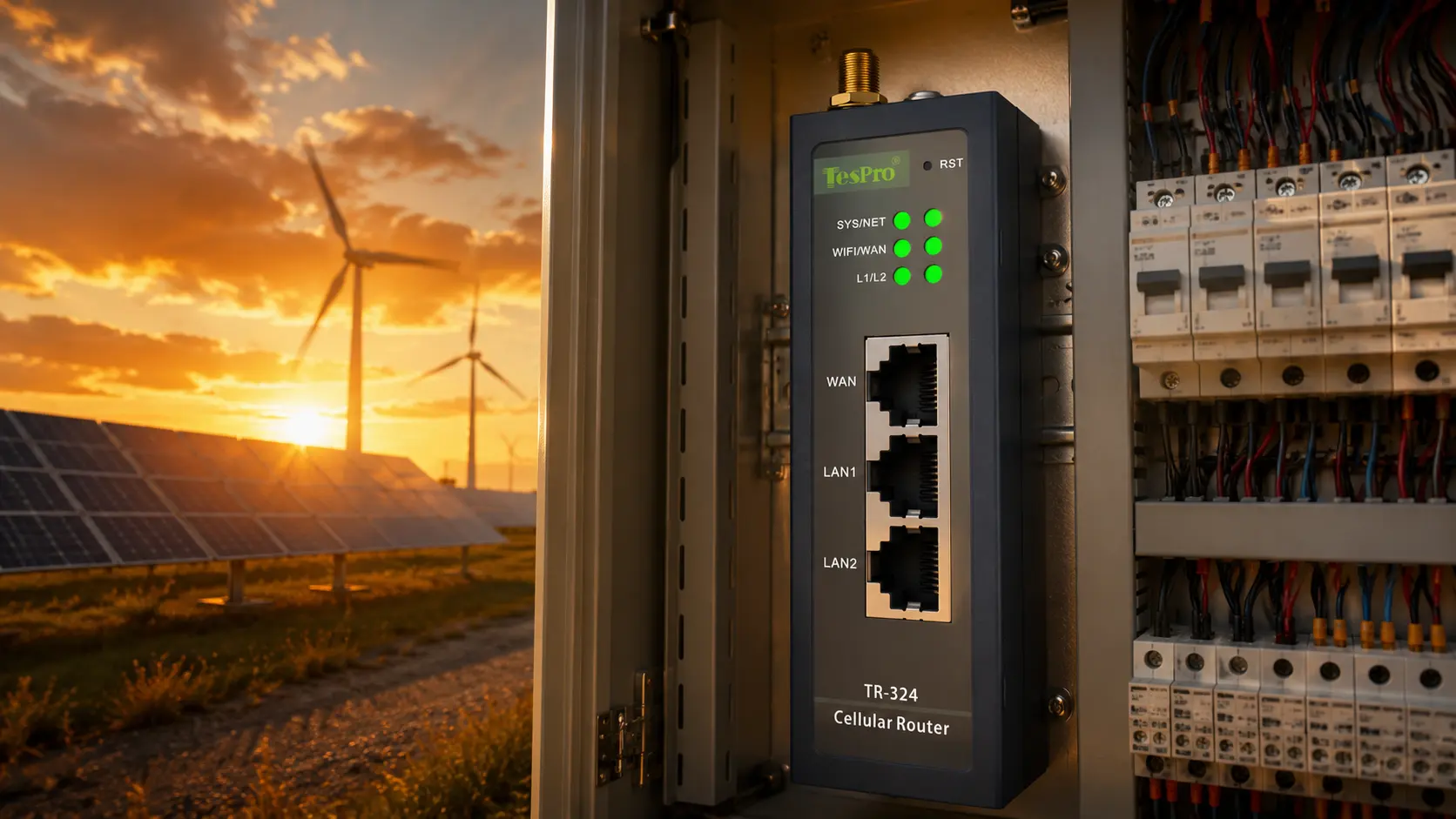

When evaluating industrial routers for a new installation or legacy upgrade, use the following checklist. Missing even one criterion can lead to costly field failures or premature replacement.

Selection Checklist for Industrial Router Modbus TCP
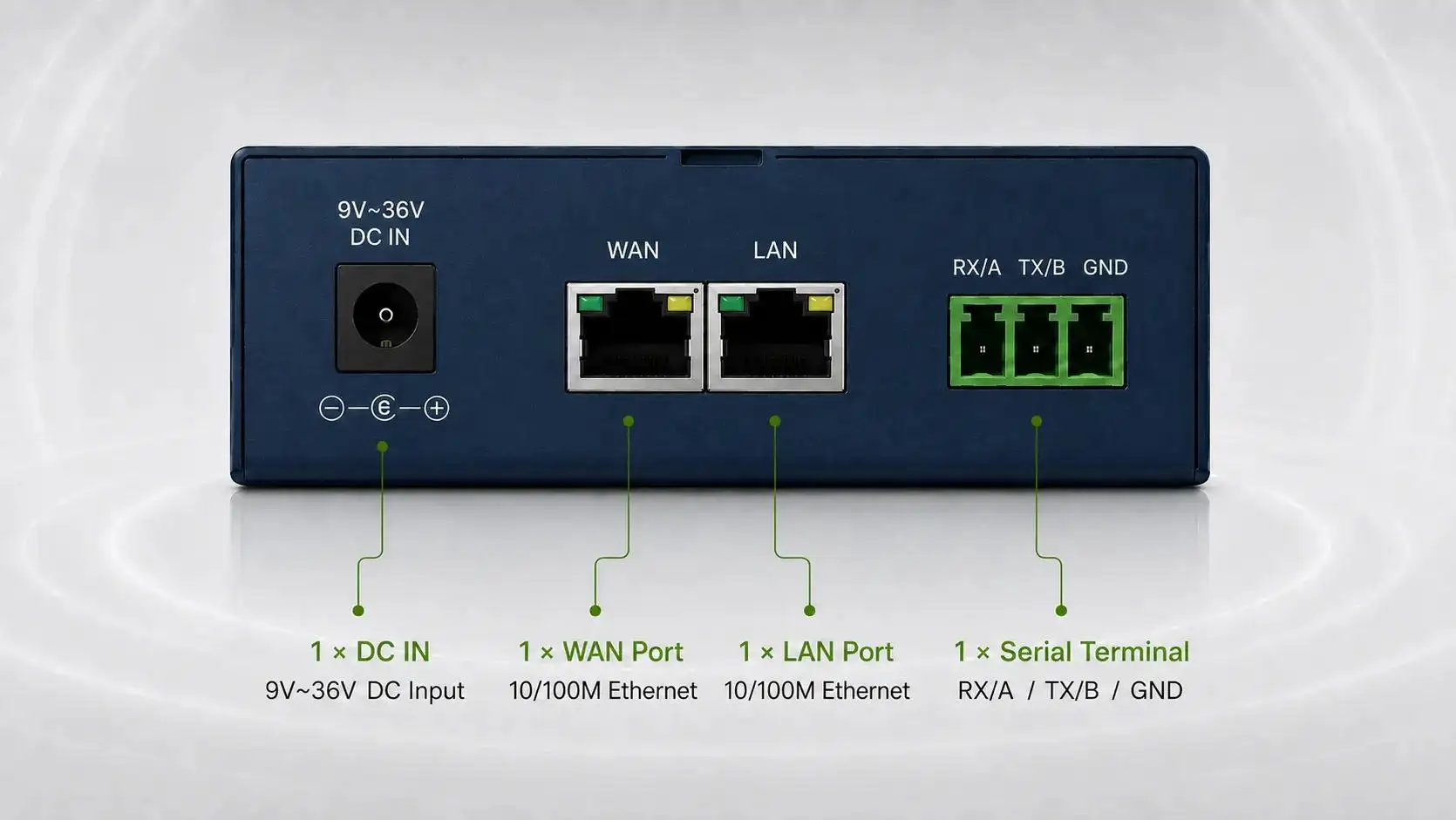
- Serial ports – How many RS485/RS232 ports do you need? For a daisy‑chained Modbus network, one RS485 port suffices. A second port is required for two separate serial buses or redundancy. Tespro offers models with one or two serial ports.
- Network speed – 100Mbps LAN is enough for most Modbus polling (small data packets). Use Gigabit LAN (e.g., TR-324/TR-344) if you also stream video or large logs.
- Cellular bands – Verify that the router supports bands used in your region. A router sold for North America may lack bands for Europe or Asia. Always check the datasheet.
- VPN & firewall – Without them, your Modbus TCP traffic travels as plain text over the internet. Ensure IPsec/OpenVPN and access lists are supported.
- Temperature rating – -40°C to 75°C is the industrial baseline. Avoid consumer‑grade devices marketed as “industrial.”
- Power redundancy – Dual wide‑voltage inputs (e.g., DC jack plus terminal block) and low power consumption (under 500mA at 12V) support green procurement policies.

Real-World Example: Smart Metering With Modbus TCP
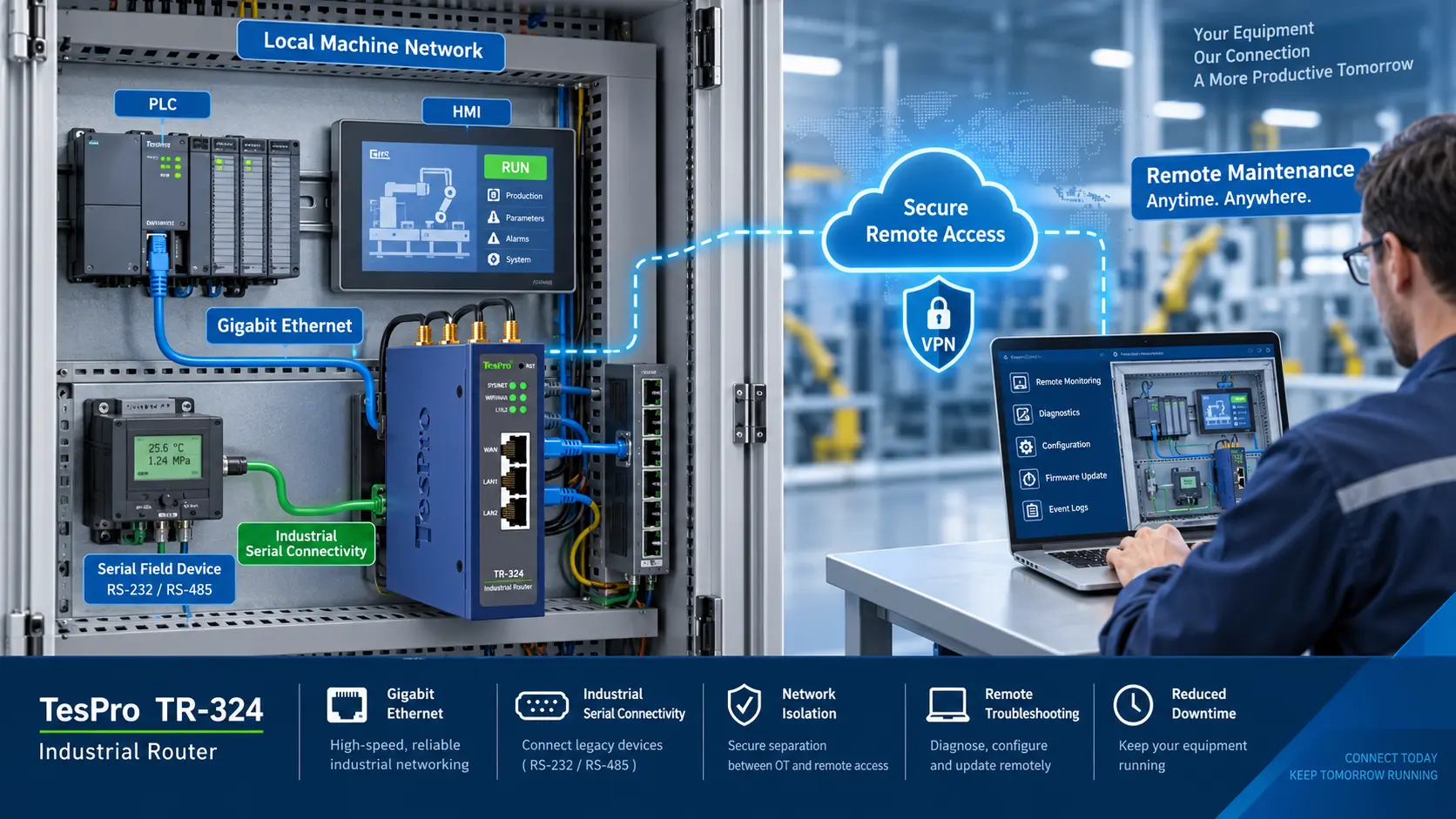
Utility companies often deploy smart meters that speak Modbus RTU over RS485. A typical solution uses an Industrial Router Modbus TCP with an integrated serial server.
- The meter connects to the router’s RS485 port.
- The router encapsulates Modbus RTU frames into Modbus TCP packets.
- It sends the packets over 4G/5G to a central data collector in the cloud.
- The collector acknowledges or issues commands back through the same path.
This architecture works for water meters, gas flow computers, and even small solar inverters. Tespro industrial routers are explicitly designed for such AMI/AMR systems.