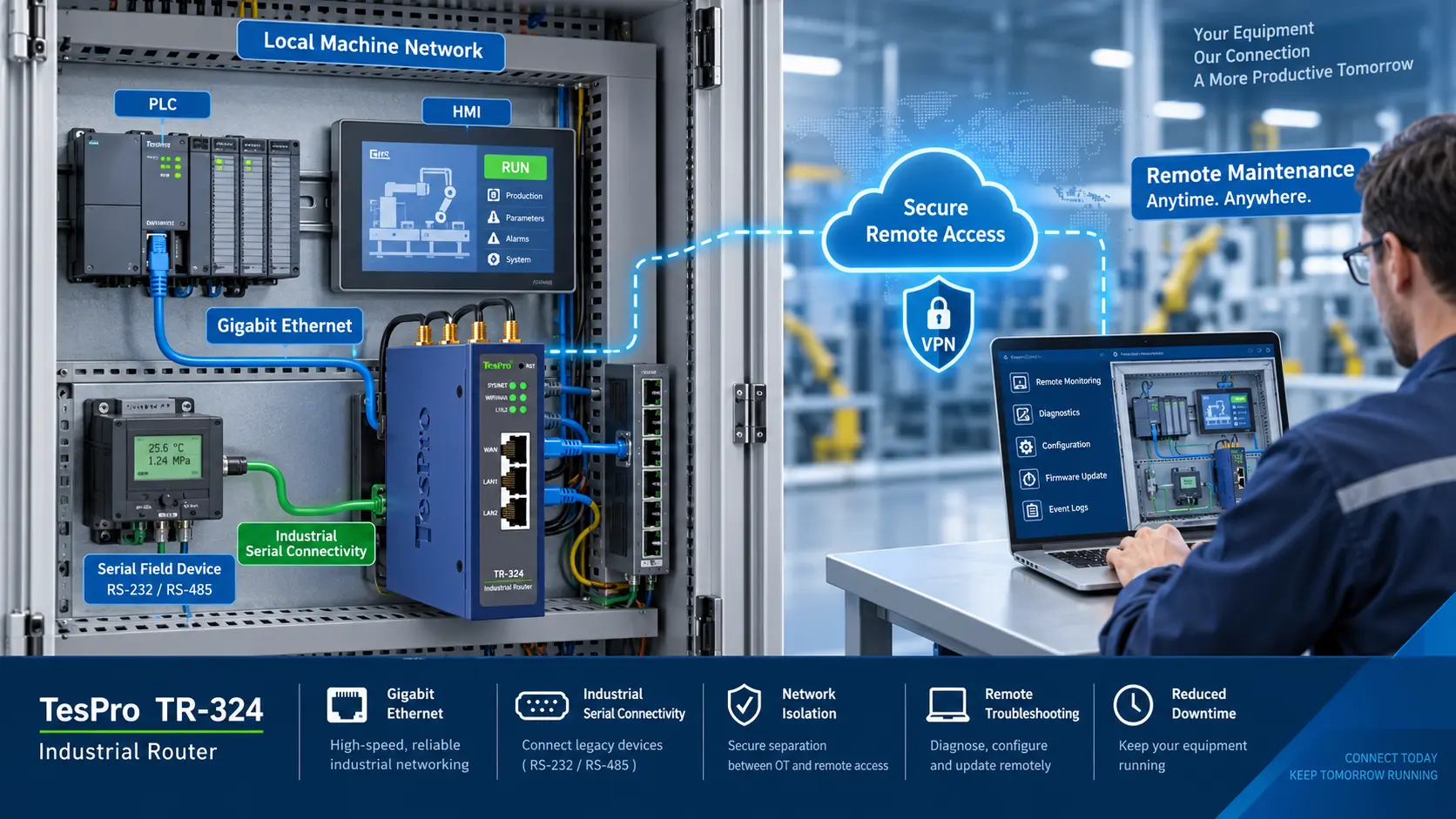
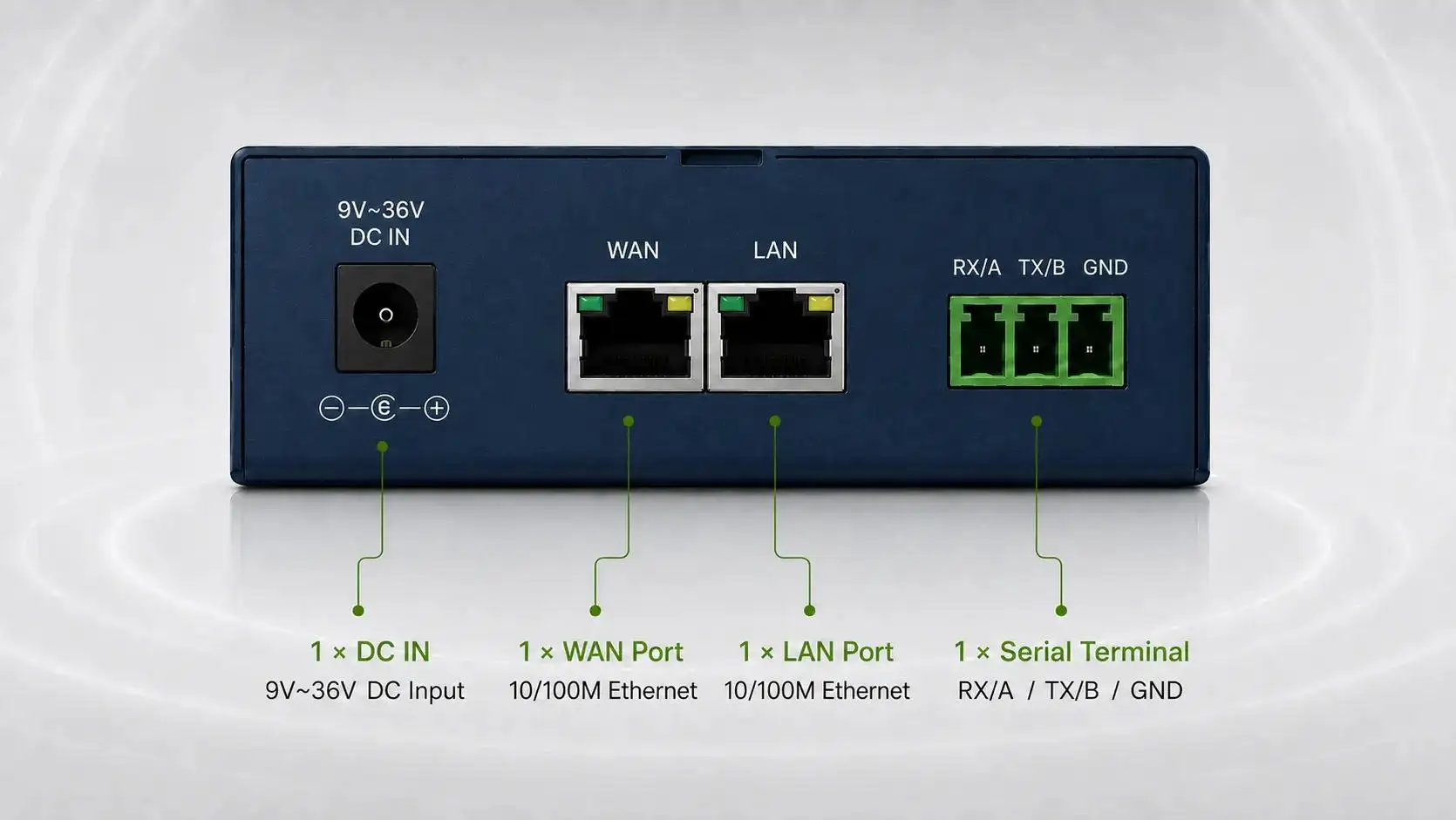
-1791966549842.webp)





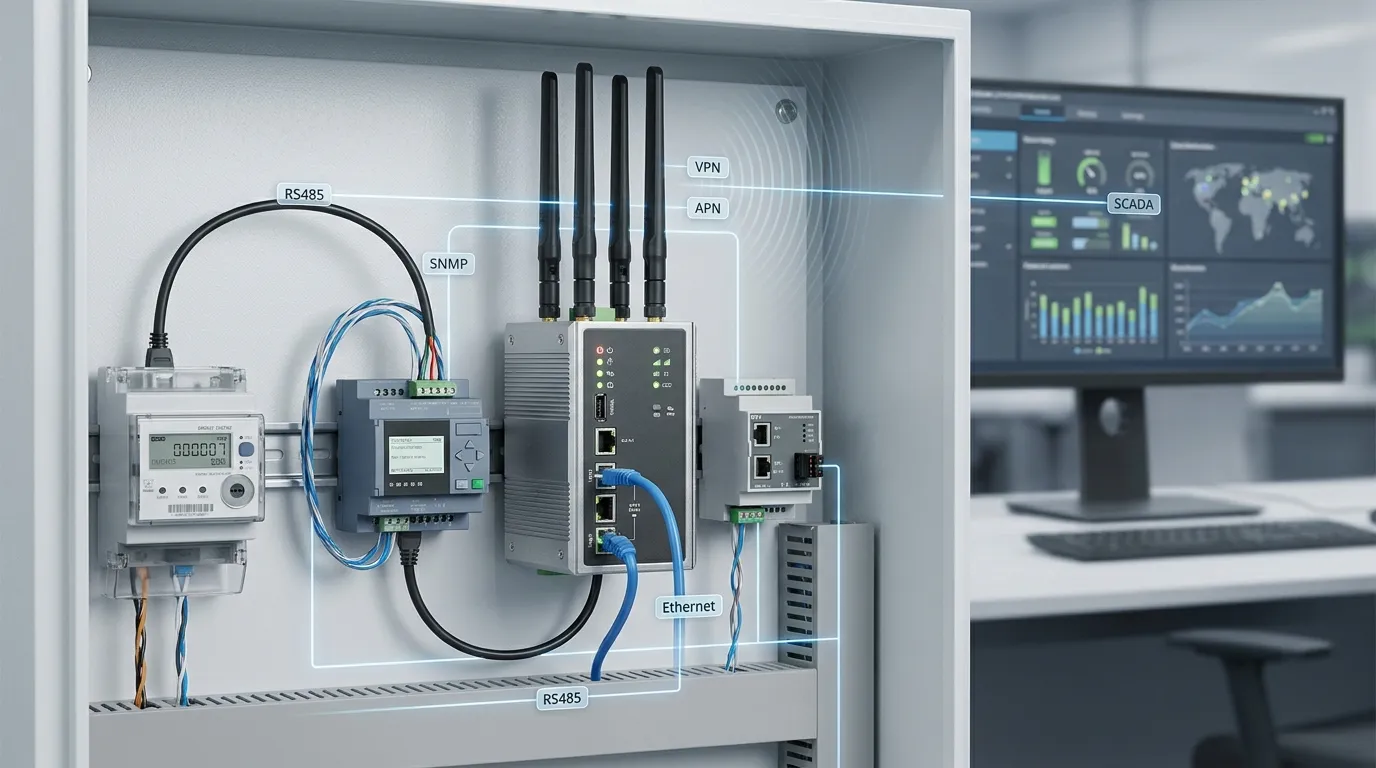

Tespro provides industrial metering and connectivity solutions for utility, SCADA, AMI/AMR, remote monitoring, and industrial IoT projects. When buyers select an industrial wireless router for SCADA communication, the decision should not be based only on cellular speed or basic Wi-Fi features. The router must fit the site’s serial devices, Ethernet network, SNMP monitoring needs, VPN or APN access model, power supply, antenna position, enclosure, alarm workflow, and maintenance plan.
For utility and industrial buyers, the main goal is reliability and manageability. A router that cannot be monitored remotely, cannot reconnect after a network drop, or cannot connect legacy RS232/RS485 devices may create field service problems later. This checklist helps SCADA teams, procurement managers, system integrators, and metering project teams prepare the right technical details before requesting a Tespro quotation, datasheet, sample, demo, or consultation.
Where an Industrial Wireless Router Fits in SCADA Projects
An industrial router usually sits between field equipment and the control center. It may connect meters, RTUs, PLCs, sensors, data loggers, or control cabinets to a SCADA platform, NMS, cloud platform, or remote management system.
A typical project flow may look like this:
- Field meter, RTU, PLC, or sensor
- RS232, RS485, Ethernet, or I/O connection
- Industrial wireless router
- Cellular, Ethernet WAN, VPN, APN, or static IP network
- SCADA, utility platform, NMS, or remote monitoring dashboard
For SCADA and utility networks, the router must support the communication path and the maintenance workflow. If the router is placed in a remote cabinet, substation, factory, metering room, or outdoor enclosure, remote diagnostics become just as important as data transmission.
Industrial Wireless Router Specs Buyers Should Confirm
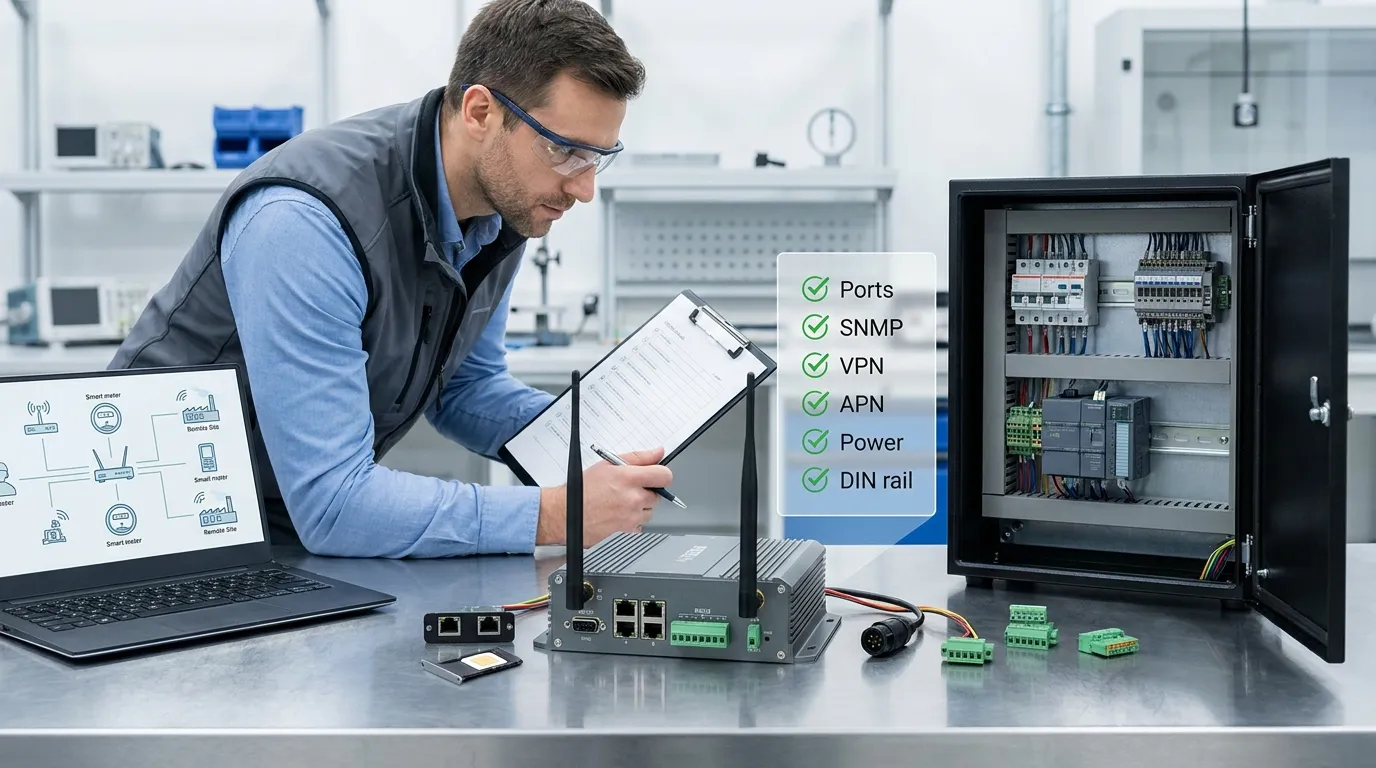
Before comparing models, buyers should define the project requirements. A generic router specification is not enough for utility field deployment. The selected device should match the connected equipment, site environment, network access method, and monitoring requirements.
| Requirement area | What to confirm | Why it matters | RFQ detail to send Tespro |
|---|---|---|---|
| Application | SCADA, AMR/AMI, telemetry, smart grid, power monitoring, factory automation | Different projects need different interfaces and uptime levels | Project type and site count |
| Connected devices | Meter, RTU, PLC, sensor, data logger, gateway | Device interface affects router selection | Device model and interface |
| Ports | RS232, RS485, Ethernet, I/O | Legacy field equipment may need serial support | Required port type and quantity |
| Protocol/data flow | Modbus RTU/TCP, TCP/IP, transparent serial, MQTT if needed | Protocol needs affect configuration and integration | Protocol or data format |
| Network | 4G, 5G, Ethernet WAN, Wi-Fi, backup WAN | Coverage and availability affect uptime | Country, carrier, and network type |
| Access method | APN, static IP, VPN, public/private IP | Remote access depends on carrier and security design | SIM/APN/VPN/static IP needs |
| Monitoring | SNMP, traps, logs, alarms, NMS | Maintenance teams need router visibility | SNMP/NMS requirements |
| Reliability | Watchdog, auto reconnect, failover, remote reboot | Reduces field visits after outages | Uptime and recovery needs |
| Installation | DIN rail, wall mount, cabinet, antenna | Physical fit affects deployment | Cabinet and mounting details |
| Power/environment | Voltage input, temperature, enclosure limits | Field sites may have unstable power or harsh conditions | Power and site conditions |
Do You Need RS232, RS485, or Ethernet-Only Connectivity?
Many SCADA and utility projects still use serial devices. Meters, RTUs, PLCs, and data loggers may communicate through RS232 or RS485 instead of Ethernet. If the project includes older equipment, an Ethernet-only router may not be enough.
Buyers should confirm:
- Whether the connected device uses RS232, RS485, Ethernet, or I/O
- Whether the router needs serial-to-IP communication
- Whether Modbus RTU, Modbus TCP, transparent serial, TCP client/server, or UDP forwarding is required
- Whether multiple devices share one RS485 bus
- Whether the router only passes data or also needs protocol conversion
This step is important for AMR, smart metering, telemetry, and remote monitoring projects. A router can only support the project if the physical interface and data communication method match the field device.
Why SNMP Matters for Utility Router Monitoring
A router with SNMP is useful when the utility or industrial network team needs to monitor router status from an NMS or SCADA maintenance system. SNMP can help teams track device status, uptime, signal quality, interface state, and alarm conditions when supported by the device and monitoring platform.
Before purchase, buyers should confirm:
- Which SNMP version is required
- Whether the monitoring platform needs SNMP traps
- Whether MIB files or specific status points are needed
- Whether syslog, event logs, or alarm notifications are required
- Whether remote reboot or configuration access is part of the maintenance workflow
For advanced network features, buyers can also review Tespro’s related guide on industrial router SNMP, IPv6, and edge specifications.
SNMP should not be treated as a checkbox only. It should be connected to the buyer’s real monitoring workflow. If the router cannot report the right status data, the field team may not notice communication problems until data collection fails.
APN, Static IP, and VPN Planning Before Purchase
Remote SCADA access depends heavily on the cellular network design. Some projects need a static public IP. Others use private APN, VPN tunnel, outbound cloud connection, or a central server model. These choices should be confirmed before selecting the router.
Buyers should define:
- Whether remote stations need inbound access
- Whether the carrier provides public IP, private IP, or static IP
- Whether a private APN is required
- Whether VPN access is needed for SCADA security
- Whether the control center has a fixed IP or VPN server
- Whether firewall rules or port forwarding are allowed
- Whether the router must support remote configuration
For many utility and industrial sites, VPN and APN planning affects the whole architecture. A router may have the right hardware ports, but the project can still fail if the SIM, carrier, IP addressing, and remote access design are not aligned.
When Dual SIM and Failover Are Worth Specifying
Dual SIM is useful when the project needs better network availability or carrier diversity. It may be important for remote substations, unattended utility cabinets, oil and gas sites, power monitoring stations, or industrial facilities where one carrier may have weak coverage.
However, dual SIM is not required for every project. Buyers should decide based on risk, site location, uptime target, and maintenance cost.
Specify dual SIM or failover when:
- One carrier is not reliable at the site
- The project has critical remote monitoring needs
- Field visits are expensive or slow
- The router needs backup cellular access
- The control center requires higher communication availability
If the project only sends non-critical periodic data from a well-covered area, a simpler network design may be enough. The best choice depends on the site and service requirement.
Watchdog, Alarms, and Remote Recovery
SCADA routers often work in remote or unattended locations. That makes recovery features important. A router should be evaluated for how it behaves when the network drops, the SIM fails, the cellular signal becomes weak, or the connected device stops responding.
Useful reliability features to ask about include:
- Watchdog function
- Auto reconnect
- Remote reboot
- Alarm input/output
- Event logs
- Signal monitoring
- SMS or platform alerts where supported
- Firmware update method
- Remote configuration workflow
These features reduce field service pressure. They also help maintenance teams respond before a small connection problem becomes a data gap.
DIN Rail, Power, Antenna, and Site Readiness
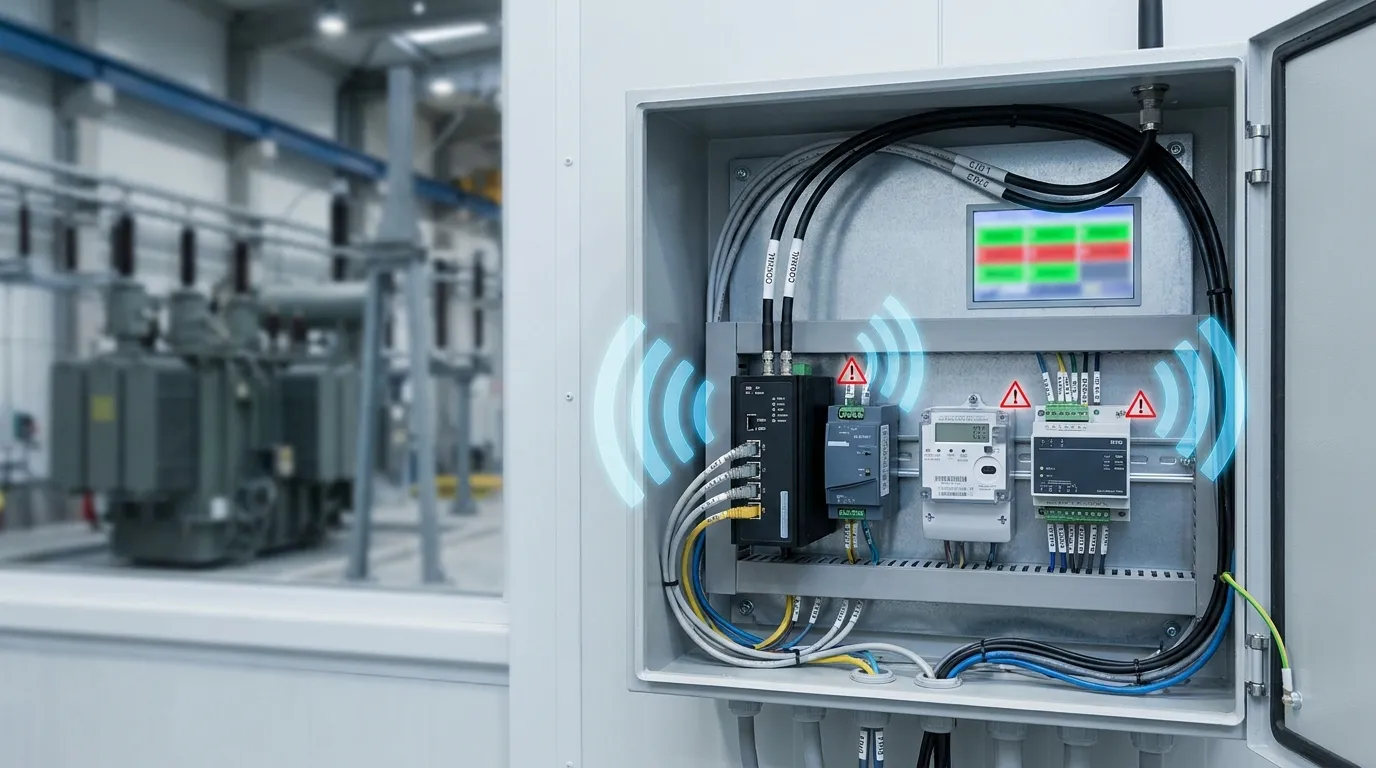
A router that looks suitable on paper may still be difficult to deploy if the site conditions are ignored. Industrial buyers should check the cabinet, power source, antenna path, and operating environment before final model selection.
Confirm these details early:
- DIN rail or wall mounting requirement
- Cabinet space and cable routing
- Available DC power supply
- Power stability at the site
- Antenna type and antenna placement
- Indoor or outdoor enclosure
- Temperature and humidity conditions
- Dust, vibration, or electrical noise exposure
- Access for maintenance and SIM replacement
Antenna planning is especially important for cellular routers. Weak signal can cause unstable SCADA communication, even if the router itself is correctly configured. Buyers should share site details, photos, or diagrams if available.
Common Selection Mistakes to Avoid
Many router problems start during procurement. The wrong specification may pass purchasing review but create deployment issues later.
Avoid these mistakes:
- Choosing by cellular speed only
- Ignoring RS232 or RS485 requirements
- Assuming every router supports the needed SNMP workflow
- Forgetting APN, static IP, or VPN planning
- Selecting a single-SIM model for a critical weak-signal site
- Ignoring antenna location
- Not checking power input and cabinet installation
- Treating SCADA access and cybersecurity as an afterthought
- Requesting a quote without device, protocol, and site details
A better approach is to prepare a clear RFQ. This helps Tespro understand the application and recommend a suitable device category or configuration.
What to Send Tespro for an Industrial Router RFQ
To speed up model selection and quotation, send the technical and commercial details that affect the router choice. A complete RFQ reduces back-and-forth and helps our team understand the real deployment conditions.
Include:
- Required device type: industrial wireless router, cellular router, gateway, or related connectivity device
- Quantity
- Application: SCADA, AMR/AMI, telemetry, smart grid, remote monitoring, factory automation, or energy management
- Connected device type and model if available
- Required interfaces: RS232, RS485, Ethernet, I/O, Wi-Fi, or other ports
- Required protocols or data flow
- Network type: 4G, 5G, Ethernet WAN, Wi-Fi, or backup WAN
- Country, carrier, SIM, APN, VPN, static IP, or public/private IP requirements
- SNMP, alarm, log, or NMS monitoring requirements
- Security and remote management needs
- Power supply details
- Installation method: DIN rail, wall mount, cabinet, or enclosure
- Operating environment and site conditions
- Antenna requirements or signal concerns
- Cloud, platform, API, or MQTT requirements if relevant
- Datasheet, sample, demo, or consultation request
- Delivery destination
- Any drawing, site photo, system diagram, or written specification
Why Work With Tespro for SCADA Connectivity Projects
Tespro supports industrial metering, communication, and energy data projects with device categories such as optical probes, data transmission units, industrial routers, gateways, meter testing equipment, calibrators, and software platforms. This wider solution background helps buyers discuss the router as part of the full data path, not as a standalone box.
Our team can help clarify interface needs, metering communication requirements, remote monitoring architecture, RFQ details, and device selection direction. For utilities, system integrators, distributors, OEM/ODM buyers, and industrial IoT teams, that practical support can make procurement more efficient.
Frequently Asked Questions
Do SCADA projects need a router with SNMP?
SNMP is useful when the maintenance team needs NMS visibility for router status, uptime, signal, interface state, or alarms. Buyers should confirm the required SNMP version, traps, and monitoring platform requirements before ordering.
Should I choose RS232, RS485, or Ethernet?
Choose based on the connected field device. Many meters, RTUs, and data loggers still use RS232 or RS485. Ethernet-only routers may work for IP devices but may not fit legacy serial SCADA equipment.
Do I need APN, static IP, or VPN?
It depends on the remote access design. Some projects need static public IP, private APN, or VPN tunnel access. Confirm the carrier, SIM plan, control center access, and cybersecurity requirements before selecting a router.
Is dual SIM always required?
No. Dual SIM is useful for critical or weak-signal sites where carrier failover matters. For low-risk sites with stable coverage, a simpler design may be enough.
What reduces field maintenance?
Watchdog, auto reconnect, remote reboot, alarms, logs, SNMP monitoring, and remote configuration can reduce site visits. Buyers should define which recovery and monitoring features their maintenance team needs.
Can Tespro help with model selection?
Yes. Share your application, quantity, interface, protocol, network, SIM/APN/VPN/static IP, SNMP, power, enclosure, and site details. Tespro can review the requirements and support quotation, datasheet, sample, demo, or consultation requests.
Request a SCADA Router Quote or Datasheet
Send Tespro your industrial wireless router requirements for a quotation, datasheet, sample, demo, or technical consultation. Include your project type, quantity, connected device model, port requirements, protocol, network type, SIM/APN/VPN/static IP needs, SNMP or remote management requirements, power supply, installation environment, enclosure constraints, delivery destination, and any system diagram or written specification.